
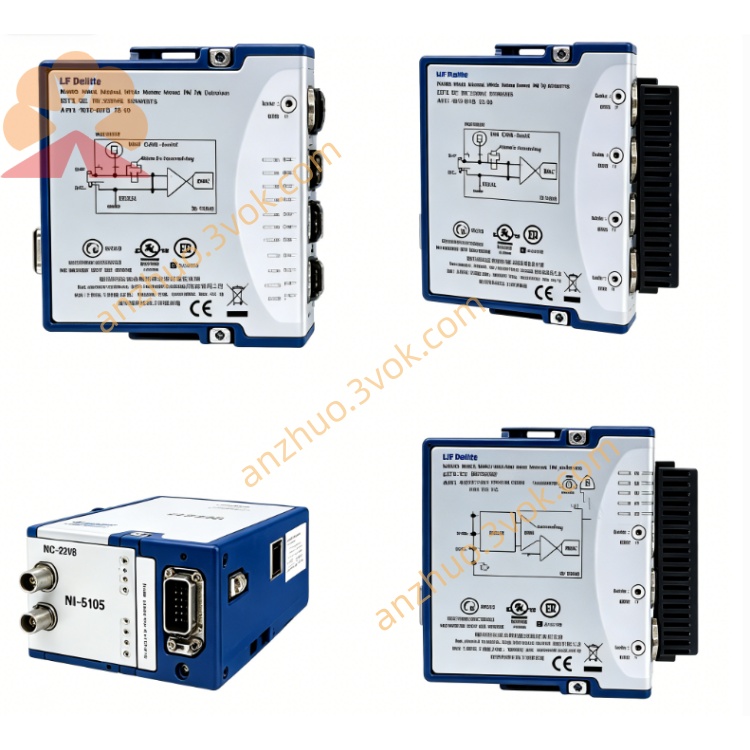
NI PXI-7813R Virtex-II Digital RIO FPGA PXI Module
Description
High-speed digital testing and measurement
Semiconductor chip testing, functional verification of digital circuit boards, generation / acquisition of high-speed pulses, alternative logic analyzers.
Hardware-in-the-Loop (HIL) real-time simulation
Motor control HIL, power electronics simulation, robot controller testing, requiring microsecond-level closed-loop scenarios.
Industrial automation and motion control
High-speed sorting / packaging lines, multi-axis synchronous motion (encoders + pulse instructions), customized PLC substitution, high-speed I/O interlock systems.
Customized communication protocols and interfaces
Military / aviation-specific protocols, interface conversion for old equipment, high-speed parallel bus simulation, sensor signal conditioning.
Large-scale parallel data acquisition
Multi-channel sensor arrays (digital output type), high-speed sampling of vibration / shock, synchronization of distributed test systems.
VII. Installation and Maintenance Instructions
1) Installation and Power On
Insert the PXI into any slot, tighten the fixing screws, and ensure the chassis is reliably grounded.
Before powering on, check that the 4 68-pin VHDCI cables have no short circuits / loose connections to avoid damage to FPGA I/O.
Allow the machine to preheat for 15 minutes before performing precise tests to ensure stable timing.
2) Wiring and Configuration
Cables: Use shielded VHDCI cables, separate digital signals from analog / power wiring to reduce crosstalk; single-ended cable length ≤ 3 m, differential ≤ 10 m.
Configuration: Confirm the hardware through NI MAX; when compiling logic in LabVIEW FPGA, clock constraints ≤ 40 MHz to avoid timing violations.
Debugging: Run basic I/O tests without load first to confirm the channels are normal before connecting the load; use FPGA probes to monitor the hardware signals in real time.
3) Daily Maintenance
Regularly clean the VHDCI connectors, check the integrity of the shielding layer, install dust caps for long-term inactivity to prevent oxidation and dust accumulation.
Calibration: Once a year, use the NI digital I/O calibration tool to verify the channel levels, timing, and trigger accuracy.
Firmware: Regularly update NI-RIO drivers and FPGA firmware to fix compatibility issues and optimize timing performance.
Get a Quote