
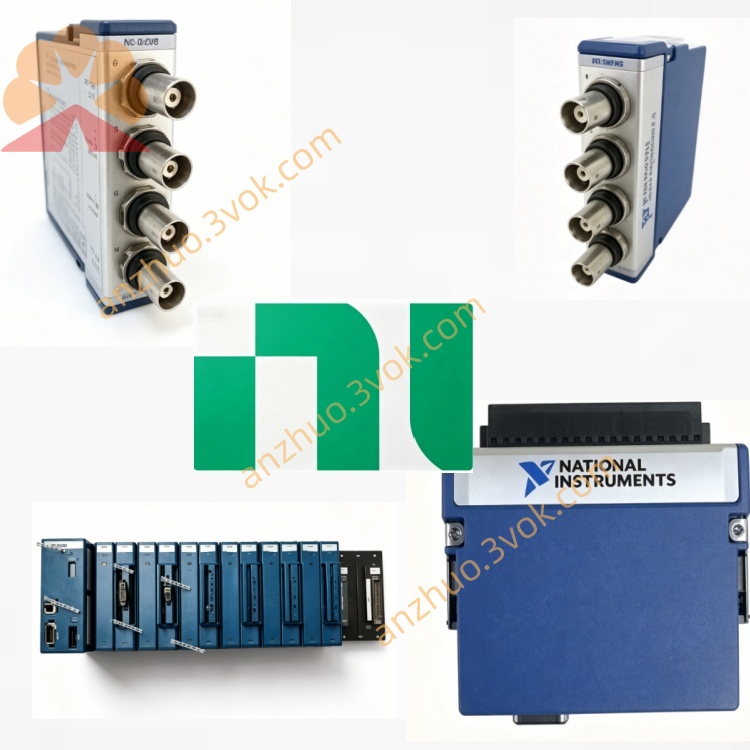
NI PXI-8420 4-Port RS485/422 Serial Communication Module
Description
Model Nomenclature
PXI: PCI eXtensions for Instrumentation (3U modular instrumentation bus).
8420: NI serial interface series; 842x = RS‑232 focused.
Suffix (/2, /4, /8, /16): Number of RS‑232 ports.
PXI‑8420: Non‑isolated RS‑232; sibling models include isolated PXI‑8422 and RS‑485 PXI‑8421.
Technical Specifications
Form Factor: 3U, single‑slot PXI.
Ports: 2/4/8/16 × RS‑232 (EIA‑232).
Baud Rate: 57 b/s to 460 kb/s; supports non‑standard rates (±1% accuracy).
FIFOs: 64‑byte transmit / 64‑byte receive per port.
Handshaking: RTS/CTS hardware handshake; XON/XOFF software flow control.
Isolation: Non‑isolated (2 kV isolated version: PXI‑8422).
Connector Types:
/2: DB‑9 male
/4: 10‑position modular jacks
/8: 68‑pin SCSI
/16: 100‑pin SCSI
Power: 5 V DC from PXI backplane; typical ~1.2 A.
Environment: Operating 0–55 °C; storage ‑20–70 °C; humidity 10–90% non‑condensing.
Driver Support: NI‑Serial, LabVIEW, Measurement Studio; Windows compatibility.
Interface & Communication Configuration
Front‑panel I/O: Port‑specific connectors (DB‑9/modular/SCSI) with breakout cables/boxes for standard DB‑9 devices.
PCI Interface: Plug‑and‑Play; compatible with 3.3 V/5 V PCI signaling.
Port Configuration: Each port independently set for baud rate, data bits (5–8), parity (none/even/odd), stop bits (1/1.5/2).
Interrupts: Shared interrupts across ports to minimize system resource usage.
Data Transfer: DMA‑capable for high throughput, low CPU overhead.
Core Features
High‑Density Serial Expansion: Up to 16 RS‑232 ports in one slot; ideal for multi‑instrument test systems.
Wide Baud Rate Flexibility: Supports standard and custom baud rates up to 460 kb/s.
FIFO Buffering: 64‑byte FIFOs reduce CPU load and prevent data loss at high speeds.
Legacy Compatibility: Works with RS‑232‑based instruments, PLCs, modems, and printers.
Easy Integration: Plug‑and‑Play; NI‑Serial drivers for LabVIEW and common OSes.
Cost‑Effective Connectivity: Non‑isolated design for cost‑sensitive, benign‑EMI environments.
Application Scenarios
Automated Test Systems: Control multiple serial instruments (e.g., power supplies, meters, scanners) in aerospace, semiconductor, and automotive test benches.
Industrial Automation: Connect PXI systems to PLCs, HMIs, and serial I/O modules on factory floors.
Laboratory & Research: Data logging, device control, and serial communication with legacy lab equipment.
Legacy System Upgrades: Add modern PXI capability while retaining existing RS‑232 devices.
POS & Peripheral Control: Embed serial connectivity for printers, scanners, and custom serial peripherals.
Usage & Maintenance Instructions
Installation & Configuration
Insert into a 3U PXI chassis slot; secure the front panel.
Connect breakout cables/box to front‑panel connector(s); attach DB‑9 serial devices.
Power on the chassis; the OS will detect the card via Plug‑and‑Play.
Install NI‑Serial drivers and configure ports in NI‑Serial or Device Manager.
In LabVIEW, use VISA functions to open/close ports and configure communication parameters.
Daily Maintenance
Inspect cables and connectors for wear, damage, or loose connections.
Keep the module and chassis clean, dry, and within rated temperature/humidity.
For EOL units, stock spare modules and cables to avoid downtime.
Monitor communication via NI‑Serial tools or LabVIEW VISA traces for errors.
Store idle modules in anti‑static bags in a dry environment.
Safety & Disposal
Avoid hot‑swapping cables or modules when powered on.
Do not expose to excessive EMI, moisture, or temperature beyond ratings.
Dispose of EOL modules per local electronic waste regulations.
Get a Quote