
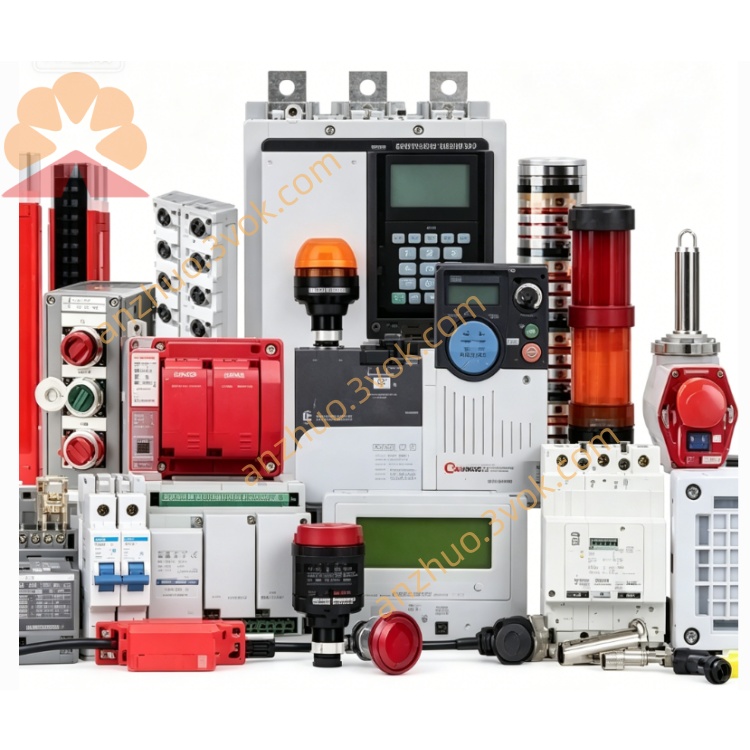
Schneider Electric 170LNT81000 Modicon Momentum ControlNet Adapter
Description
1. General Description
2. Product Identification
Model Number: 170LNT81000
Series: Modicon Momentum
Type: ControlNet Communication Adapter
Protocol: ControlNet (Producer/Consumer)
Interface: 1×BNC coaxial port (ControlNet)
Baud Rate: 5 Mbps (fixed)
Node Address: 1–99 (set via rotary switches)
LEDs: RUN, FLT, NET
Dimensions: 125 × 45 × 100 mm
Weight: 0.10 kg
Protection Class: IP20
Certifications: CE, UL, cUL, CSA, RoHS
Firmware: v2.30 (field-upgradable)
3. Communication Specifications
Network Topology: Trunk-and-drop (coaxial)
Network Speed: 5 Mbps (fixed)
Max Nodes: 99 nodes per network
Data Size: Inputs up to 256 bytes; Outputs up to 256 bytes
Connection Modes: Scheduled (real-time), Unscheduled (messaging)
Error Control: CRC, duplicate packet detection
Isolation: Galvanic isolation between backplane and ControlNet
4. Electrical Specifications
Power Source: 24 VDC from Momentum backplane
Operating Voltage: 19.2–28.8 VDC
Typical Current Consumption: ~140 mA
Protection: Surge, ESD, overcurrent, reverse polarity
ControlNet Power: Powered via network (24 VDC optional)
5. Environmental Ratings
Operating Temperature: 0 °C to +60 °C (non-condensing)
Storage Temperature: -40 °C to +85 °C
Relative Humidity: 5%–95% (no condensation)
Vibration: IEC 60068-2-6 (10–150 Hz, 0.15 mm)
Shock: IEC 60068-2-27 (15 g, 11 ms)
Altitude: Up to 5,000 m (derate >2,000 m)
6. Key Features
ControlNet Producer/Consumer communication
Fixed 5 Mbps high-speed deterministic network
Rotary-switch node addressing (1–99)
Scheduled I/O + unscheduled messaging support
Three LEDs for status diagnosis
Hot-pluggable on Momentum I/O bases
Compatible with all Momentum I/O bases
Supports redundant media (optional)
7. Compatibility
I/O Bases: All Modicon Momentum 170-series bases
PLCs: Quantum, Premium, M340, Momentum M1/M2
Software: Unity Pro, ControlNet Configuration Tool, RSNetWorx
Cables: ControlNet RG-6/U coaxial cable (BNC connectors)
Termination: 75 Ω terminators at both ends of trunk
8. Applications
High-speed distributed I/O control
Automotive assembly lines
Process control (chemical, food & beverage)
Material handling and conveyor systems
Robotics integration
Real-time factory floor networking
9. Installation & Operation
Power off the Momentum rack.
Insert the adapter into the communication slot of a Momentum I/O base and lock it.
Set the node address (1–99) via rotary switches.
Connect the ControlNet coaxial cable to the BNC port.
Ensure trunk cable has 75 Ω terminators at both ends.
Power on; verify RUN LED steady, FLT off, NET blinking.
Configure in PLC software and test I/O communication.
10. Maintenance
Inspect BNC connections and LEDs every 6 months.
Keep module surface clean and dry.
Check cable integrity and termination resistance (75 Ω).
Avoid corrosive environments and excessive vibration.
Update firmware periodically via Unity Pro.
11. Safety Notes
Installation/service only by qualified electricians.
Disconnect power before wiring.
Do not exceed 28.8 VDC on backplane or network.
Use only RG-6/U ControlNet cables with BNC connectors.
Dispose of per local e-waste regulations.
12. Troubleshooting
FLT ON: Node address conflict, duplicate node, or network overload.
NET OFF: No network power, cable break, or missing termination.
Data Latency: Check scheduled bandwidth allocation in network configuration.
Communication Drops: Inspect BNC connections, cable damage, or loose terminators.
Get a Quote