
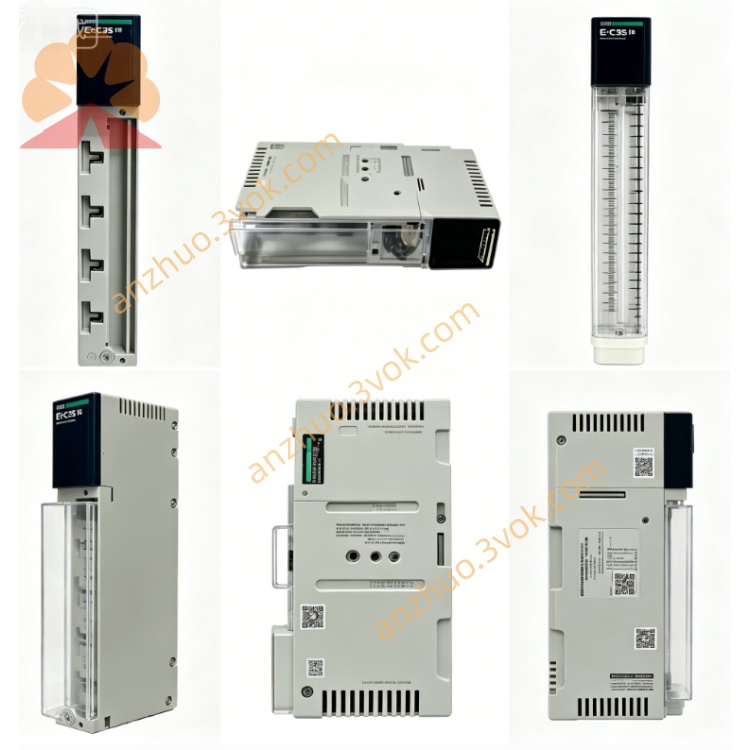
332SPU47001V26
332SPU47001V26 is an official firmware version designed for Modicon Momentum series processor modules. It optimizes system operation logic, fixes known functional defects, enhances communication stability and improves overall system compatibility for industrial control application.
Description
1. General Description
332SPU47001V26 is an official firmware version designed for Modicon Momentum series processor modules. It optimizes system operation logic, fixes known functional defects, enhances communication stability and improves overall system compatibility for industrial control application.
2. Product Identification
File Code: 332SPU47001V26Applicable Brand: Schneider ElectricApplicable Series: Modicon MomentumType: CPU system firmware version V26Application Object: 171CCC and 171CCS series processor adaptersVersion Status: Stable released official version
3. Main Upgrade Content
Optimize Modbus RTU and Modbus TCP communication response speedRepair occasional communication disconnection and data loss faultsImprove I/O bus data exchange accuracy and real-time performanceEnhance anti-interference capability under complex electromagnetic environmentCorrect logic operation errors in old firmware versionsOptimize program scan cycle and system resource occupation
4. Compatible Hardware Modules
All 171CCS70000, 171CCS70010, 171CCS76000, 171CCS78000 processorsAll 171CCC76010, 171CCC78010, 171CCC96020, 171CCC96030, 171CCC98020, 171CCC98030 processorsFull range 170XTS I/O bases and 172 series communication expansion adapters
5. Compatible Programming Software
Concept programming softwareProWORX 32 and ProWORX NxTModsoft programming tool
6. Firmware Upgrade Steps
Back up user running program and system configuration parameters before upgrading.Connect programming computer with Momentum CPU module via communication cable.Launch matched programming software and establish normal online connection.Load firmware file 332SPU47001V26 into software upgrade directory.Start firmware burning process, do not cut power or disconnect connection during progress.Wait until system automatic restart and prompt upgrade completion.Download backup user program and restore original system settings.Run system test to verify I/O action and communication function work normally.
7. Key Features of Version V26
High operational stability suitable for long-time continuous production workGood backward compatibility with old user programs and control schemesBalanced system load to avoid abnormal crash and dead haltReliable data transmission for multi-node networking control systemEasy upgrade operation without hardware modification
8. Safety Notice
Firmware upgrade must be operated by professional technical staff.Power failure during burning will cause module startup failure.Complete program backup to prevent data loss after version update.Do not apply unmatched firmware to avoid module damage.Stop automatic production running before upgrading operation.
9. Troubleshooting After Upgrade
Abnormal startup: Re-execute firmware burning again and check communication connectionProgram running error: Verify program integrity and re-download valid programCommunication failure: Reset communication parameters and restart controllerI/O response delay: Confirm firmware matching degree and module hardware status
10. Version Replacement Rule
This V26 version is stable maintenance firmware. Upgrade old lower version firmware to this version to obtain optimized performance. Downgrade is not recommended after successful upgrade.
Get a Quote