
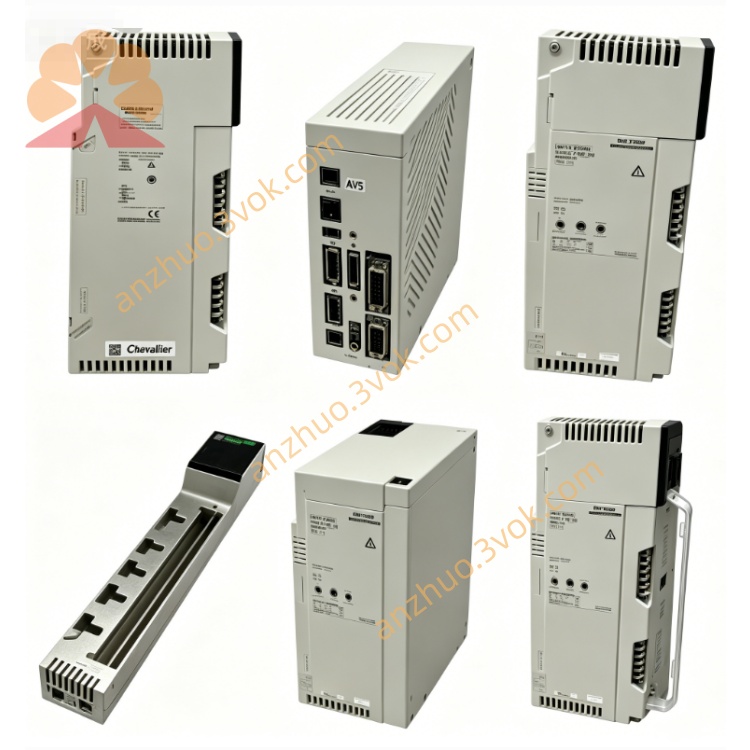
Schneider Electric 174CEV20030 Modbus Serial Communication Adapter
The 174CEV20030 is a dedicated I/O bus extension cable for Modicon Momentum automation system. It is used to expand physical distance between Momentum CPU adapter and remote I/O base units, realizing distributed I/O layout inside control cabinets and field equipment.
Description
1. General Description
The 174CEV20030 is a dedicated I/O bus extension cable for Modicon Momentum automation system. It is used to expand physical distance between Momentum CPU adapter and remote I/O base units, realizing distributed I/O layout inside control cabinets and field equipment.
2. Product Identification
Model: 174CEV20030Manufacturer: Schneider ElectricSeries: Modicon MomentumType: I/O bus connecting extension cableCable length: 0.3 meterCompatibility: All Momentum processor adapters and 170XTS series I/O basesStatus: Active availableCertifications: CE, UL, cUL, RoHS compliant
3. Technical Specifications
Transmission bus: Momentum dedicated internal I/O busSignal type: Digital control and data signalOperating voltage: Low voltage signal levelMax transmission rate: Match native Momentum I/O bus speedCable structure: Shielded multi-core inner wire, anti-interference designConnector type: Lockable dedicated plug terminals at both endsBending radius: Meet industrial wiring standardWorking temperature: 0 °C to +60 °CStorage temperature: -40 °C to +85 °C
4. Key Features
Standard fixed length for short distance cabinet internal wiringFull shielding structure effectively suppresses electromagnetic interferenceLocking connectors prevent loose disconnection under vibrationPerfect signal matching ensures stable I/O data transmissionEasy plug connection without additional wiring work
5. Applications
Short distance connection between multiple Momentum I/O basesInternal cabinet layout adjustment for compact control panelExpansion connection between main CPU module and extended I/O stationModification and rearrangement of existing Momentum control system
6. Installation Instructions
Power off the whole automation system before cable connection.Align the plug with I/O bus port on module end, insert and lock firmly.Connect the other end to corresponding port of target I/O base or processor.Arrange cable route reasonably, avoid sharp extrusion and excessive bending.Check all connection locking status, then restore system power supply.Verify all I/O points work normally after system startup.
7. Compatibility
Applicable modules: All 171CCC, 171CCS series processor adaptersApplicable bases: Full range 170XTS discrete and analog I/O basesMatching accessories: Momentum I/O bus connectors and junction modules
8. Safety and Handling
Carry out connection work only when system power is fully cut off.Avoid dragging, stretching and sharp cutting on cable body.Keep cable away from high voltage power lines and heat sources.Do not disassemble built-in connectors of the cable.
9. Maintenance and Troubleshooting
Check connector locking and cable appearance regularly.Clean surface dust with dry cloth only.Abnormal I/O signal: Replug connectors and inspect cable damage.Communication interruption: Confirm no cable extrusion and route interference.
10. Replacement
This cable is standard spare accessory, use same model 174CEV20030 for direct replacement.
Get a Quote