
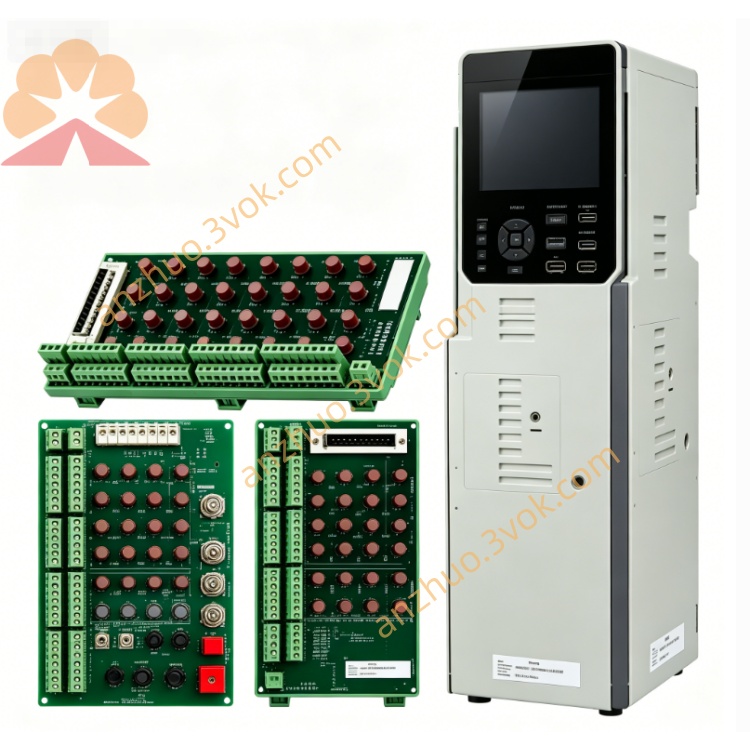
140CRA21110C
Description
140CRA21110C
Modicon Quantum DIO Drop Interface Module
User Manual (English)
Document Revision: 1.0 | Date: 2026
1. General Description
Part Number: 140CRA21110C
Manufacturer: Schneider Electric
Product Family: Modicon Quantum
Module Type: DIO Drop Interface (Remote I/O Adapter)
Port Configuration: 1 × DIO port
Backplane: Quantum single‑slot standard
Coating: Conformal coated (humid / corrosive environments)
Status: Standard product (mainstream)
2. Specifications
2.1 Electrical Ratings
Supply Voltage: 115 / 230 VAC
Operating Range: 85 … 276 VAC
Frequency: 47 … 63 Hz
Input Current:
0.2 A @ 115 VAC
0.4 A @ 230 VAC
Inrush Current:
10 A @ 115 VAC
20 A @ 230 VAC
Power Consumption: 50 VA (≈11 W)
Backplane Output: 5.1 VDC / 3 A
Fuse Rating (Recommended): 1.5 A
2.2 I/O Capacity
Input Words: 30
Output Words: 32
Isolation: 500 VDC (channel‑to‑backplane)
2.3 Communication
Protocol: Modbus‑compatible DIO (Distributed I/O)
Port: 1 × DIO (terminal block)
Topology: Point‑to‑point / multidrop
Cable: Shielded twisted pair
2.4 Environmental
Operating Temperature: 0 °C … +60 °C
Storage Temperature: −40 °C … +85 °C
Humidity: 5% – 95% non‑condensing
Altitude: Up to 5,000 m
Conformal Coating: Yes (140CRA21110C only)
2.5 Physical
Form Factor: Single slot
Weight: ~1.2 kg
Mounting: Quantum backplane
3. Panel Layout & LEDs
PWR: Power OK (green)
COM: Communication active (green)
ERR: Module/link fault (red)
TERM: ON = line termination enabled
4. Installation Instructions
4.1 Mounting
Ensure PLC power is OFF.
Insert module into any available Quantum single‑slot backplane position.
Push firmly until the module latch clicks.
Secure the module locking screw.
4.2 Wiring – Power (115/230 VAC)
L: Line
N: Neutral
PE: Protective Earth
Use stranded copper wire 0.75–2.5 mm².
4.3 Wiring – DIO Communication Port
Connect shielded twisted pair to DIO terminals.
Shield: Connect to PE at one end only.
Set TERM switch ON at the last drop on the bus.
4.4 Backplane
No user action required; backplane power is supplied automatically.
5. Configuration (Unity Pro)
Open Unity Pro XL.
In the hardware catalog, add 140CRA21110C.
Assign I/O mapping: 30 In / 32 Out words.
Set DIO address (1–63).
Enable line termination if required.
Download configuration to PLC.
6. Operation
PWR ON: Module powered.
COM blinking: Data exchange active.
ERR ON: Fault detected (communication loss, overvoltage, overcurrent).
ERR flashing: Configuration mismatch or bus error.
7. Maintenance & Troubleshooting
7.1 Routine Maintenance
Inspect wiring annually.
Check for corrosion or loose terminals.
Verify LED status during operation.
7.2 Fault Codes
ERR steady red:
No DIO link
Remote drop power failure
Cable break
ERR flashing red:
Address conflict
Configuration error
Backplane voltage out of range
7.3 Replacement
Power OFF the rack.
Disconnect AC power and DIO cable.
Remove old module, insert new 140CRA21110C.
Reconnect cables.
Power ON and verify LEDs.
8. Safety Notes
Installation must comply with local electrical codes.
Disconnect power before wiring or maintenance.
Do not exceed rated voltage or current.
For use in industrial environments only.
9. Certifications
CE
UL 508
CSA C22.2 No.142
FM Class 1 Div 2
RoHS compliant
10. Ordering Information
140CRA21110: Standard coating
140CRA21110C: Conformal coated (harsh environment)
Get a Quote