
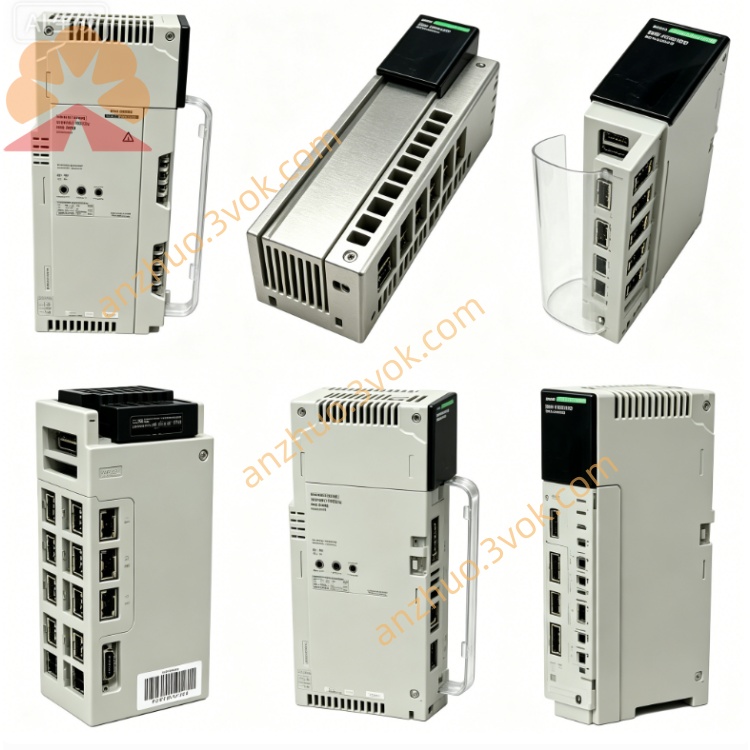
Schneider 140SHS94500 Hot Standby Software
Description
1. Product Overview
2. Key Features
Quantum CPU redundancy: supports 140CPU65150, 140CPU67160, 140CPU68060 and later
Bumpless switchover: seamless transfer of control on primary failure
Data synchronization: real‑time mirroring of process data, I/O status, and application program
Loadable software: supplied on 3.5‑inch disk, installed via Unity Pro or PLC console
Redundancy management: automatic primary/secondary role negotiation and health monitoring
Diagnostic logging: switchover events, fault codes, and synchronization status
Compatibility: Unity Pro V7.0+; works with standard Quantum I/O and networks
Language: English version; suitable for global deployments
3. Technical Specifications
Software & Compatibility
Product type: Hot standby redundancy firmware (loadable)
Supported CPUs: Quantum 140CPU65150 / 67160 / 68060 / 69060
Software platform: Unity Pro V7.0 or higher
Installation media: 3.5‑inch disk, file‑based load
Redundancy mode: 1:1 primary/secondary, cold/hot standby
Redundancy Performance
Switchover time: ≤100 ms (typical, depending on program size)
Synchronization cycle: 10 ms minimum
Data mirroring: full process data, I/O image, internal flags
Link: uses Quantum backplane and redundant Ethernet/Modbus Plus
Environmental & Mechanical
Operating temp: 0 °C to +60 °C (PLC system ambient)
Storage temp: −20 °C to +70 °C (disk media)
Humidity: 5–95 % non‑condensing
Weight: approx. 0.11 kg (disk only)
4. Installation
System Requirements
Two identical Quantum CPUs in separate racks or redundant backplane
Unity Pro V7.0+ installed on programming PC
Redundant communication links (Ethernet or Modbus Plus) between racks
Loading Procedure
Insert the 140SHS94500 disk into the PC disk drive.
Open Unity Pro and connect to the primary CPU.
Navigate to PLC → Load → Redundancy Software.
Select the 140SHS94500 files from the disk.
Load the software to both primary and secondary CPUs.
Configure redundancy parameters in Unity Pro hardware editor.
Verify synchronization and perform test switchover.
5. Configuration (Unity Pro)
In hardware configuration, enable “Hot Standby” for both CPUs.
Assign primary and secondary roles, or set auto‑negotiation.
Define synchronization areas: I/O, process data, and internal bits.
Set switchover conditions: CPU fault, power loss, or user‑defined trigger.
Enable diagnostic bits for status monitoring in the application program.
Download configuration to both CPUs and verify link status.
6. Operation & Redundancy Logic
Normal Operation
Primary CPU runs the application and controls I/O.
Secondary CPU continuously synchronizes data but remains in standby.
Both CPUs exchange health status over redundant links.
Switchover
On primary failure, secondary takes control within ≤100 ms.
All I/O states and process data are preserved.
Fault is logged; system attempts to re‑synchronize when primary recovers.
Diagnostics & Status
Redundancy active, sync OK, switchover count, and fault reason codes available in PLC status words.
Unity Pro provides real‑time redundancy monitoring screens.
7. Maintenance & Troubleshooting
Routine Maintenance
Verify redundant link health monthly.
Check synchronization status and error logs quarterly.
Re‑load software only if advised by Schneider Electric support.
Common Issues
Sync failure: check cable connections, IP addressing, or CPU firmware mismatch.
Slow switchover: reduce sync data size or optimize program scan time.
Frequent switchovers: investigate EMI, power supply stability, or faulty hardware.
8. Safety & Compliance
Qualified personnel only for configuration and maintenance.
Redundancy does not eliminate need for safety risk assessment; apply appropriate SIL ratings for safety functions.
This software is intended for industrial control systems; not for direct life‑safety applications without additional safety layers.
9. Compatibility
CPUs: 140CPU65150, 140CPU67160, 140CPU68060, 140CPU69060
Software: Unity Pro V7.0 and above
Networks: Modbus Plus, Ethernet (TCP/IP), Quantum backplane
Get a Quote