
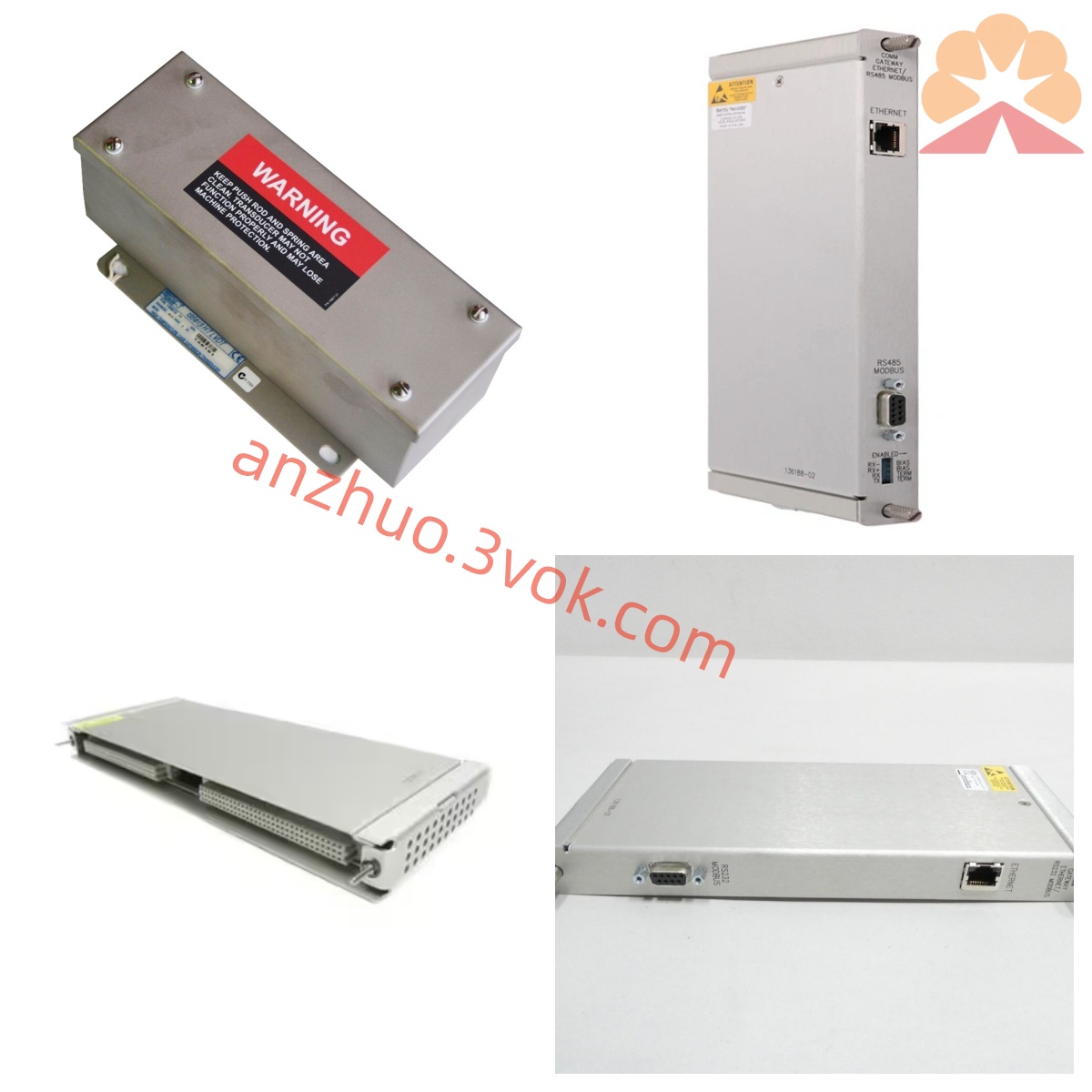
Bentley Nevada 72201-04 Series Eddy Current Probe Assembly
Description
Technical Specifications
The rack backplane is powered by negative voltage, and it supports standard full-height card installation specifications.
Four independent monitoring channels, compatible with the 3300XL series eddy current probes.
Good measurement accuracy, with a frequency response range suitable for routine monitoring of the unit's operation.
Equipped with relay alarm contacts, capable of outputting 4-20 mA standard analog signals.
Operating temperature range: 0°C to 60°C; storage temperature range: -40°C to 85°C. Features dust-proof and anti-interference capabilities.
Installation and wiring
Align the module with the rack slot and firmly insert it for stable contact of the backplane bus.
Connect the sensing cables to the corresponding ports according to the channel number, and separate the strong and weak circuits.
Connect the alarm circuit and analog output circuit in a standardized manner, and secure the terminals without loose connections or wrong wiring.
After installation, check each item one by one to confirm there are no errors before powering on for parameter debugging.
Maintenance and care
Regularly check the status of the panel indicator lights, and monitor the values to ensure they remain stable without abnormal fluctuations.
Regularly tighten the wiring terminals, check for any damage, dust accumulation, or aging of the cables.
Carry out precision calibration and alarm function tests on schedule to ensure the protective logic is effective.
Reduce frequent plugging and unplugging operations to protect the interface, and store spare cards in a dry and ventilated environment. Fault diagnosis
There is no monitoring data for the channel. Check the power supply, slot contact and sensor circuit continuity.
The values fluctuate significantly and deviate. Adjust the gap of the probe installation and optimize the shielding grounding settings.
Abnormal alarm trigger. Verify the threshold parameters and detect the continuity of the relay contacts.
Signal transmission failure. Check the wiring status and review the module configuration settings.
Get a Quote