
Description
E-SMART SMC-101-TCH: eSMART-Touch Wall Control Panel Product Description
Brand and Product Identification
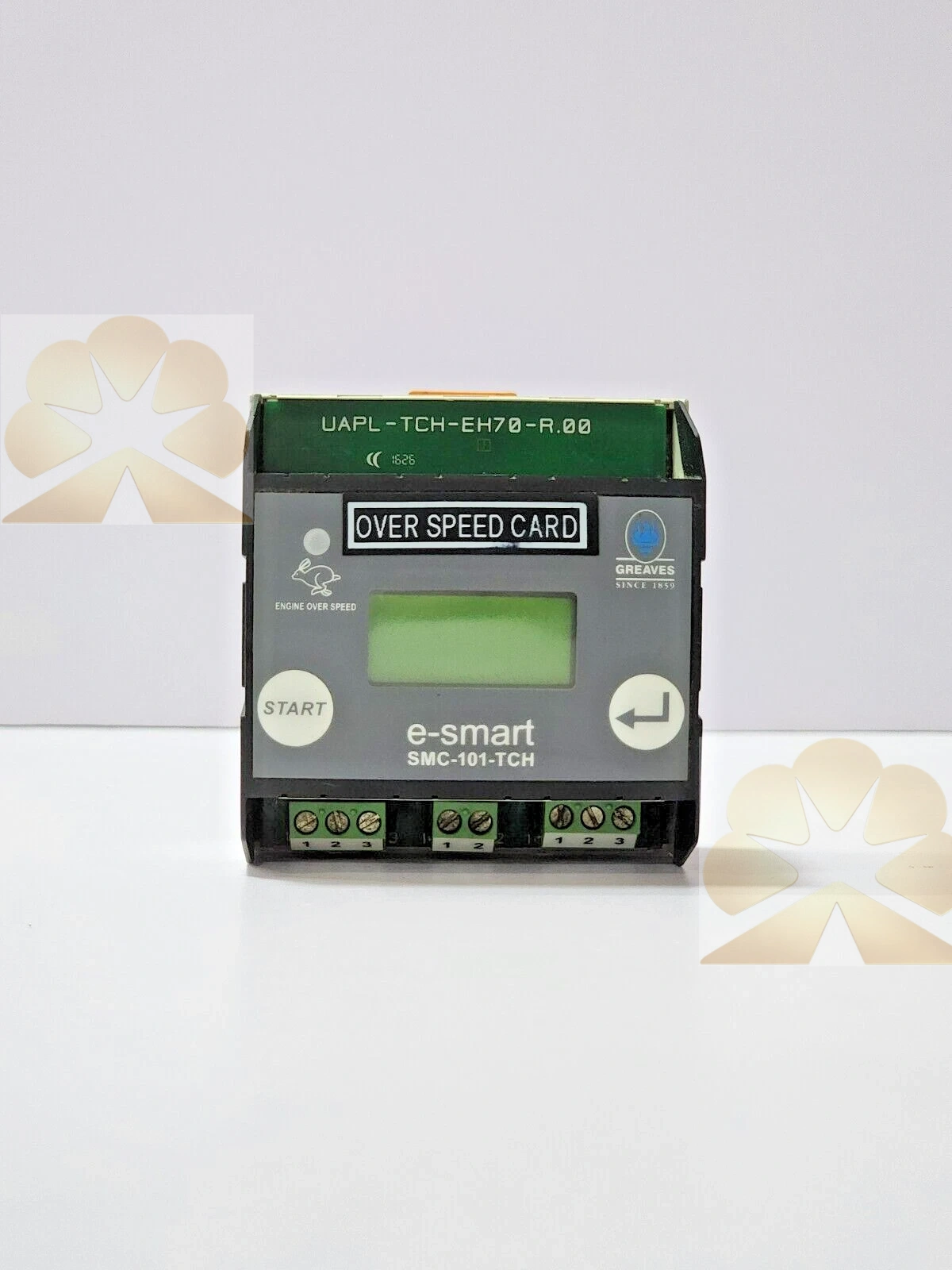
The E-SMART SMC-101-TCH is a touch-based wall control panel belonging to the eSMART-Touch product line of eSMART, a connected home and building automation solution provider. The SMC-101-TCH model code identifies a smart wall screen designed to centralize the control of residential comfort, energy, lighting, shading and access functions from a single in-wall display. The TCH suffix indicates the touch-operated interface version of the panel. This description reflects the general eSMART-Touch product family; the exact wiring, supply voltage, enclosure size and communication protocol for the SMC-101-TCH should be confirmed against the official eSMART installation manual or the product label, because public product listings do not publish a dedicated datasheet for this exact model code.
Product Positioning and Intended Use
The eSMART-Touch wall screen is positioned as an all-in-one indoor control terminal for private homes, apartments, rental units and managed residential properties. It replaces separate room thermostats, lighting switches, blind controls and intercom screens with one touch panel mounted on the wall. The panel is intended for everyday occupant use, property manager communication, energy monitoring and scene-based home automation rather than for industrial process control or building security alarm panels.
Main Control Functions
The SMC-101-TCH panel centralizes several home functions on its touch display. Temperature control allows the user to check the current room temperature and adjust heating per room according to comfort settings. Lighting control provides on and off switching for connected lights, with optional automation linked to user scenarios. Blind or shutter control allows the position of blinds to be adjusted in each room and can be automated through the same scenario system. Consumption monitoring displays water, heating and electricity use in real time, along with overall consumption and usage history for day-by-day comparison. Scenarios combine multiple devices into one command, such as a leaving-home scene that turns off lights, closes blinds and lowers the set temperature. Messages allow personalized notes to be displayed on the screen for household members. Goals support consumption targets based on the number of occupants, with dynamic graphs showing usage behavior. Videophone access provides live video from the building entrance door, missed call history and video captures for secure entry management.
Connectivity and Integrated Devices
The eSMART-Touch panel connects over Wi-Fi and interacts with commonly used home equipment such as alarm systems, audio systems, robot vacuums and other connected devices supported by the eSMART ecosystem. Remote operation is supported through the eSMART-Live mobile application, so functions such as lighting and blinds can be adjusted away from the home. For property managers, the eSMART web platform allows communication with residents through the wall screens installed in individual units. The panel therefore serves both as a local user interface and as a node within a broader residential automation and property management system.
User Interface and Operation
The panel uses a graphical touch interface with clearly separated function icons for consumption, temperature, scenarios, messages, goals, blinds, lights and videophone. Operation follows a one-click model in which the user selects a function icon and then adjusts the relevant setting on the display. Status information, consumption figures and entrance video are presented on the wall screen itself, while the mobile application extends the same controls to a remote device. The layout is designed for non-specialist household use, reducing the need for complex control knowledge during daily operation.
Installation and Commissioning Notes
Installation of the SMC-101-TCH should follow the eSMART installation instructions and local electrical and building regulations. Because the panel combines display, control and communication functions, commissioning requires mounting the panel at the intended indoor location, connecting the required power and bus or network wiring according to the supplied wiring diagram, pairing the panel with the home network, and configuring connected devices, scenes and user accounts. The installer should verify the supply voltage, communication standard, terminal assignment and any required gateway before final mounting. Since the exact SMC-101-TCH electrical ratings are not available in public listings, compatibility with existing home automation wiring should be checked with eSMART support or an authorized installer.
Typical Application Scenarios
Typical installations include private houses where a central wall screen controls heating, lighting and blinds; apartments that combine comfort control with entrance videophone; rental units where property management communicates with tenants through the panel; energy-conscious households that monitor water, heating and electricity consumption against set goals; and connected homes that integrate alarm, audio and vacuum robot systems into one touch interface. Scenario-based automation is especially useful for routines such as leaving home, arriving home, sleeping and waking.
Advantages and Limitations
The main advantages of the SMC-101-TCH panel are its centralized touch control, energy monitoring, scenario automation, remote app access, videophone integration and suitability for residential property management. As a home automation touch panel, its function set is tied to the eSMART ecosystem and supported devices; it should not be treated as a standalone industrial HMI, safety relay, or process controller. Users considering this model should confirm network compatibility, supported third-party devices, warranty availability and exact technical specifications before purchase or installation.
Get a Quote