
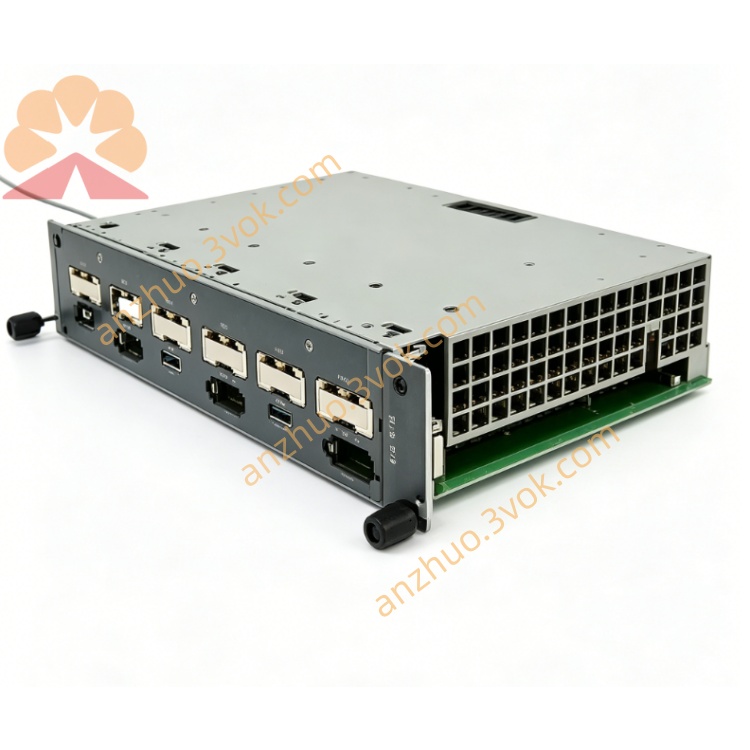
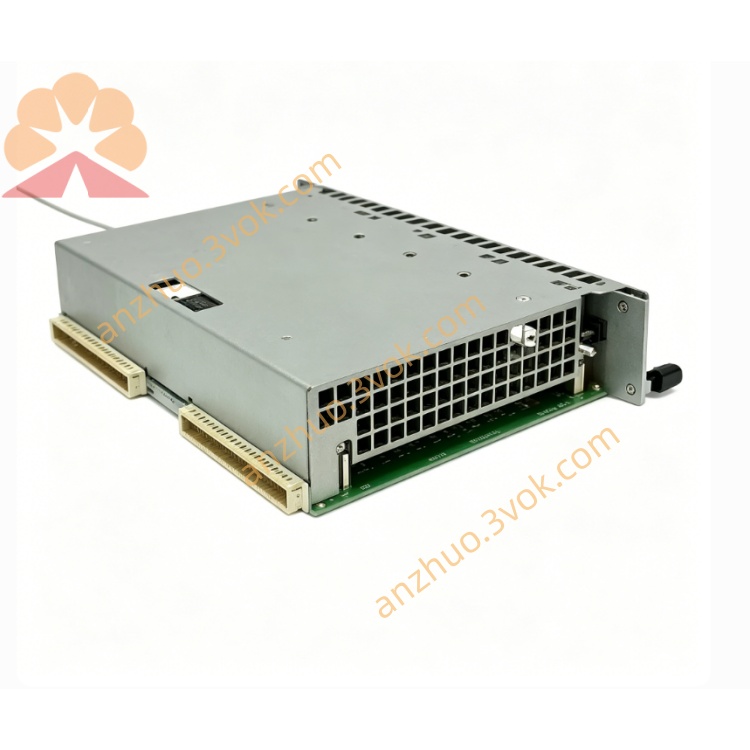
KEBA SC-102 I/O Expansion Module
Description
1. General Information
Model: SC‑102
Manufacturer: KEBA (Austria)
Type: High‑density I/O module (digital/analog) for KEMRO K2 systems
Application: Injection molding machines, CNC, automation lines, motion control systems
Mounting: Standard KEMRO rack slot, IP20
Weight: approx. 0.5–1.0 kg
Dimensions: approx. 100 × 100 × 30 mm (W×H×D)
2. Electrical Specifications
Operating Voltage: 24 V DC (±10%)
Current Consumption: ≤ 1 A
Digital Channels: 16 in / 16 out (high‑speed)
Analog Channels: 8 in / 8 out (4–20 mA / 0–10 V)
Resolution: 12‑bit (analog)
Protection: Overvoltage, short‑circuit, ESD, reverse polarity
Isolation: Channel‑to‑bus isolation, 500 V AC
3. Communication & Compatibility
Bus Interface: KEMRO backplane bus (compatible with BUS‑8)
Protocols: EtherCAT, Modbus RTU/TCP, Profinet (optional)
Compatible Modules:
CPU: K2‑200 / K2‑400
Backplane: PD‑242/A
Power Supply: RS‑091 / RS‑091/A
4. Main Functions
High‑speed I/O control: Digital signals up to 1 kHz, analog sampling up to 10 kHz
Motion interface: Direct connection to servo drives for up to 8 axes
Signal conditioning: Built‑in filters for noisy industrial environments
Diagnostics: LED status (Power, Run, Fault), overcurrent detection, short‑circuit indication
Hot‑swap: Replace module without system shutdown (supported by K2 CPU)
5. Environmental Conditions
Operating Temperature: 0 °C … +50 °C
Storage Temperature: −40 °C … +85 °C
Relative Humidity: 5 % … 95 % RH (non‑condensing)
Altitude: ≤ 2000 m
Pollution Degree: 2
6. Installation & Wiring
Disconnect 24 V DC before installation
Insert module into KEMRO rack and lock firmly
Connect field I/O to front‑panel terminals (digital/analog)
Connect bus via backplane (auto‑detection by CPU)
Separate analog and digital wiring to avoid interference
Power on; check Power LED ON and Fault LED OFF
7. Safety Instructions
Only qualified technicians may install, wire, or service this module
Do not open or modify the unit; this voids the warranty and may cause electric shock
Operate only within specified voltage and temperature ranges
Provide adequate ventilation; do not block cooling vents
8. Certifications
CE (EN 61000‑6‑2, EN 61000‑6‑4)
UL (UL 508)
RoHS compliant
Get a Quote