
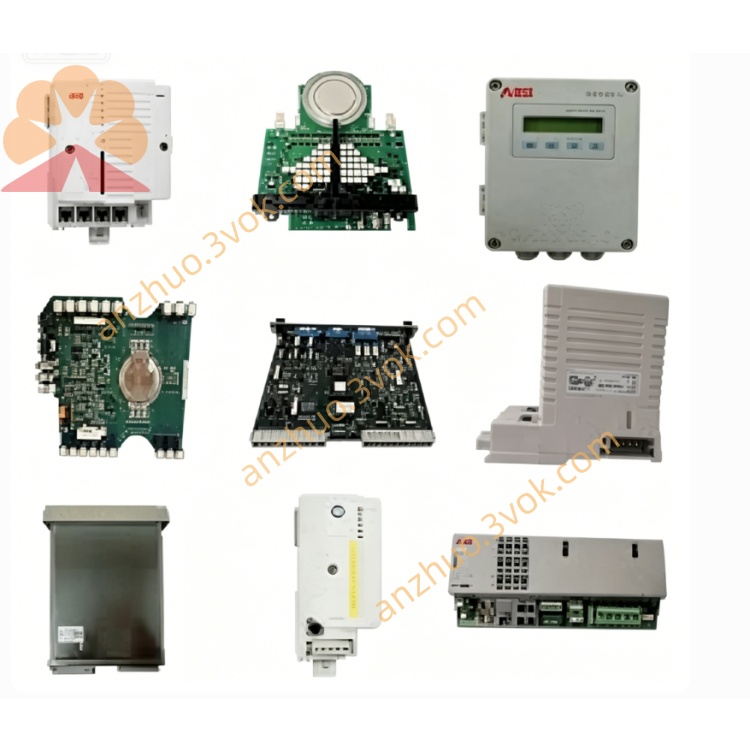
ABB 07KP92E1 (AC31/Advant OCS Series) high‑performance multiprotocol communication processor
Description
Product Introduction
Model Explanation
07: AC31/Procontic 90 series platform
KP: Communication Processor
92: Hardware revision and feature set (multiport, multi‑protocol)
E1: Variant/version (enhanced, isolated)
Ordering Number: GJR5251500R1161
Technical Parameters
Power Supply: 24 VDC ±10% (19.2–30 VDC)
Current Consumption: ~300 mA typical
Processor: 32‑bit industrial MCU, 180 MHz
Memory: 1 MB Flash (firmware/config), 256 KB RAM (data buffers)
Serial Interfaces: 2× isolated channels (RS‑232/RS‑422/RS‑485 software‑selectable)
Protocols Supported: Modbus RTU (master/slave), ABB RCOM, CS31, ASCII
Baud Rate: 300–115200 bps (per port)
Data Format: 7/8 bits; even/odd/no parity; 1/2 stop bits
Isolation: 500 VAC between ports and backplane
Operating Temperature: 0 °C to +55 °C
Storage Temperature: -40 °C to +75 °C
Mounting: 35 mm DIN rail or AC31 rack slot
Dimensions (W×H×D): 51 × 110 × 75 mm
Weight: Approx. 0.55 kg
Certifications: CE, UL, RoHS
Interface and Communication Configuration
Port 1: DB9 connector (RS‑232/RS‑422) for point‑to‑point links (e.g., HMI, modem)
Port 2: Terminal block (RS‑485) for multi‑drop buses (up to 32 nodes)
Protocol Selection: Configurable per port via AC31 engineering software
Termination: Built‑in 120 Ω resistor for RS‑485 (DIP switch)
LED Indicators:
PWR (green): Power OK
COM1/COM2 (yellow): Port activity
ERR (red): Fault (parity error, timeout, config mismatch)
Wiring: Use shielded twisted pair (STP) for RS‑485; separate from high‑voltage cables
Core Functions
Multi‑Protocol Routing: Simultaneously runs Modbus, RCOM, or CS31 on two ports for flexible integration.
Protocol Conversion: Translates between ABB proprietary protocols (RCOM/CS31) and Modbus for legacy‑modern system bridging.
Isolated Communication: Electrical isolation between ports and backplane reduces noise and ground loop risks.
Network Expansion: Adds two high‑speed serial channels to AC31 CPUs without occupying CPU slots.
Diagnostics & Monitoring: Real‑time LED status and AC31 system logs for quick fault localization.
Application Scenarios
Legacy System Integration: Connecting AC31/Procontic 90 to Modbus RTU devices (drives, meters, HMIs).
Distributed I/O Networks: Linking remote CS31 or RCOM I/O stations to central AC31 controllers.
SCADA/DCS Connectivity: Exchanging data between AC31 and higher‑level systems via Modbus or ASCII.
Factory Floor Automation: Production lines with mixed ABB and third‑party serial devices.
Process Industries: Water treatment, power, and chemical plants requiring reliable multi‑protocol communication.
Usage and Maintenance Instructions
Installation: Mount on 35 mm DIN rail or insert into AC31 rack; ensure vertical orientation and 50 mm clearance for ventilation.
Wiring: Connect 24 VDC power; use STP for RS‑485 and DB9 for RS‑232; ground shields at one end only.
Configuration: Use AC31 programming software to set port parameters (protocol, baud rate, address, mode).
Termination: Enable RS‑485 termination only at the two physical ends of the bus.
Routine Check: Inspect LED status quarterly; verify terminal tightness and cable shielding annually.
Troubleshooting: Check power supply and wiring; confirm network termination and node addresses; re‑download configuration if errors persist.
Get a Quote