
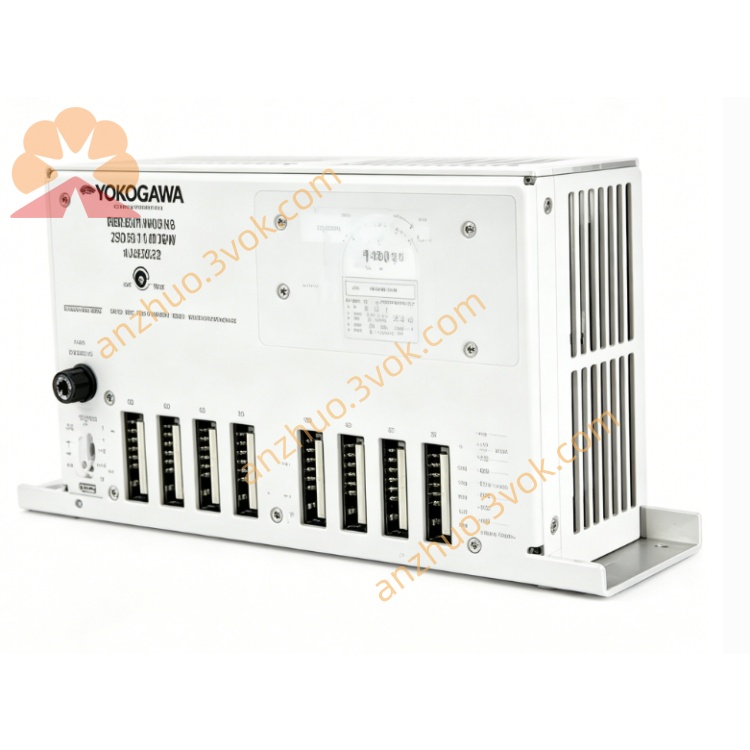
AN‑X‑AMX4 AMX‑to‑EtherNet‑IP Gateway Module
Description
1. Product Overview
2. Main Features
Fully compliant with standard EtherNet/IP protocol, support scheduled I/O connection and explicit message communication
Support two mainstream AutoMax communication modes: DCSNet network and AutoMax Remote I/O bus
Work as DCSNet master or slave station to realize real-time data interaction with AutoMax controllers
Built-in Remote I/O scanner function, support scanning and managing multiple AutoMax remote I/O stations
Support maximum 500 input words and 248 output words data transmission
Built-in embedded web server, complete parameter setting and device diagnosis through web page
Equipped with Micro SD card slot for configuration file backup, recovery and firmware upgrade
Multiple working modes optional: DCSNet2, AMXRIO, DCSLOG, AMXCapt
Automatically map AutoMax I/O data to EtherNet/IP controller tags for convenient program editing
Low power consumption design, stable operation in general industrial control environment
3. Technical Specifications
3.1 Power Supply
3.2 EtherNet/IP Interface
3.3 AutoMax Communication Interface
3.4 Environmental Parameters
3.5 Physical Parameters
4. LED Status Definition
5. Installation and Wiring Instructions
Firmly install the gateway on the DIN rail inside control cabinet
Connect 12-24VDC stable power supply according to wiring definition
Connect Ethernet cable to RJ45 port to access upper EtherNet/IP control system
Use shielded communication cable to connect AutoMax bus to terminal terminals
Modify gateway IP address through computer web page and select corresponding working mode
Scan online AutoMax devices and complete cross-network data point mapping
Save all configurations, restart the device and complete system joint debugging
6. Working Mode Introduction
DCSNet2 Mode
Realize data exchange between EtherNet/IP and AutoMax DCSNet network, suitable for connecting AutoMax host controllers.
AMXRIO Mode
Used for scanning AutoMax remote I/O bus, collecting and controlling field distributed I/O modules.
DCSLOG Mode
Realize DCSNet bus data capture and recording, used for equipment operation analysis and fault troubleshooting.
AMXCapt Mode
Offline collect Remote I/O bus data, convenient for project simulation and program pre-debugging.
7. Application Scope
Old Reliance AutoMax control system renovation and upgrade projects
Large industrial production line original AutoMax equipment access EtherNet/IP system
Chemical, metallurgy and other industries legacy automation system integrated transformation
Mixed networking of multi-brand controllers and unified monitoring management
Phased equipment replacement and gradual migration of industrial control systems
Remote centralized monitoring system based on original AutoMax field I/O
8. Safety Operation Notes
All wiring work must be completed under power off state
AutoMax bus must use shielded cable to avoid external electromagnetic interference
Keep bus communication parameters consistent with all field devices
Do not use the device beyond the specified voltage and temperature range
Avoid installing the gateway in high humidity, dust and strong interference area
Professional automation technicians are recommended to complete configuration and system debugging
Get a Quote