
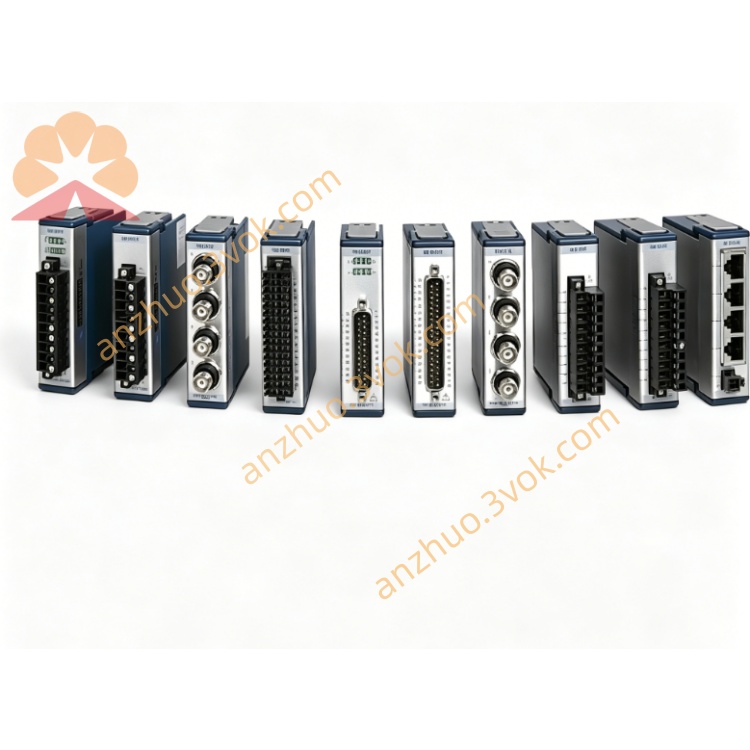
NI PXIe-8301 PXIe Remote MXI-Express Controller Module
Description
Product Introduction
The NI PXIe-8301 is a 3U single-slot PXIe MXI-Express remote control module, designed with a Thunderbolt 3 interface. It is mainly used to achieve high-speed interconnection between an external computer and the PXIe chassis. This module is installed in the dedicated system slot of the PXIe chassis and can directly replace the embedded controller of the chassis. It relies on a desktop computer or laptop as the main controller to complete the command issuance, parameter configuration, and high-speed data transmission of the entire module. It is characterized by portability and high bandwidth, and is widely used in portable testing, laboratory research, and high-speed data acquisition scenarios.
Model Interpretation
PXIe represents that the module follows the PXI Express bus standard and adopts a 3U single-slot mechanical structure. 8301 belongs to the NI MXI-Express remote interconnection series number. This model is equipped with a Thunderbolt 3 transmission interface and is positioned as a bridge unit between the PXIe chassis and the external computer. Its function is to expand the system control method rather than being a local computing and storage type main control module. Technical Specifications
Bus and Transmission Performance
The module internally adopts a PCIe Gen3 x4 link, with a continuous data transmission bandwidth of up to 2.3 GB/s, capable of meeting the data interaction requirements of high-speed acquisition, RF, FPGA, and other high-throughput modules. The external interface is based on the Thunderbolt 3 protocol, with a theoretical transmission rate of 40 Gbps, and is compatible with the standard USB-C physical form.
Interface and Electrical Parameters
The panel is equipped with two Thunderbolt 3 interfaces, one for connecting external computers, and the other can expand external hard drives, expansion docks, and other similar peripherals. The standard operating temperature range of the module is 0 degrees Celsius to 55 degrees Celsius, with typical power consumption of approximately 15 watts, and the overall weight is approximately 0.16 kilograms. The structure is compact.
System Compatibility
Supports Windows and macOS operating systems. The computer end can fully recognize all PXIe functional modules in the chassis, and the link has good compatibility and stability.
Interface and Communication Configuration
Bus Interface of the chassis
The module connects to the backplane bus of the PXIe chassis, occupying the system slots of the chassis, and can call upon the backplane clock, trigger, and other synchronization resources to achieve unified control and data forwarding of all functional modules in the chassis.
Front Panel Interface
Two Thunderbolt 3 interfaces are set on the front panel, with the main interface used to connect the upper computer, and the secondary interface can be cascaded with other Thunderbolt 3 peripherals, allowing for expansion of peripheral hardware without the need for additional adapter devices.
Driver and Software Communication
The device is paired with a dedicated MXI-Express driver program, which can be automatically recognized by NI-MAX after installation. Supports LabVIEW, TestStand, and various third-party development tools. The upper computer can complete all module configuration, program running, data reading, etc. operations through software, with transparent transmission throughout the link.
Core Functions
Can replace the embedded controller of the PXIe chassis, allowing direct control of the entire chassis using a laptop or desktop computer, reducing hardware costs while improving system mobility. Relying on high-bandwidth links, it can stably transmit high-speed data streams, meeting scenarios such as RF testing, high-speed signal acquisition, and FPGA real-time processing with large data interaction volumes. The dual Thunderbolt 3 interface design expands peripherals while connecting the host, simplifying on-site wiring. The link is in transparent PCIe bridging mode, allowing the upper computer to directly access each module in the chassis, providing an operation experience consistent with local devices. Supports short-distance multi-device cascading, flexibly expanding the hardware scale of the entire test system. Applicable scenarios
In the field of portable on-site testing, a mobile testing platform is formed by combining with a laptop, facilitating field debugging and on-site inspection. For laboratory research and prototype verification, an existing computer is used as the main controller to quickly set up a temporary testing system, and flexible allocation of hardware resources is achieved. For high-speed data acquisition and radio frequency communication testing, high-bandwidth links are relied upon to ensure real-time transmission of massive data. Small multi-box testing systems achieve multi-box collaborative work through interface cascading, and are uniformly controlled by one computer.
User and maintenance instructions Instruction Manual
The equipment must be inserted into the dedicated system slot on the left side of the PXIe chassis while the power is off, and the fixing screws must be tightened. Use a compliant Lightning 3 cable for connection. The cable length is recommended to be no more than two meters to avoid signal attenuation. Install the corresponding drivers and NI software suite on the upper computer. After powering on, confirm the normal recognition of the chassis and all modules through NI-MAX. Do not frequently plug or unplug the cables during operation. Take precautions to prevent vibration when moving the entire equipment.
Maintenance Instructions
Regularly wipe the panel interfaces and the chassis with a dry soft cloth to remove dust and keep the interfaces in good contact. Do not allow liquid to come into contact with the modules. When the equipment is idle for a long time, store it in a dry environment with a temperature range of -20°C to 60°C and a relative humidity of less than 60%. Take anti-static protection measures. When there is a communication interruption or abnormal recognition, first check the cable connection, interface status and driver version; if there is data transmission lag, check the cable specification, length and the electromagnetic interference environment of the entire equipment.
Get a Quote