
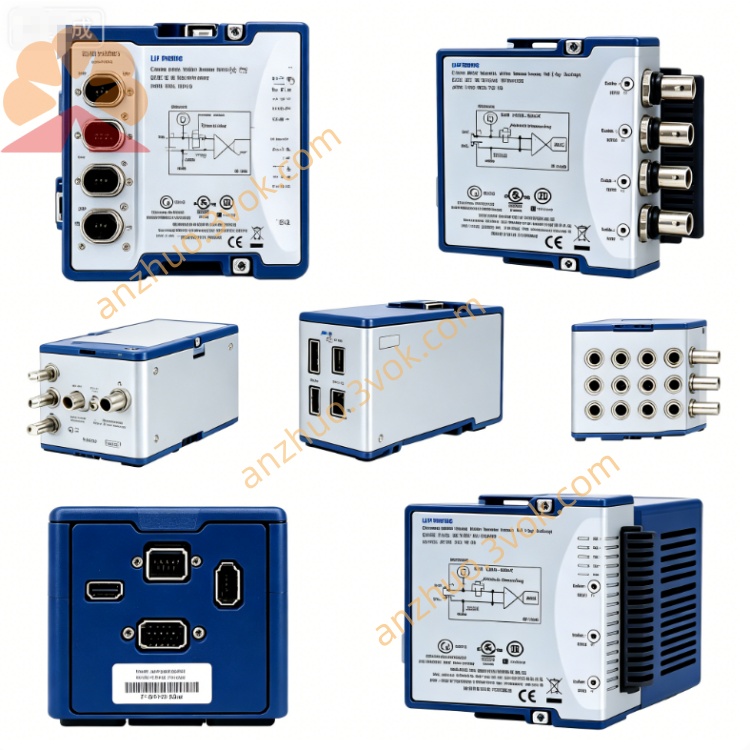
NI PCI‑8430/2 2‑Port PCI‑Bus RS232 Serial Communication Board
Description
I. Basic Information
Model: PCI-8430/2
Part Number: 778978-01
Bus: Standard 32-bit PCI / PCI-X (33 MHz)
Ports: 2 × RS-232, DB-9 female connector
Isolation: Non-isolated (Isolated version is PCI-8432/2) download.ni.com
Status: EOL; Replacement: PCIe-8430/2 (PCIe version)
II. Core Specifications (Easy to Understand)
Protocol: RS-232 (Full Signal: TX/RX/RTS/CTS/DTR/DSR/DCD/RI)
Baud Rate: Up to 1,000 kbps (1 Mbps), programmable, error <1%
FIFO: 128 bytes TX/RX FIFO per port, reduces CPU usage
Transmission Mode: DMA transmission, supports multi-threading / multi-core CPU
Connector: Plate 2 × DB-9 female connector
Board Type: Half-length PCI card, compatible with standard PC / industrial computer
Power Supply: 5V power supply in PCI slot, no need for external power supply
III. System Compatibility (Drivers + OS)
Driver: NI-Serial (with NI-VISA)
Supported Systems:
✅ Windows 2000/XP/Vista/7 (32/64) ✅ LabVIEW Real‑Time
❌ Windows 10/11: Compatible mode is available, but not officially supported
Software: LabVIEW, NI-DAQ, VISA, CVI, any software supporting COM port
Identification: The system enumerates as standard COM port (such as COM3, COM4), no special programming required
IV. Differences between PCI-8430/2 and 8431/2, 8432/2
PCI-8430/2: RS-232, 2 ports, non-isolated, DB-9
PCI-8431/2: RS-422/485, 2 ports, non-isolated, DB-9
PCI-8432/2: **RS-232, 2 ports, high-voltage isolation, DB-9 (for industrial strong interference), download.ni.com
V. Installation and Use (Minimal)
Power off → Insert PCI/PCI-X slot (not supporting PCIe)
Power on → Install NI-Serial driver → Restart
Device Manager → Ports (COM & LPT) → NI PCI-8430/2 COMx appears
Directly use serial port software (such as PuTTY, LabVIEW VISA) for reading and writing, same as ordinary COM port
VI. Typical Applications
Industrial control: PLC, instruments, sensors RS-232 communication
Test measurement: Serial port instruments (multimeters, power supplies, serial port devices) connected to PC
Data acquisition: Serial port sensors, barcode guns, printers
Expansion of old systems: Retain legacy RS-232 devices connected to new PC
VII. Common Problems
❌ PCIe slot cannot be used: Must use old-fashioned PCI/PCI-X
⚠️ High baud rate causes packet loss: 1 Mbps short distance (<5 m) stable; long distance reduced to 115.2 kbps
⚠️ No isolation: Change to PCI-8432/2 (isolated version) in strong interference environment
VIII. Alternative Models (PCIe Upgrade)
PCIe-8430/2: PCIe ×1, 2×RS-232, 1 Mbps, DB-9, officially supported by NI for Windows 10/1
Get a Quote