
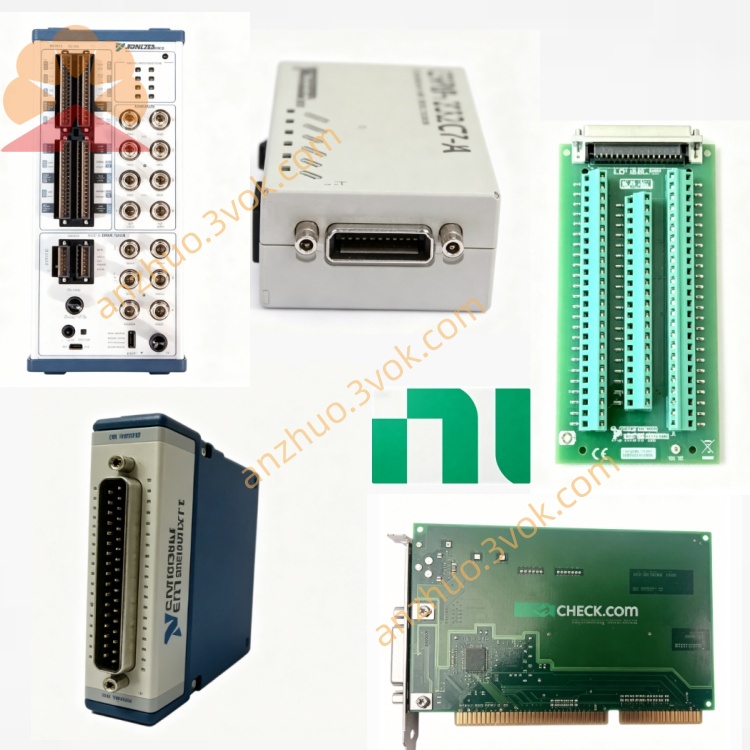
NI PCI‑8212 Combined PCI‑Bus GPIB and 10/100Mbps Ethernet Interface Card
Description
Product Introduction (PCI-8212)
The NI PCI-8212 is a dual-function GPIB + Ethernet interface card for PCI bus, launched by National Instruments, which is used for industrial testing, instrument control and network communication. It has been discontinued (EOL) and is now mainly available as a second-hand or inventory card.
Core Positioning
1 card = PCI-GPIB + 10/100 Ethernet
Usage: GPIB instrument control + computer networking / data upload
Applicable: Industrial automation, ATE test systems, laboratory instrument control
Main Features
GPIB (IEEE 488.2)
Controller / Speaker / Listener functions
Standard rate: 1.5 MB/s; HS488 high speed: 7.7 MB/s
Chip: TNT4882C, fully compatible with IEEE 488.2
Ethernet (10/100 Mbps)
Controller: Intel 82559
Interface: RJ-45, auto-sensing 10/100 Mbps
PCI Bus
32-bit PCI, bus master DMA
Power consumption: 2.5 W @ +5 V
Size: Half-length PCI (5.1 × 4.2 inches)
Interfaces and Indicators
Backplane: 24-pin GPIB port + RJ-45 Ethernet port
LED: Yellow (link/activity), Green (speed)
Model and Aliases
Model: PCI-8212
Part Number: 186400G-01
System: PCI (not PCIe)
II. User Guide (Hardware + Software Installation)
1. Hardware Installation
Shut down the computer, unplug the power cord, and open the case.
Find an available 32-bit PCI slot, remove the cover plate.
Insert the PCI-8212 smoothly and tighten the screws.
Connections:
GPIB port: Connect to GPIB instruments (24-pin GPIB cable)
RJ-45: Connect to local area network switch/router
Close the case and power on.
2. Software Driver Installation (Windows Common)
Supported Systems
Windows 2000 / XP / 7 (32/64 bit)
Some Linux (limited official drivers)
Installation Steps (Official Recommendation)
Insert the NI-488.2 installation CD (or download from ni.com).
Run the installation program and select "Install NI-488.2 Software for Windows".
The installation process will automatically detect the PCI-8212 and install simultaneously:
GPIB driver (NI-488.2)
Ethernet driver (automatically recognized by the system / included on the CD)
Restart the computer after installation is complete.
After restart:
Ethernet: The system will automatically recognize it as "Intel 82559 Fast Ethernet Adapter"
GPIB: It will be normally displayed in Device Manager → National Instruments GPIB Controller
3. Normal State in Device Manager
Ports (COM & LPT): No new COM (GPIB is not a serial port)
Network Adapters: Intel 82559 Fast Ethernet
National Instruments Devices: PCI-8212 / NI-488.2 Controller
4. Basic Usage
GPIB Instrument Control
Using NI software: NI-488.2, LabVIEW, LabWindows/CVI
Programming: Call the NI-488.2 API to send SCPI commands to control the instrument
Example (pseudo code): plaintext
ibdev() → Open GPIB device
ibwrt() → Send commands (e.g. *IDN?)
ibrd() → Read data returned by the instrument
Ethernet Functionality
Completely consistent with a regular network card:
Set IP/DHCP
Internet access, local area network communication, file transfer
Can use GPIB and network simultaneously without interference
5. Common Issues and Precautions
Can only be inserted into a PCI slot, not a PCIe slot (physical incompatibility)
Must install NI-488.2 driver, otherwise GPIB cannot be used
GPIB and Ethernet interrupts are separate: GPIB = INTA, Ethernet port = INTB, generally no conflict
Does not support official drivers for Windows 10/11 (can try compatibility mode, but it is unstable)
III. Alternative Models (Recommended)
PCIe-GPIB: PCIe interface, the new generation of GPIB card (recommended)
USB-GPIB: External, plug and play, suitable for laptops or devices without PCI slots
Get a Quote