
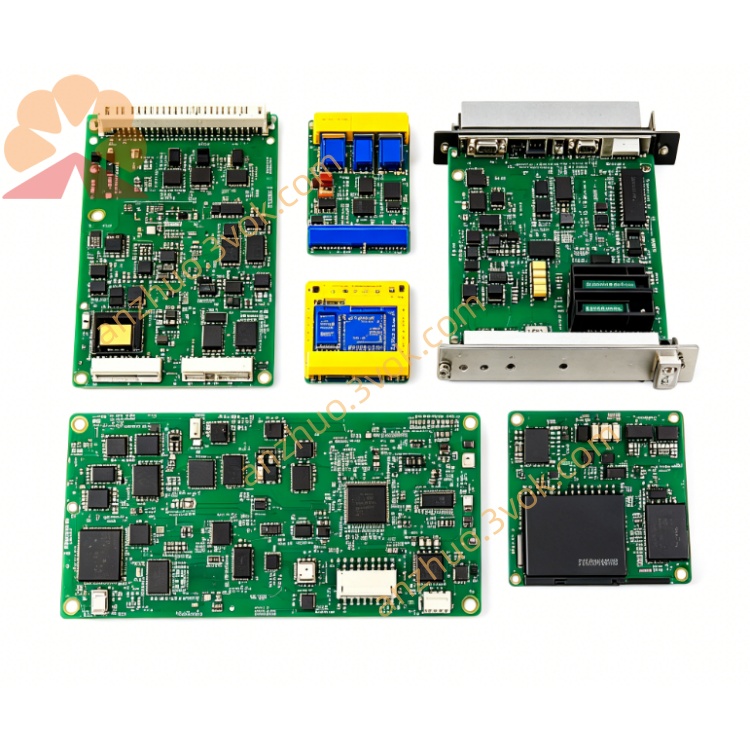
HIMATRIX F8620/11 Safety Digital I/O Module
Description
Basic Information
Model: F8620/11
Brand: HIMA
Product Type: Safety CPU Controller Module
Applicable System: H51q Series Safety Instrumentation System (SIS)
Safety Level: IEC 61508 SIL3, TÜV Certified
Installation Method: Rack Slot Installation
Protection Grade: IP20
Weight: Approximately 0.16kg
Electrical parameters
Power supply voltage: 5VDC, 24VDC dual power supply, 5V working current: 120mA, 24V working current: 200mA Electrical insulation: Input to ground, communication interface to ground withstand voltage 500V AC/1 minute Built-in protection: Overvoltage, undervoltage, reverse connection, over-temperature, short circuit protection
Hardware performance
Architecture: Triple module redundancy TMR program storage: 1MB Flash data storage: 1MB SRAM Logic processing cycle: ≤20ms SOE event recording: Supports 5000 event storage, timestamp resolution 1ms
Communication interface
Ethernet: 1 path RJ45 Ethernet interface Serial port: 2 paths RS-485 interface System bus: HIMA dedicated redundant safety bus, connects each I/O module Supported protocols: TCP/IP, Modbus RTU, Profibus DP
Environmental parameters
Operating temperature: -25℃ ~ +85℃ Storage temperature: -40℃ ~ +85℃ Relative humidity: 5%~95%, no condensation Vibration and shock performance: Complies with industrial IEC 60068 standard Main function
Using the TMR triple-redundancy architecture, it performs safety logical operations such as ESD, BMS, F&G, etc.
The entire machine has full self-diagnosis, and it can monitor the CPU, memory, bus, communication, and hardware status in real time. Faults will trigger automatic alarm and record.
It supports dual serial ports and redundant communication via the safety bus. In case of link abnormality, it will automatically switch without interrupting the system operation.
It supports hot plugging of modules, allowing for online replacement. After replacement, the program and data will be automatically synchronized.
It has the SOE (Sequence of Events) event sequence recording function, facilitating event traceability and fault analysis.
Panel Indicator Light Explanation
PWR Green: Normal power supply is constantly on. It goes off when there is an input power anomaly. RUN Green: Normal operation is flashing. It remains on or off when there is an initialization anomaly or failure. ALM Red: Hardware or system failure is constantly on. ETH Yellow: Ethernet connection or data transmission is flashing. COM Yellow: System bus and serial port communication has data flashing.
Installation and Maintenance
Align and push into the rack slot, tighten the panel fixing screws to ensure reliable contact of the backplane. Connect power, Ethernet, serial port, and system bus according to specifications. Ground the cabinet reliably. Daily inspection checks the status of the indicator lights. No alarms and normal communication are sufficient. Regularly check the tightness of terminals, no overheating or oxidation, and clean the dust on the module surface. Module failures can be directly replaced with the same model without modifying the wiring and program.
Get a Quote