
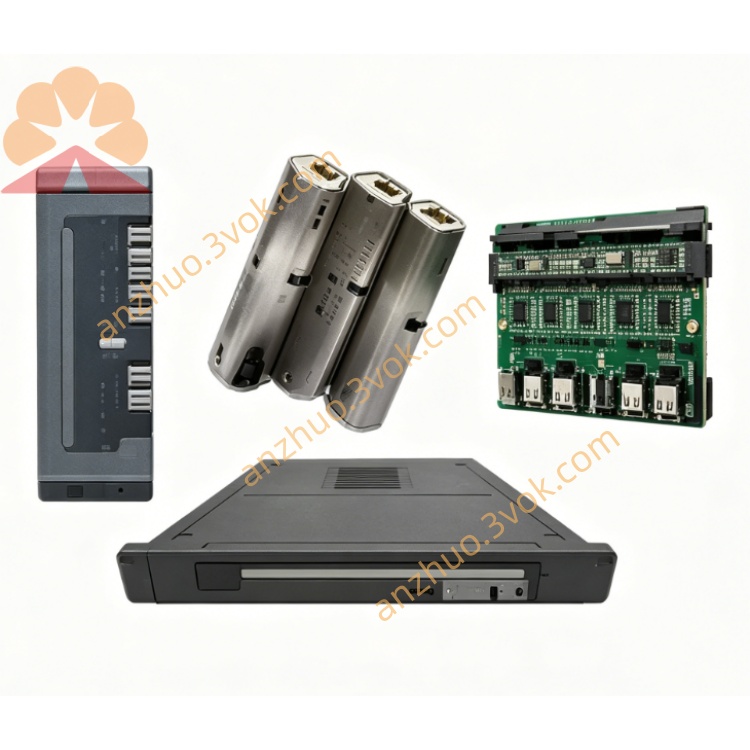
Schneider Electric 171CCS70000 M1/M1E Momentum Processor Adapter
Description
1. General Description
2. Product Identification
Model: 171CCS70000
Manufacturer: Schneider Electric
Series: Modicon Momentum
Type: M1 Processor Adapter (RS‑232, 20 MHz, LL984 only)
Compatibility: All Modicon Momentum I/O bases (170XTS series)
Status: Obsolete / Discontinued (spare parts only)
Country of Origin: France
Certifications: CE, UL, cUL, FM Class 1 Div 2, NEMA 250
3. Technical Specifications
Processor & Memory
CPU: 20 MHz proprietary
Flash: 256 KB (program storage)
RAM: 64 KB (data + program execution)
Program Memory (LL984): 18 KB
Data Memory: 24 KB
Scan Time: 1.0 ms per KB
Word Length: 16‑bit
I/O Capacity
Discrete I/O: 8192 inputs / 8192 outputs
Register I/O: 26,048 words in / 26,048 words out
Communication Port
RS‑232 (non‑isolated): DB9 connector, Modbus RTU/ASCII, slave only, up to 19.2 kbps
Diagnostic LEDs: PWR (green), RUN (green), FLT (red), COMM (yellow)
Electrical
Supply Voltage: 5 V DC ±5% (from Momentum I/O base)
Power Consumption: ≤ 8 W
Environmental
Operating Temperature: 0 °C to +40 °C (non‑condensing)
Storage Temperature: −40 °C to +85 °C
Humidity: 5–95% RH (non‑condensing)
Vibration: 0.75 mm displacement, 1 g acceleration
Shock: 15 g peak, 11 ms duration
Altitude: Up to 2000 m (no derating)
Physical
Dimensions (H × W × D): 25 mm × 125 mm × 183 mm
Weight: 0.042 kg (0.09 lbs)
Material: Lexan (industrial polycarbonate)
4. Key Features
Low‑Cost M1 CPU: Basic LL984 control for small systems
RS‑232 Serial: Modbus RTU/ASCII slave for HMI/SCADA connection
Compact & Lightweight: Easy installation on Momentum I/O bases
Industrial Durability: Shock/vibration resistant, conformal coating
Drop‑In Fit: Compatible with all Momentum 170XTS I/O bases
5. Applications
Small standalone PLC control with Momentum I/O
Cost‑sensitive OEM machinery (conveyors, packaging, simple assembly)
LL984‑based systems requiring RS‑232 Modbus slave communication
Retrofit projects replacing older Modicon controllers
Remote I/O control with serial HMI connection
6. Installation Instructions
Power Off: Disconnect power to the Momentum I/O base.
ESD Protection: Use anti‑static wristband when handling.
Mounting: Align adapter with I/O base connector; press firmly until seated. Tighten screws.
RS‑232 Wiring: Connect DB9 cable to HMI/SCADA; configure baud rate, data bits, parity, stop bits.
Power Up: Apply 5 V DC. Check LEDs: PWR ON, RUN blinking (program execution), COMM blinking (activity).
Programming: Download LL984 program via Concept, ProWORX 32, or Modsoft.
7. Compatibility
I/O Bases: All 170XTS series Momentum discrete/analog I/O bases
Software: LL984 only (Concept ≥ V2.1, ProWORX 32/NxT, Modsoft ≥ V2.5)
Network: Modbus RTU/ASCII (RS‑232 slave only)
Replacement: Superseded by 171CCS76000 (RS‑485) or 171CCC96030 (Ethernet + RS‑485)
8. Safety & Handling
Installation/maintenance by qualified personnel per local codes.
Disconnect power before wiring/service to avoid electric shock.
Avoid water, moisture, corrosive substances, direct sunlight.
Use ESD protection to prevent static damage.
Do not open casing; no user‑serviceable parts inside.
9. Maintenance & Troubleshooting
Inspection: Quarterly check for cracks, loose screws, damaged connectors, LED status.
Cleaning: Dry, lint‑free cloth only; no solvents/abrasives.
Common Issues:
PWR Off: Check 5 V DC supply from I/O base.
FLT On: CPU fault; re‑seat adapter, reload program, check I/O base.
COMM No Response: Verify RS‑232 wiring, baud rate, parity, slave address.
No Program Execution: Ensure program downloaded, RUN mode active, no fatal faults.
10. Replacement Information
171CCS76000: RS‑485 Modbus, 256 KB Flash, 0–60 °C
171CCC96030: Ethernet + RS‑485, IEC 61131‑3 + LL984, 1 MB Flash
Get a Quote