
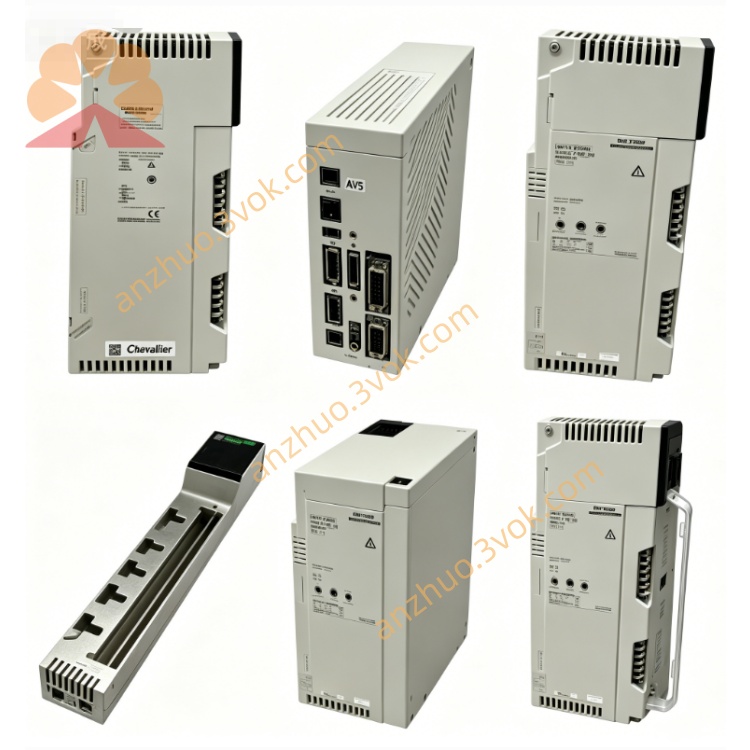
Schneider Electric 170XTS04100 RS485 Bus Terminating Resistor Plug
Description
1. General Description
2. Product Identification
Model: 170XTS04100
Manufacturer: Schneider Electric
Series: Modicon Momentum / Quantum / Premium
Type: RS485/Modbus Plus T‑junction (3×RJ45)
Ports: 3×RJ45 (8P8C, shielded)
Function: Network branching, line splitting, star/daisy‑chain nodes
Cable Compatibility: Shielded twisted pair (STP) for MB+/RS485
Protection Class: IP20 (mated)
Material: UL94 V‑0 flame retardant housing, metal shielded shell
Certifications: CE, UL, CSA, RoHS
Weight: Approx. 0.03 kg
Mounting: Free‑standing or DIN rail (with optional clip)
3. Technical Specifications
Electrical
Protocol: Modbus Plus (1 Mbps), RS485 (half‑duplex, up to 1.2 Mbps)
Contact Rating: 1 A, 50 VDC
Insulation Resistance: ≥ 500 MΩ
Contact Resistance: ≤ 20 mΩ
Shielding: 360° continuous metal shield, common ground path
Mechanical
Insertion Cycles: ≥ 750 (RJ45)
Cable Diameter: 5–8 mm (RJ45 side)
Wire Gauge: 24–26 AWG (twisted pair)
Torque (if applicable): N/A (push‑lock)
Environmental
Operating Temperature: 0 °C to +60 °C
Storage Temperature: −40 °C to +85 °C
Relative Humidity: 5%–80%, non‑condensing
Vibration: 5 g RMS (IEC 60068‑2‑6)
Altitude: Up to 1000 m without derating
4. RJ45 Pinout (Modbus Plus / RS485)
Pin 1–2: Data+ (A)
Pin 3–6: Data− (B)
Pin 4–5: GND
Pin 7–8: Shield (GND)
5. Key Features
Triple‑port T‑junction: 3×RJ45 for easy line splitting/merging
Fully shielded: 360° metal shield reduces EMI/RFI in industrial environments
Plug‑and‑play: No configuration, no power needed
Compact & lightweight: Ideal for tight cabinet spaces
Compatible: Works with 170XTS02200 (RJ45 plugs), 170XTS02300 (earth clamps), 170XTS04200 (terminators)
6. Applications
Creating branch points in Modbus Plus/RS485 daisy‑chain networks
Connecting multiple RJ45 devices (PLCs, HMIs, I/O) to a single trunk cable
Extending networks without re‑wiring
High‑noise industrial environments (EMI/RFI protection)
7. Installation Steps
Power off the entire communication network before installation.
Place the 170XTS04100 in a clean, dry location (free‑standing or DIN rail).
Identify the three ports: IN (main line), OUT 1 (next node), OUT 2 (branch).
Insert the main network RJ45 cable into the IN port.
Insert the next node cable into OUT 1.
Insert the branch cable into OUT 2.
Ensure all RJ45 clicks lock and shields (pins 7–8) are continuous.
Verify shield continuity with a multimeter (all ports shield‑to‑shield ≤ 20 mΩ).
Power on the network and test communication.
8. Maintenance
Inspect RJ45 ports periodically for dirt, corrosion, or bent pins.
Check shield continuity between all three ports.
Avoid excessive cable bending near the connector.
Replace if housing is cracked or contacts are damaged.
9. Safety Instructions
Installation must be performed by qualified personnel.
Disconnect all power before wiring or modifying the network.
Do not expose to liquids, corrosive gases, or conductive dust.
Use only with rated voltage and communication protocols.
10. Troubleshooting
No communication:
Check RJ45 pinout (Data+/Data− alignment).
Verify shield connection (pins 7–8) across all ports.
Reseat connectors; check for bent pins.
Intermittent errors:
Ensure all connections are tight and shields are continuous.
Reduce nearby EMI sources (motors, drives).
Confirm cable length adheres to Modbus Plus limits (max 500 m at 1 Mbps).
Get a Quote