
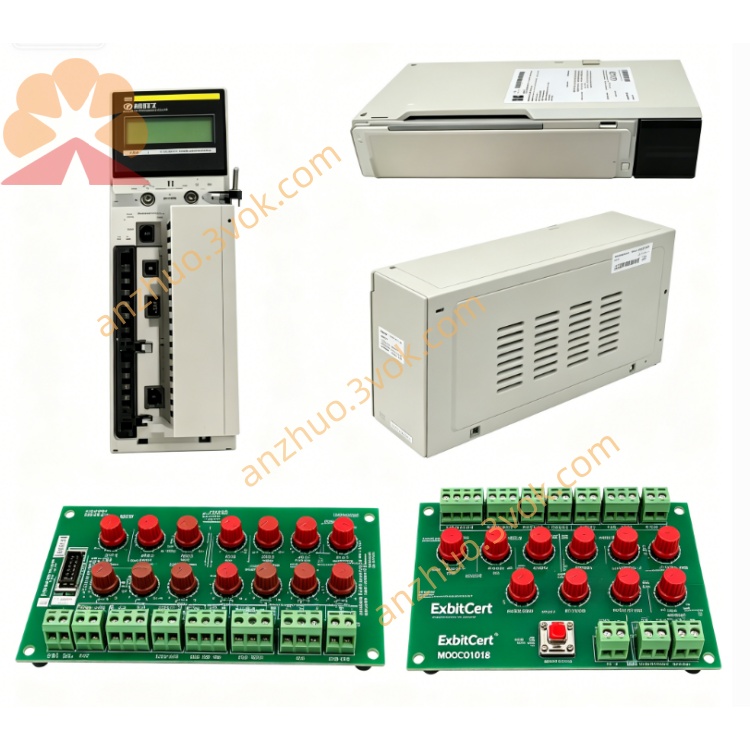
Schneider Electric 170XTS02200 Backplane Extension Cable Connector
Description
1. General Description
2. Product Identification
Model: 170XTS02200
Manufacturer: Schneider Electric
Series: Modicon Momentum / Quantum / Premium
Type: Shielded RJ45 Connector Pack
Function: Field-terminated Modbus Plus/RS485 cable ends
Connector: RJ45 (8P8C), shielded
Quantity: 25 connectors per pack
Cable Compatibility: Modbus Plus/RS485 twisted pair (shielded)
Weight: Approx. 0.03 kg (0.06 lbs)
Certifications: CE, UL, CSA, RoHS
Protection Class: IP20 (mated)
Material: UL94 V-0 flame retardant housing
3. Technical Specifications
Electrical
Termination: Shielded (metal shell connected to cable shield)
Contact Rating: 1 A, 50 VDC
Insulation Resistance: ≥ 500 MΩ
Contact Resistance: ≤ 20 mΩ
Mechanical
Insertion Cycles: ≥ 750
Cable Diameter: 5–8 mm
Wire Gauge: 24–26 AWG (twisted pair)
Environmental
Operating Temperature: 0 °C to +60 °C
Storage Temperature: −40 °C to +85 °C
Relative Humidity: 5%–80%, non-condensing
4. Key Features
25-piece pack: Cost-effective for bulk cable assembly
Fully shielded: Reduces EMI/RFI interference in industrial environments
RJ45 standard: Compatible with 170XTS02000 (T-connector) and 170XTS02100 (terminator)
Field-installable: No special tools required (crimp tool recommended)
Robust design: Industrial-grade for factory floor conditions
5. Applications
Custom-length Modbus Plus network cables
Field termination of RS485 communication lines
Replacement for damaged factory-made RJ45 connectors
Networking Modicon PLCs, I/O modules, and HMIs
6. Installation Steps
Prepare cable: Strip 5 cm of outer jacket; expose twisted pairs and shield.
Trim shield: Fold back shield; trim to 1 cm (avoid shorting to conductors).
Arrange wires: Follow Modbus Plus pinout (1–2: Data+, 3–6: Data−, 4–5: GND).
Insert into connector: Seat wires fully into RJ45 slots; ensure shield contacts metal shell.
Crimp: Use RJ45 crimp tool to secure contacts and strain relief.
Test: Verify continuity and shield integrity with a multimeter.
Connect: Plug into 170XTS02000, 170XTS02100, or PLC RJ45 port.
7. Maintenance
Inspect connectors for dirt, corrosion, or bent pins periodically.
Ensure shield connection remains intact (no loose strands).
Avoid excessive cable bending near the connector.
Replace if housing is cracked or contacts are damaged.
8. Safety Instructions
Installation must be performed by qualified personnel.
Power off the network before assembling or connecting cables.
Do not expose to liquids, corrosive gases, or conductive dust.
Use only with rated voltage and communication protocols.
9. Troubleshooting
No communication:
Check wire pinout (Data+/Data− alignment).
Verify shield is properly connected (no open circuit).
Reseat connector; check for bent pins.
Intermittent errors:
Ensure crimp is secure (no loose wires).
Reduce nearby EMI sources (motors, drives).
Confirm cable length adheres to Modbus Plus limits.
Get a Quote