
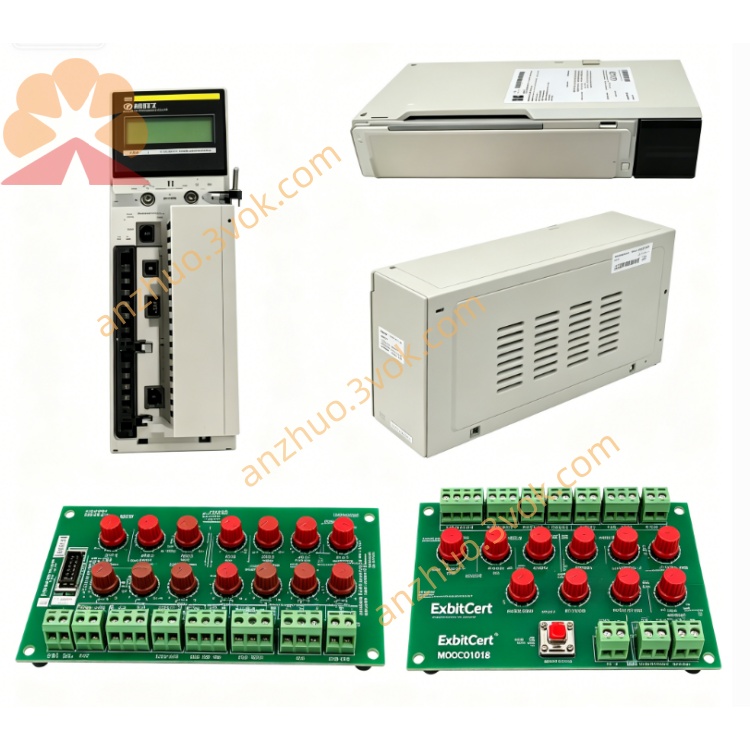
Schneider Electric 170XTS02000 Modbus Plus T-Junction Connector
Description
1. General Description
2. Product Identification
Model: 170XTS02000
Manufacturer: Schneider Electric
Series: Modicon Momentum / Quantum
Type: Modbus Plus T‑connector (RJ45)
Function: Network branching, node drop, termination
Connector Interface: 1 × RJ45 (in), 1 × RJ45 (out), 1 × RJ45 (drop)
Cable Type: Modbus Plus / RS485 twisted pair
Operating Voltage: 5 VDC (bus-powered)
Status: Active (available)
Certifications: CE, UL, CSA, RoHS
Weight: Approx. 0.03 kg
3. Technical Specifications
Communication
Protocol: Modbus Plus, RS485
Data Rate: Up to 1 Mbps (Modbus Plus)
Network Topology: Inline (daisy‑chain) with T‑drop
Termination: Optional internal 120 Ω (enable via switch)
Isolation: Non‑isolated
Electrical
Input Voltage: 5 VDC ±10% (from bus)
Signal Level: RS485 differential
Connector Standard: RJ45 (8P8C)
Environmental
Operating Temperature: 0 °C to +60 °C
Storage Temperature: −40 °C to +85 °C
Relative Humidity: 5%–80%, non‑condensing
Protection Class: IP20
Material: UL94 V‑0 flame retardant housing
4. Key Features
3‑port T‑shape: In / Out / Drop for easy network branching
RJ45 connections: Standard cabling, plug‑and‑play
Integrated termination: 120 Ω resistor (switch selectable)
Compact inline design: Fits in control cabinets
Robust industrial grade: Noise immunity for factory environments
5. Applications
Modbus Plus network branching for Momentum/Quantum PLCs
RS485 communication line tapping for I/O nodes
Inline termination at bus endpoints
Industrial automation control cabinet wiring
6. Installation & Wiring
Power off the Modbus Plus network before installation.
Connect the incoming Modbus Plus cable to the IN RJ45 port.
Connect the outgoing bus cable to the OUT RJ45 port (for daisy‑chain).
Connect the drop cable to the DROP RJ45 port (to PLC or I/O node).
Termination setting:
If this is the last node on the bus: set switch to ON (120 Ω enabled).
If mid‑bus: set switch to OFF.
Secure the connector in a clean, dry location.
Power on the network and verify communication.
7. Maintenance
Inspect RJ45 contacts for dirt or damage periodically.
Keep housing clean and free of moisture.
Check cable strain relief; avoid sharp bends.
Replace if contacts are worn or housing is cracked.
8. Safety Instructions
Install and service only by qualified personnel.
Disconnect power before wiring or modifying the network.
Do not exceed specified voltage and communication ratings.
Avoid exposure to liquids, corrosive gases, or conductive dust.
9. Troubleshooting
No communication:
Check IN/OUT/DROP port assignments.
Verify termination switch setting (ON at bus ends).
Reseat RJ45 cables; check for bent pins.
Intermittent signal:
Ensure cables are properly crimped and secured.
Reduce EMI sources nearby (motors, drives).
Cannot enable termination:
Confirm switch is fully toggled; check internal resistor.
Get a Quote