
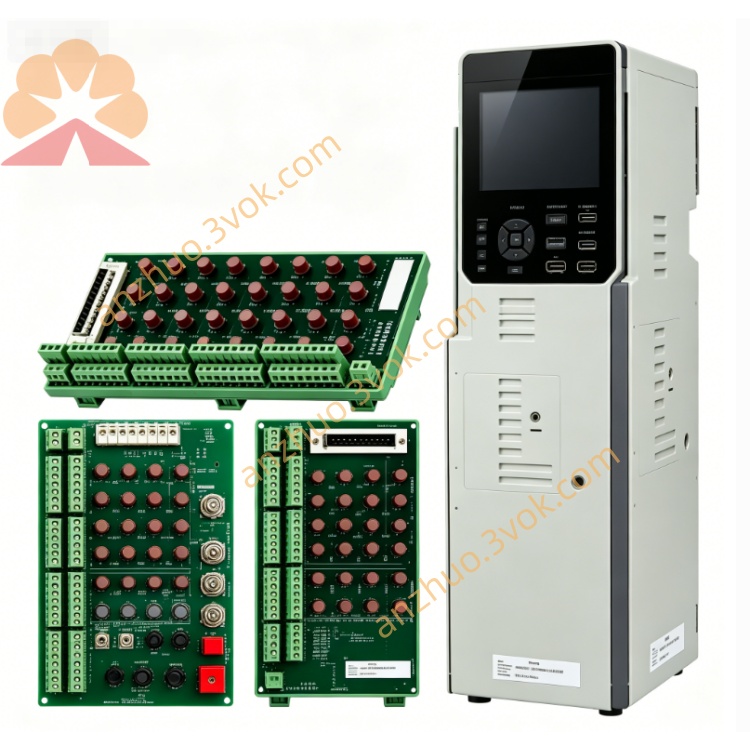
Schneider Electric 170XTS01100 Screw Terminal Strip Kit
Description
1. General Description
2. Product Identification
Model: 170XTS01100
Manufacturer: Schneider Electric Modicon
Series: Modicon Momentum 170 Series
Type: 8-position screw terminal strip
Quantity: 3 pieces per set
Matching Module: 170CPS11100 power supply module
Connection Type: Screw clamp
Color: Grey
Protection Class: IP20 after installation
Status: Discontinued
Certifications: CE, UL, CSA, RoHS, CA Prop 65
3. Technical Specifications
Electrical
Rated Voltage: 300 VAC
Rated Current: 10 A per position
Applicable Wire: 0.5~2.5 mm² copper wire, AWG 20~14
Wire Type: Solid and stranded copper wire
Environmental
Operating Temperature: -25 °C ~ +70 °C
Storage Temperature: -40 °C ~ +85 °C
Relative Humidity: 5%~80%, non-condensing
Vibration Standard: IEC 60068-2-6
Material: UL94 V-0 flame retardant plastic, tin-plated brass contact
4. Key Features
Matches perfectly with Momentum power module
Reliable screw clamping structure, anti-vibration performance
Easy snap-on mounting without extra tools
Clear position marking to avoid wiring mistakes
Suitable for long-term stable industrial power distribution
5. Application
Power and earthing wiring for Momentum power modules
Power distribution inside industrial control cabinet
On-site wiring and maintenance of factory automation equipment
6. Installation Steps
Cut off power supply before operation.
Align and clip terminal strip onto power module slot.
Strip wire insulation properly, insert wire into terminal hole.
Tighten screw firmly to fix the cable.
Pull wire gently to check connection stability.
Complete wiring and mark circuit numbers.
7. Maintenance
Regularly check screw tightness and surface condition
Keep terminals clean and dry without conductive dust
Replace aged or damaged terminal strips timely
8. Safety Instructions
Operation must be carried out by qualified electricians
Disconnect power before wiring and replacement
Do not exceed rated voltage and current parameters
Prevent moisture and foreign debris entering terminals
9. Troubleshooting
Intermittent power supply: Retighten loose terminal screws
Failed wire insertion: Adjust screw opening range, check wire diameter
Assembly failure: Align installation position and remove internal sundries
Get a Quote