
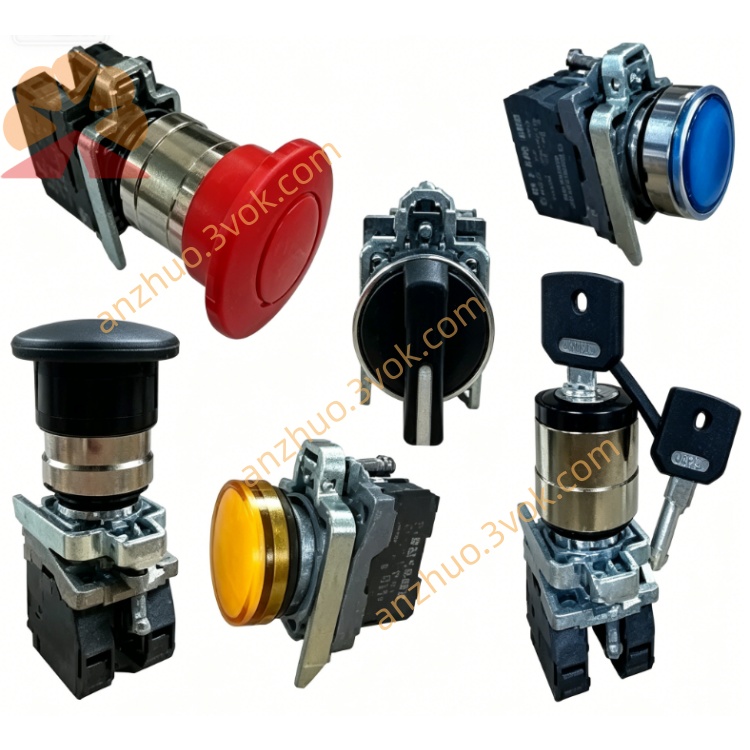
Schneider Electric 170XTS00200 Modicon Momentum Terminal Strip
Description
1. General Description
2. Product Identification
Model Number: 170XTS00200
Manufacturer: Schneider Electric Modicon
Series: Modicon Momentum 170 series
Type: Screw clamp terminal block
Color: Grey
Quantity per set: 4 pieces
Protection Class: IP20 after installation
Status: Active
3. Technical Specifications
Rated voltage: 300 VAC
Rated current: 15 A
Applicable wire: 1×2.5 mm² or 2×1.5 mm² solid copper wire
Wire gauge: AWG14 ~ AWG18
Tightening torque: 0.5 ~ 0.6 N·m
Operating temperature: -25 °C ~ +55 °C
Storage temperature: -30 °C ~ +70 °C
Humidity: 5% ~ 95%, non-condensing
Vibration compliance: IEC 60068-2-6
Certification: CE, UL, CSA, RoHS
Material: Flame retardant plastic UL94 V-0, tin plated brass contact
4. Compatibility
All Momentum digital and analog I/O bases
Matching 170 series input, output and communication modules
Applicable control system: Quantum, Premium, M340
Configuration software: Unity Pro, Concept
5. Key Features
Stable screw clamping, resistant to vibration and loose connection
Supports single and double wire wiring mode
Easy snap-on mounting without extra tools
Clear terminal marking for convenient wiring inspection
Good anti-corrosion and aging resistance
Compact structure, saves cabinet installation space
6. Application
Field wiring of distributed Momentum I/O system
Industrial automation control cabinet wiring
Packaging, metallurgy, chemical and handling equipment
On-site renovation and replacement of old terminal blocks
7. Installation Steps
Cut off power supply of I/O base before operation.
Align terminal block with base slot, press firmly until fully locked.
Strip wire insulation to 6-7 mm length.
Rotate screw anticlockwise to open wiring hole.
Insert copper wire completely into terminal hole.
Tighten screw clockwise up to standard torque.
Pull wire gently to confirm firm connection.
Complete wiring and mark terminal numbers.
8. Maintenance
Regularly check screw tightness and appearance condition.
Keep terminal surface clean, remove dust and conductive impurities.
Retighten loose screws in heavy vibration working environment.
Replace damaged or aged terminal blocks timely.
9. Safety Notes
Operation must be done by qualified electricians.
Disconnect power before wiring and replacement work.
Only use qualified copper wire within specified specification.
Do not exceed rated voltage and current parameter.
Avoid moisture and conductive foreign matters entering terminals.
10. Troubleshooting
Intermittent signal: Retighten screws, check wire fixing status
Wire insertion failure: Fully loosen screw, check wire diameter standard
Terminal assembly failure: Remove sundries, align installation position again
Get a Quote