
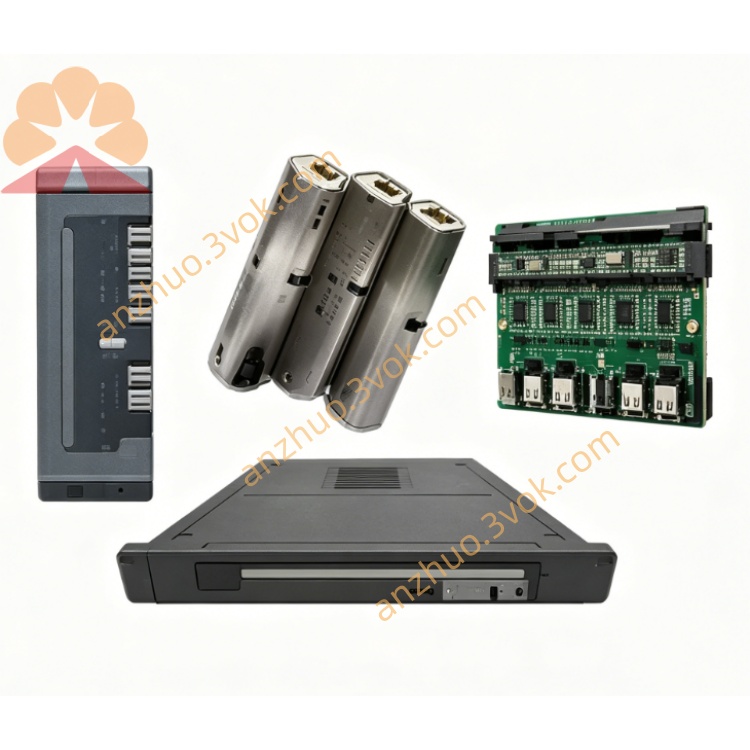
Schneider Electric 170XCP20000 Modicon Momentum Connector Cable
Description
1. General Description
2. Product Identification
Model: 170XCP20000
Manufacturer: Schneider Electric (Modicon)
Product Line: Modicon Momentum (170 Series)
Kit Type: Cable coding parts (coding wheels, pins, fasteners)
Terminal Compatibility: Screw terminals, spring‑clamp terminals
Material: Industrial‑grade plastic and metal
Color: Red coding elements (standard)
Weight: Approx. 0.05 kg
Country of Origin: Germany
UNSPSC: 32151701
Status: Active
3. Kit Contents
Coding wheels (red, for terminal identification)
Coding pins (for keying terminal positions)
Mounting screws
Retaining clips
Installation guide (included)
4. Features
Error‑Proof Coding: Unique mechanical keying prevents incorrect cable‑to‑terminal connection.
Dual Terminal Support: Works with both screw and spring‑clamp terminals.
Color‑Coded: Red coding elements for quick visual identification.
Durable Construction: Industrial plastic resists vibration, temperature, and chemical exposure.
Tool‑Assembled: Simple installation with standard tools; no special equipment required.
Field‑Retrofit: Can be added to existing Momentum I/O bases without modification.
5. Applications
Wiring of Modicon Momentum 170 series I/O modules
Panel building and system integration
Machine and process automation
Projects requiring high wiring accuracy and error prevention
High‑vibration industrial environments
6. Installation Instructions
Prepare Terminals: Ensure the screw or spring terminals on the Momentum I/O base are clean and undamaged.
Select Coding Parts: Choose the appropriate coding wheel and pin combination based on your wiring scheme.
Install Coding Wheel: Snap the red coding wheel onto the terminal housing. Align the wheel’s keyway with the terminal slot.
Insert Coding Pin: Press the coding pin into the designated hole on the wheel until it locks into place.
Secure with Fasteners: Use the provided screw and clip to secure the coding assembly to the terminal block.
Verify Keying: Confirm that the coded cable connector only fits the matched terminal; test for positive locking.
Label: Mark the coding scheme on the panel or documentation for future reference.
7. Compatibility
Compatible I/O Bases: All Modicon Momentum 170 series I/O bases with screw or spring terminals
Compatible Modules: Digital input/output, analog input/output, and communication adapters in the Momentum range
System: Modicon Momentum I/O system, Unity Pro software environment
8. Technical Specifications
Operating Temperature: −20 °C to +60 °C
Storage Temperature: −30 °C to +70 °C
Vibration Resistance: IEC 60068‑2‑6 compliant (5–200 Hz, 1 g)
Protection Class: IP20 (when installed)
Flammability: UL 94 V‑0 rated plastic
9. Safety & Handling
Installation must be performed by qualified electrical personnel.
Disconnect power to the I/O base before installing or modifying coding parts.
Do not use damaged or deformed coding components.
Ensure all parts are securely fastened to prevent loosening under vibration.
Dispose of waste components in accordance with local regulations.
10. Maintenance
Inspect coding components quarterly for wear, cracking, or dislodgement.
Clean parts with a dry cloth; avoid solvents or harsh chemicals.
Replace any damaged coding wheels or pins immediately to maintain error‑proofing.
11. Troubleshooting
Cable Will Not Insert
Check that coding wheel and pin match the terminal keyway.
Verify no debris or bent pins in the terminal housing.
Confirm correct orientation of the coding assembly.
Coding Parts Loosen
Reinstall and tighten fasteners.
Check for excessive vibration; add strain relief to cables.
Replace worn or damaged components.
Get a Quote