
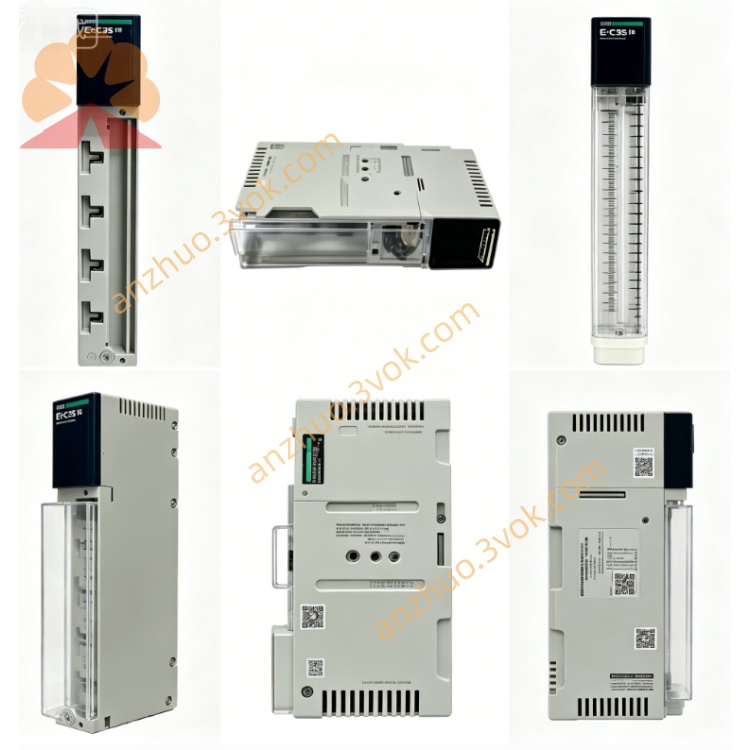
Schneider Electric 170MCI02120 Modbus Plus Communication Cable
Description
1. General Description
2. Product Identification
Model Number: 170MCI02120
Manufacturer: Schneider Electric (Modicon)
Product Line: Modicon Momentum
Protocol: Modbus Plus (MB+) / RS485
Application: IP20 T‑junction, cluster‑mode interconnection
Length: 3 m (9.84 ft)
Connectors: 2 × male RJ45 (shielded, MB+ pinout)
Cable Type: Shielded twisted pair (RS485 differential signaling)
Weight: ~0.16 kg (0.35 lb)
Warranty: 18 months
Country of Origin: France
Status: Active (as of 2026)
3. Electrical & Mechanical Specifications
Interface: RJ45 (shielded, MB+ pinout)
Wiring: Factory‑prewired, no user wiring required
Shielding: 100% foil + braid shield (EMI/RFI immunity)
Conductor: 2 twisted pairs (RS485 differential signaling)
Insulation: Industrial PVC (gray)
Bend Radius: ≥ 8× cable diameter
Operating Temperature: 0 °C to +60 °C
Storage Temperature: -40 °C to +85 °C
Humidity: 5%–80% (non‑condensing)
Altitude: Up to 1,000 m above sea level (no derating)
Protection Class: IP20
Certifications: CE, RoHS, UL, cUL, CSA; California Prop 65 (lead warning)
4. Compatibility
Platforms: Modicon Momentum (170 series), Premium, Quantum
Devices: MB+ communication adapters (e.g., 170MCIxxx), Momentum I/O bases with MB+ ports
Topologies: MB+ network trunk/drop, IP20 T‑junction, cluster‑mode (multi‑adapter linking)
Software: Unity Pro, MB+ Network Configurator
5. Key Features
Plug‑and‑play: Pre‑tested factory assembly
3 m length: Versatile for standard rack and panel layouts
Shielded RJ45: Robust connection for industrial environments
Cluster‑mode ready: Links multiple MB+ adapters in a rack
Hot‑swap compatible: Supports module replacement without network shutdown
MB+ 1 Mbps: Supports full MB+ deterministic communication
6. Applications
Inter‑adapter MB+ links in Momentum racks
IP20 T‑junction connections for MB+ networks
Cluster‑mode I/O and controller communication
High‑speed distributed I/O systems
Factory floor automation and process control
7. Installation
Power off all connected modules.
Align the RJ45 male connector with the MB+ port on the first module.
Insert firmly until the latch clicks (ensures shield contact).
Repeat for the second module’s MB+ port.
Verify both connectors are fully seated and locked.
Power on the system; check MB+ network status in PLC software.
For T‑junction: Connect one end to the trunk port, the other to the drop module.
8. Maintenance
Inspect RJ45 connectors quarterly for wear, dirt, or bent pins.
Keep cable free of heavy mechanical stress, sharp bends, or crushing.
Verify shield integrity; avoid grounding both ends (follow MB+ grounding rules).
Replace cable if shielding is damaged or connectors show corrosion.
9. Safety Notes
Installation/service only by qualified personnel.
Disconnect power before connecting/disconnecting the cable.
For indoor industrial use only; avoid direct sunlight and moisture.
Do not use if cable insulation or connectors are damaged.
Dispose of per local e‑waste regulations.
10. Troubleshooting
No MB+ communication:
Check both RJ45 connectors are fully latched.
Verify MB+ network power and termination (120 Ω at trunk ends).
Confirm module MB+ addresses are unique and configured correctly.
Intermittent communication:
Inspect for loose RJ45 latches or bent pins.
Check for excessive vibration or cable movement.
Verify shield is properly connected at both ends.
Get a Quote