
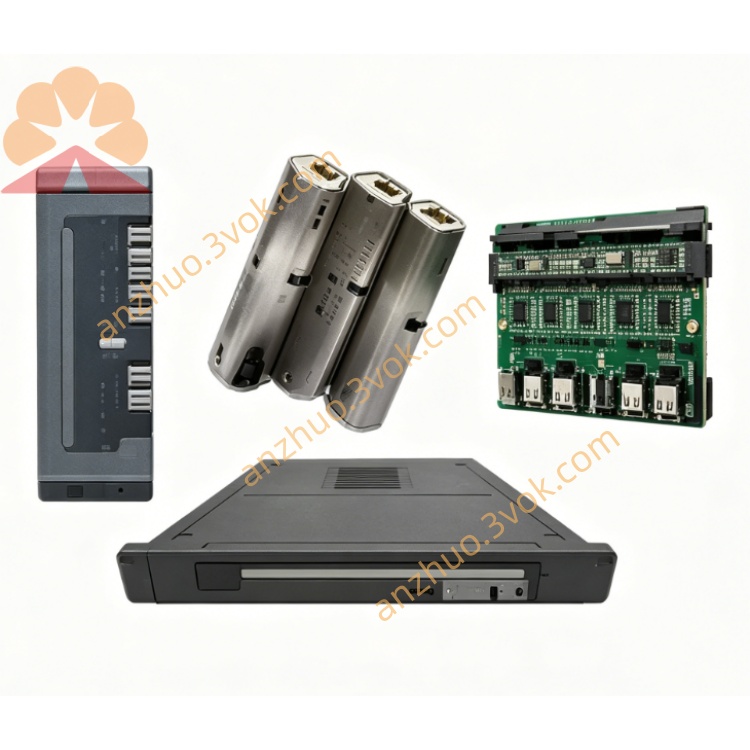
Schneider Electric 170MCI00700 0.11m Interbus Preconnected Cable
Description
1. General Description
2. Product Identification
Model: 170MCI00700
Manufacturer: Schneider Electric
Product Line: Modicon Momentum
Type: Interbus Preconnected Cable
Application: Linking two communication modules
Length: 0.11 m (4.3 in)
Weight: 0.17 kg (0.38 lb)
Connectors: 9-pin small connector (male/female)
Cable Type: Shielded twisted pair (Interbus)
Certification: RoHS compliant
Warranty: 18 months
3. Electrical & Mechanical Specifications
Connection Interface: 9-pin mini DIN-style connector
Wiring: Pre-wired, no user wiring required
Insulation: Industrial-grade PVC
Shielding: 100% coverage foil + braid
Bend Radius: ≥ 8× cable diameter
Operating Temp: 0 °C to +60 °C
Storage Temp: -40 °C to +85 °C
Humidity: 5%–95% (non-condensing)
4. Compatibility
Platforms:
Modicon Momentum (170 series)
Modicon Premium
Modicon Quantum
Devices: Network interface modules, communication adapters
Typical Use: Connecting two adjacent communication modules in a rack
5. Key Features
Preassembled & tested at factory
Plug-and-play installation
Compact length (0.11 m) for tight spaces
Robust industrial shielding for EMI immunity
Secure latching connectors (anti-vibration)
Supports hot-swap of connected modules
6. Applications
Inter-module communication in Momentum/Premium racks
Linking adjacent network interface modules
Distributed I/O systems
Factory floor automation
Machine control panels
7. Installation
Ensure both modules are powered off.
Align the 9-pin connector with the port on the first module.
Insert and push until the latch clicks.
Repeat for the second module.
Verify connectors are fully seated and locked.
Power on the system and check communication status in PLC software.
8. Maintenance
Inspect connectors annually for wear or damage.
Keep cable free of heavy mechanical stress.
Avoid sharp bends and crushing.
Ensure shielding remains intact for EMC performance.
9. Safety Notes
Disconnect power before installation or removal.
For indoor industrial use only.
Do not use if cable or connectors are damaged.
Dispose of according to local e-waste regulations.
10. Troubleshooting
No communication:
Check both connectors are fully latched.
Verify both modules are powered and configured correctly.
Replace cable if damage is visible.
Intermittent connection:
Inspect for loose or bent pins.
Check for excessive vibration causing disengagement.
Get a Quote