
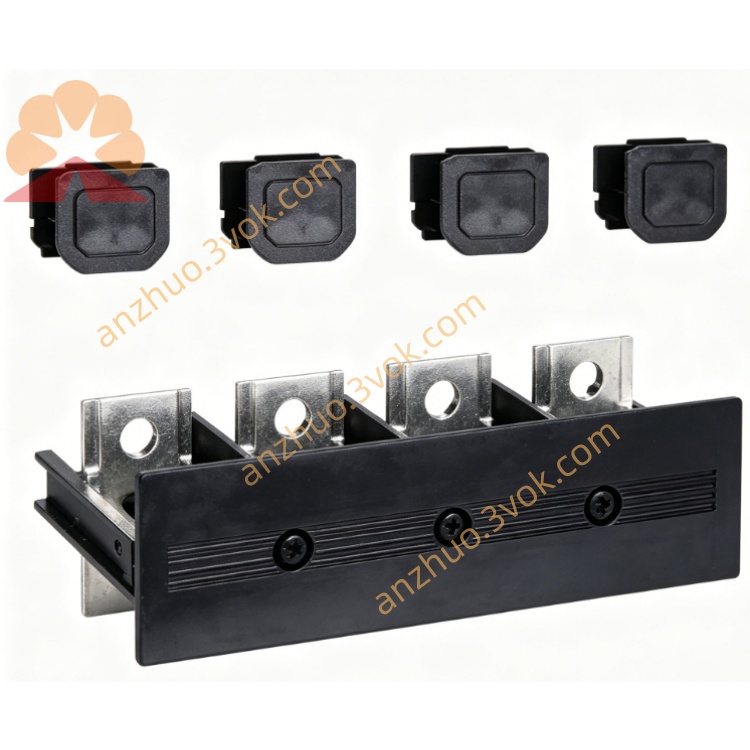
Schneider Electric 170INT12000 Modicon Momentum Interbus Adapter
Description
1. General Description
2. Product Identification
Model Number: 170INT12000
Series: Modicon Momentum
Type: All-fiber Interbus Communication Adapter
Protocol: Interbus
Interface: Dual multi-mode fiber ports
Transmission Medium: Optical fiber
Baud Rate: Fixed 500 kbps
Address Assignment: Automatic identification
LED Indicators: RUN, FLT
Dimensions: 125 × 45 × 100 mm
Weight: 0.10 kg
Protection Class: IP20
Certifications: CE, UL, cUL, CSA, RoHS
3. Communication Specifications
Network Topology: Closed ring
Transmission Speed: 500 kbps fixed
Maximum Network Nodes: 512 stations
Maximum Fiber Transmission Distance: 2000 m
Data Mode: Cyclic real-time data exchange
Error Detection: CRC checksum
Complete galvanic isolation design
4. Electrical Specifications
Power Source: 24 VDC supplied by Momentum backplane
Operating Voltage: 19.2 VDC ~ 28.8 VDC
Typical Current Consumption: 115 mA
Built-in surge and electrostatic protection
Industrial EMC anti-interference capability
5. Environmental Ratings
Operating Temperature: 0 °C ~ +60 °C, non-condensing
Storage Temperature: -40 °C ~ +85 °C
Relative Humidity: 5% ~ 95%, no condensation
Vibration Standard: IEC 60068-2-6
Shock Resistance: IEC 60068-2-27
Max Altitude: 5000 m, performance derating above 2000 m
6. Key Features
All-fiber transmission eliminates electromagnetic interference
Long-distance stable signal transmission
Automatic station address recognition without manual setting
High reliable ring network structure
Easy plug-in installation on Momentum base
Dual LED indicators for rapid fault diagnosis
Fully isolated circuit enhances system safety
No external power required
7. Compatibility
Compatible with all Momentum series I/O bases
Applicable PLC: Quantum, Premium, M340
Configuration Software: Unity Pro, SoMachine
Matching Cable: Multi-mode optical fiber
Installation Slot: Standard Momentum communication slot
8. Application
Long-distance distributed industrial remote I/O control
Strong electromagnetic interference workshop sites
Metallurgy, chemical and heavy industry automation
Cross-region factory production line control
High stability required fieldbus communication system
9. Installation & Operation
Cut off system power before installation
Insert and lock adapter into Momentum communication slot
Connect optical fiber cables to two fiber ports
Complete closed Interbus ring network wiring
Power on and check RUN and FLT LED status
Configure network parameters and verify normal data transmission
10. Maintenance
Inspect fiber connection and LED status every 6 months
Keep module surface clean and dry
Regularly check fiber bending and connector cleanliness
Avoid corrosive gas and severe vibration environment
11. Safety Notes
Operation only conducted by qualified professional electricians
Forbid direct eye observation toward luminous fiber port
Do not damage internal isolation structure
Prevent excessive bending of optical fiber cable
Dispose discarded module following local electronic waste rules
12. Troubleshooting
Fault light alarm: Check fiber disconnection and loose joint
No communication signal: Confirm backplane power supply
Abnormal data: Check fiber pollution and TX/RX connection
Ring network break: Reconnect damaged fiber segment
Get a Quote