
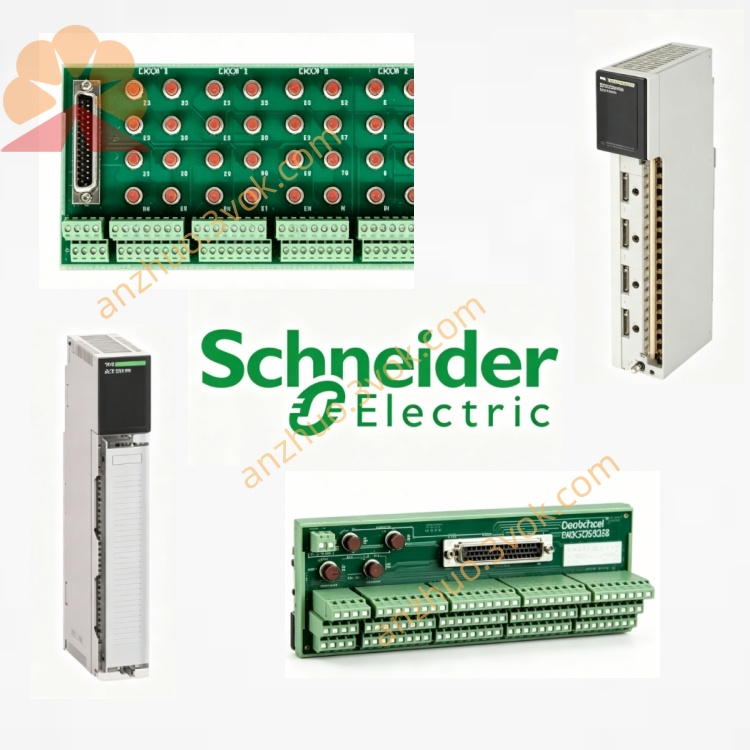
Schneider 140XSM00200 16 Point Discrete Input Simulator
Description
1. General Description
2. Part Number and Identification
Model: 140XSM00200
Product line: Modicon Quantum
Type: Discrete input simulator, 16 switches
Function: Manual simulation of 16 dry‑contact discrete inputs
Net weight: Approximately 150 g (0.33 lb)
Housing material: UL94 V‑0 flame‑retardant plastic
Country of origin: France
Approvals: CE certified
Compatible modules: 140DAI54000, 140DAI74000 (Quantum 16‑point discrete input modules)
3. Electrical Characteristics
Number of simulated inputs: 16 channels
Switch type: Toggle switch, dry contact (no voltage supplied)
Contact rating: Low‑level signal, suitable for PLC input circuits
Isolation: Galvanic isolation between channels
Input voltage range: Compatible with 24 VDC input modules
No internal power supply; powered by the connected input module
4. Mechanical Specifications
Dimensions (H × W × D): 130 mm × 17 mm × 125 mm (5.12 in × 0.67 in × 4.92 in)
Mounting: Quantum standard rack slot; front‑mounted
Connection: Direct plug‑in to the front connector of 140DAI54000 / 140DAI74000
Indicators: No LEDs; status observed via PLC CPU or HMI
Switch access: Front‑panel toggle switches (16) for direct manual operation
5. Environmental Ratings
Operating temperature: 0 °C to +60 °C, non‑condensing
Storage temperature: −25 °C to +85 °C
Humidity: 5 % to 80 % RH, non‑condensing
Maximum altitude: 1,000 m (3,280 ft) above sea level
Shock and vibration: Industrial grade for laboratory and panel use
6. Compatibility
PLC series: Modicon Quantum
Input modules: 140DAI54000 (24 VDC sink/source), 140DAI74000 (120/230 VAC)
Not compatible with analog modules, output modules, or other I/O types
7. Installation and Operation
- Module Preparation
Ensure the target input module (140DAI54000 or 140DAI74000) is installed and powered off.
- Connection
Align the 140XSM00200 with the front connector of the input module.
Push firmly until fully seated; no tools required.
- Simulation Operation
Power on the PLC and input module.
Toggle each of the 16 front‑panel switches ON or OFF to simulate the corresponding input state.
Monitor input status via PLC programming software or HMI.
- Removal
Power off the input module.
Pull the simulator straight out from the front connector.
8. Maintenance
Inspection: Periodically check switch operation and connector pins for dirt or damage.
Cleaning: Wipe the front panel with a dry cloth; do not use liquids or solvents.
Storage: Keep in a dry, clean environment when not in use.
9. Safety Instructions
Use only with compatible Quantum discrete input modules.
Do not connect to live voltage sources; the unit is for dry‑contact simulation only.
Installation and removal should be performed with the input module powered off.
For test use only; not for permanent installation in live process circuits.
10. Warranty
12‑month manufacturer warranty against defects in materials and workmanship.
Get a Quote