
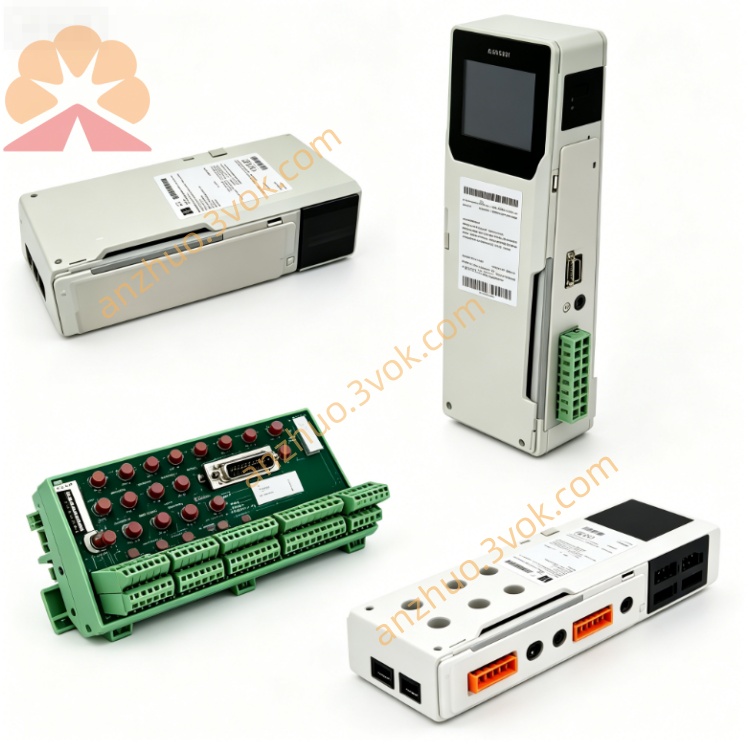
Schneider 140NWM10000 Modbus Network Module
Description
1. Product Overview
2. Main Features
Support Modbus Plus industrial network protocol
Real-time peer communication between PLC nodes
Remote program upload, download and online monitoring
Hot-swappable design
Built-in network diagnostic indicators
Compatible with Quantum series rack system
Support network redundancy and multi-station networking
3. Technical Parameters
Electrical Specs
Operating voltage: 5 V DC backplane power
Backplane current consumption: 450 mA
Power dissipation: 2.25 W
Communication
Network rate: 1 Mbps
Max node quantity: 64 stations per network
Communication distance: 450m maximum with standard cable
Interface: 3-position terminal block for Modbus Plus bus
Environment
Working temperature: 0℃ ~ +60℃
Storage temperature: -40℃ ~ +85℃
Humidity: 5%~95%, non-condensing
Altitude: ≤2000m
Mechanical
Dimension: 40.34×250×103.85 mm
Weight: 0.42 kg
4. LED Indicator Definition
| LED | Color | Status | Description | |
|---|---|---|---|---|
| PWR | Green | On | Module power normalOff | Power loss or module failure |
| NET | Green | Flash | Network data transmissionOff | No network activity |
| FAULT | Red | On | Module or network faultOff | Working normally |
5. Installation & Wiring
Cut off rack power, insert module into standard Quantum slot and lock firmly.
Modbus Plus bus wiring follows daisy-chain topology.
Both ends of the whole network install 120Ω terminal resistor.
Avoid laying communication cable parallel with high-power power cable.
6. Configuration
Use Unity Pro software V7.0 and above.
Add 140NWM10000 module in hardware configuration.
Set Modbus Plus station address, network parameters.
Download configuration to PLC, module auto run after initialization.
7. Operation & Troubleshooting
FAULT light on: Check station address conflict, bus wiring break, terminal resistance missing.
No network communication: Recheck wiring, node address and power status.
Abnormal module: Reinstall module or replace spare part.
8. Safety Notice
Installation and maintenance operated by professional staff only.
Disconnect power before disassembly and wiring.
Keep working environment dry and dust-free.
Get a Quote