
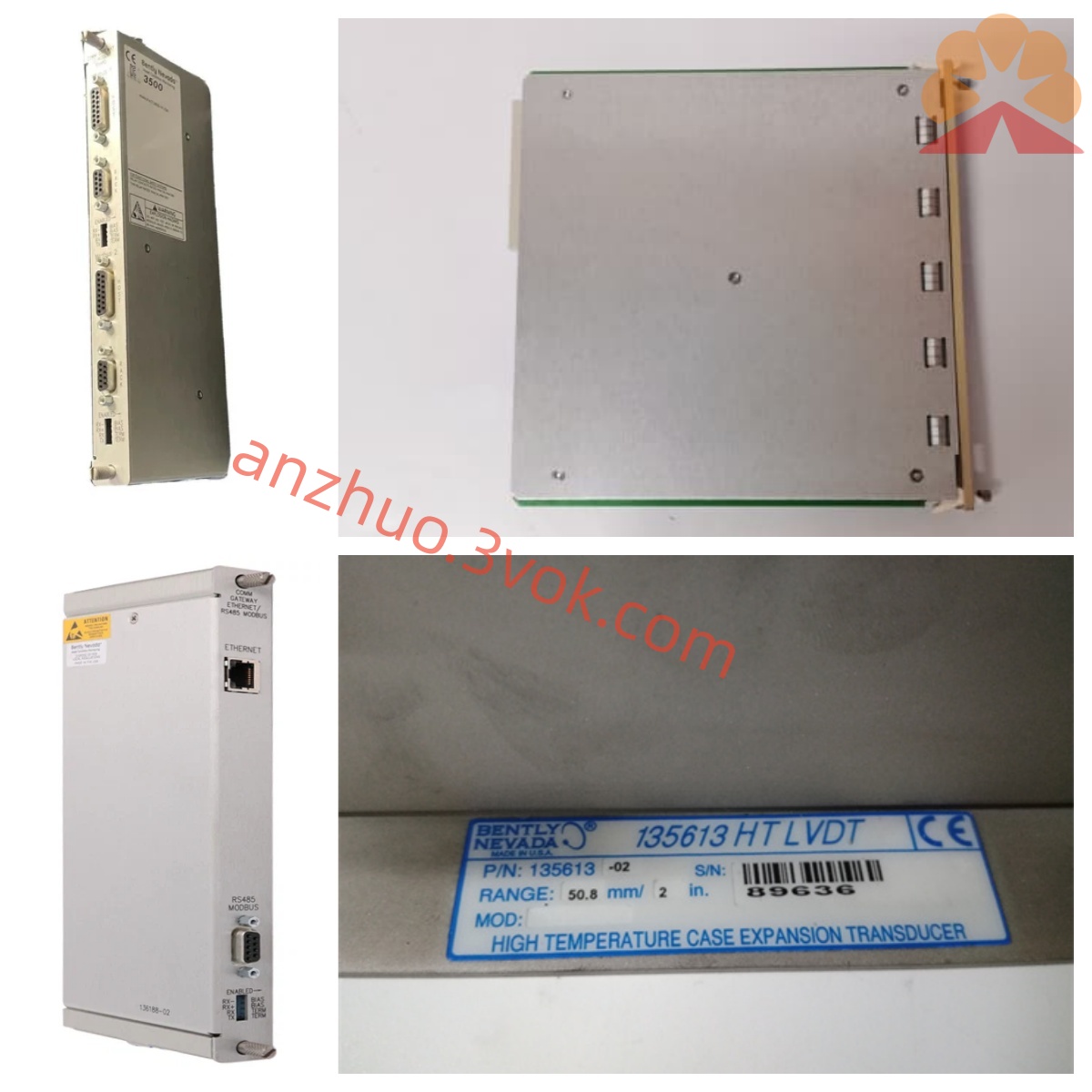
Bentley Nevada 72258-02 Eddy Current Extension Cable
Description
Technical Specifications
Model: 72258-02 (7200 PP-R Prox Output Panel)
Dimensions: Approximately 216mm × 51mm × 64mm (8.5" × 2.0" × 2.5")
Weight: Approximately 0.14kg (4.8 ounces)
Signal Interface: Compatible with 7200 series preamplifiers, standard 3-wire shielded signal interface
Operating Voltage: Powered by the backplane, compatible with -17.5 to -26V DC range
Operating Temperature: 0℃ to 60℃, Storage Temperature: -40℃ to 85℃
Protection Characteristics: Industrial-grade dustproof, shockproof, single-ended grounding design to suppress interference
Installation and Wiring
Insert the module into the corresponding slot of the 7200 series rack, lock it in place to ensure reliable contact of the backplane bus.
Connect the preamplifier signal cable (3-wire shielded) to the Prox interface of the panel, distinguishing Vt (-24V), COM, and OUT terminals.
Connect the output side to the input port of the monitoring card, separate the signal lines from the power cables to avoid interference.
Single-ended grounding of the shield layer (on the rack side), grounding resistance < 1Ω,严禁 multiple-point grounding.
After wiring, check that the terminals are securely fastened and there is no loose connection. Confirm everything is correct before powering on.
Maintenance and Care
Daily: Observe the status of the panel indicator lights to ensure normal signal transmission and no abnormal alarms.
Regularly (3 to 6 months): Tighten the wiring terminals, check that the cables are not damaged, aged, or dusty.
Calibration: Use the TK-3E calibrator to regularly verify the signal transmission accuracy to ensure linearity compliance.
Storage: Place the idle modules in a dry and ventilated environment to avoid moisture, dust, and severe vibrations.
Note: Reduce frequent plugging and unplugging to prevent interface oxidation or poor contact. Fault diagnosis
No signal output: Check if the rack power supply is normal (-17.5 to -26V DC); troubleshoot loose terminal connections, short circuits between core wires and shielding; confirm that the preamplifier and module are compatible.
Signal fluctuation / jump: Check for oxidation / oil contamination at the connectors, clean and re-tighten; verify if grounding is standard (single-ended grounding); keep away from strong interference sources such as frequency converters and motors.
Output abnormality: Verify if the module model is compatible with the system; check the contact of the backplane bus; replace the same model module to test for hardware damage.
False alarm: Calibrate the signal threshold; check for damaged cable shielding; troubleshoot if the gap between the probe installation exceeds the limit.
Get a Quote