
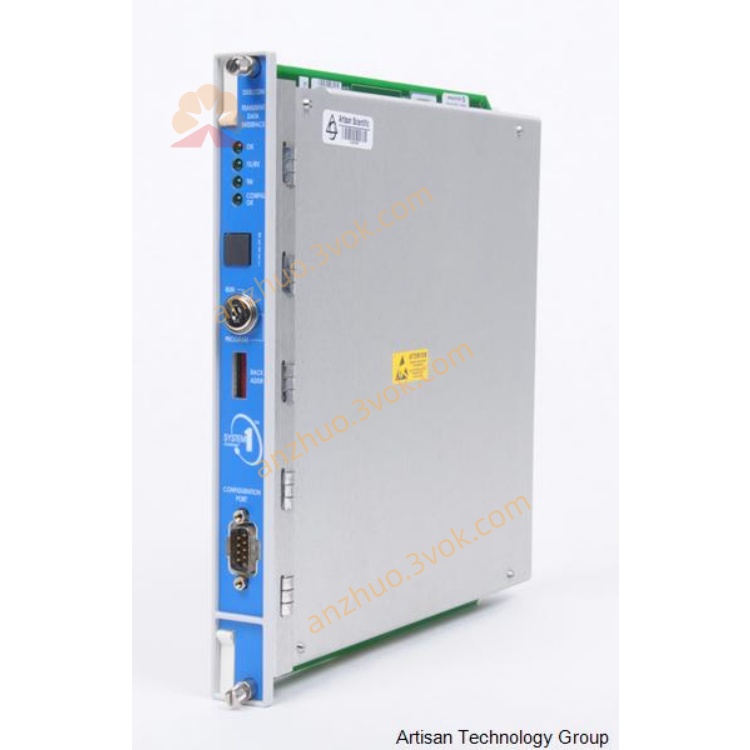
Bently Nevada 3500/22M Transient Data Interface Monitor Module
Description
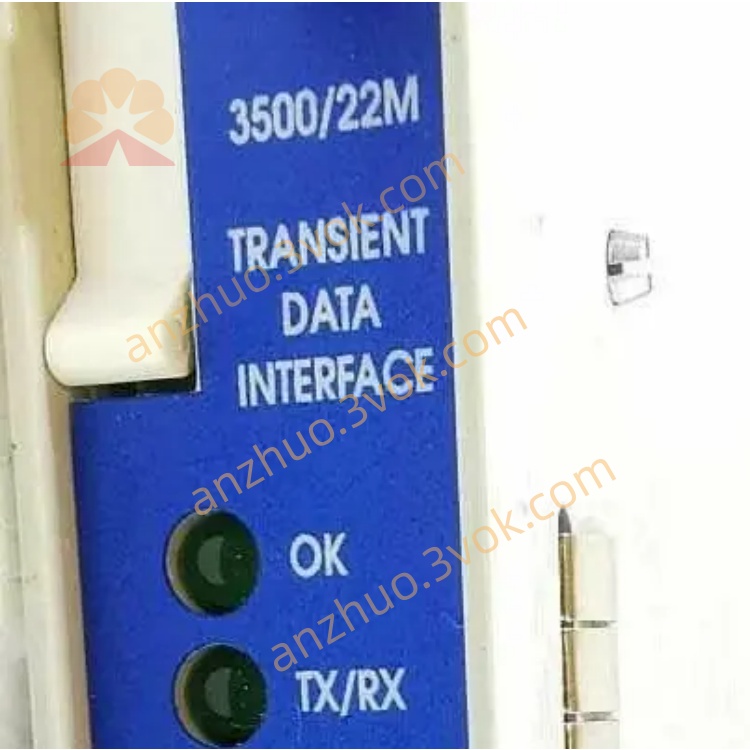
3500/22M (Bently Transient Data Interface Module TDI)
Model: 3500/22M (Common Spare Part Number: 288055-01)
Brand: Bently Nevada
Series: 3500 Mechanical Protection System (Core Communication and Data Acquisition Gateway)
Position: Full-height Transient Data Interface (TDI), integrates the original 3500/20 (RIM Rack Interface) and TDXnet (Communication Processor) functions, responsible for the full system configuration of the 3500 rack, steady-state / transient data acquisition, Ethernet communication, connecting System 1 software and the 3500 rack.
I. Basic Parameters
1. Electrical and Power Consumption
Power Supply: Powered by the 3500 rack backplane (+5 VDC)
Power Consumption: 10.5 W (typical)
Insulation: Communication interface isolated from the system, anti-interference
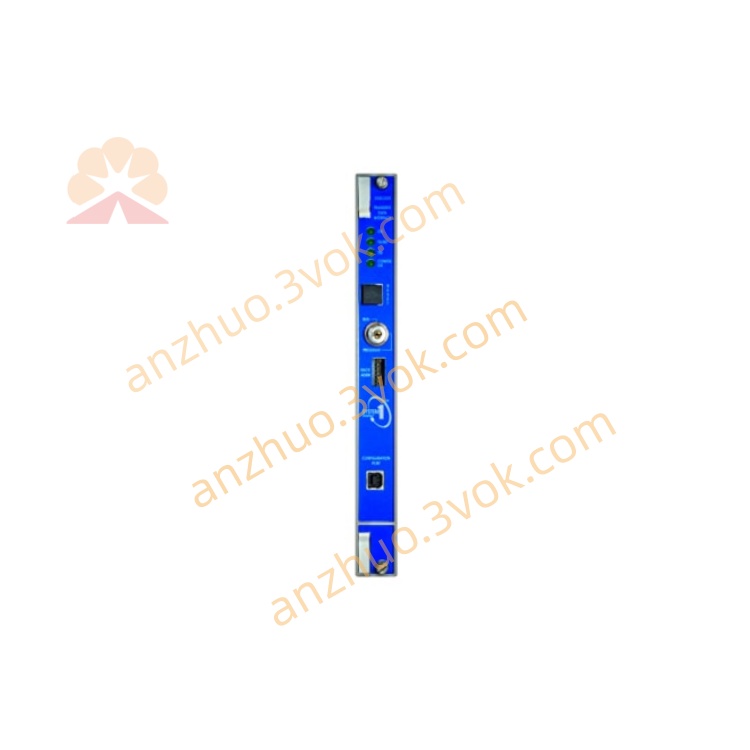
2. Communication Interface (Panel)
Ethernet: 10/100 Base-TX (RJ45), connects to System 1 / configuration software
USB-B: Local configuration / firmware upgrade
RS-232: Serial port (backup)
3. Environmental and Mechanical
Operating Temperature: -30 °C ~ +65 °C
Storage Temperature: -40 °C ~ +85 °C
Relative Humidity: 5%–95% (no condensation)
Size (Height × Width × Depth): 241.3 × 48.8 × 241.8 mm (full-height card)
Weight: Approximately 1.1 kg
Installation: On the first full-height slot on the right side of the 3500 rack power supply (slot 2)
4. Status Indicators (Panel)
OK (Green): Module operating normally
TX/RX (Yellow): Ethernet data transmission/reception
TM (Yellow): Trigger for transient data acquisition
CONFIG OK (Green): Configuration valid
RELAY OK: Module normal relay (dry contact)
II. Core Functions
System Gateway (Required): The only configuration and data output for the 3500 rack. All monitoring cards (3500/40M/42M, etc.) data is uploaded to System 1 through this, and configuration can be issued.
Dual-mode Data Acquisition:
Steady-state Data: Vibration / Displacement / Temperature / Rotational Speed Real-time Values, Alarm Status, Peak / RMS Value
Transient Data: High-speed Waveform (up to 256 kHz), Spectrum, Startup / Shutdown Process Data, used for Fault Diagnosis (such as rotor imbalance, rubbing, oil film oscillation)
Rack Management: Identifies all modules within the rack, version, status; Supports remote configuration / firmware upgrade / fault diagnosis.
Time Synchronization: NTP or GPS Timing, ensures consistent timestamp for all rack data.
Redundancy Support: Single module operation, no redundancy; Requires high reliability, can be equipped with dual racks.
III. Installation and Wiring
1. Installation Location
Must be installed in slot 2 of the 3500 rack (the first full-height slot on the right side of the power supply).
A single rack only requires 1 3500/22M, cannot be overinstalled.
2. Panel Interface Wiring
Ethernet (RJ45): Connect to the switch → System 1 server / configuration PC; It is recommended to use shielded twisted-pair cable, single-ended grounding.
USB-B: Temporarily connect to the PC, used for local configuration / firmware upgrade (not used daily).
RELAY OK (Dry Contact): Connect to DCS/PLC, closed when the module is normal, open when there is a fault (24 VDC/5 A).
IV. Configuration Steps (Quick)
Hardware Installation: Power off, insert slot 2, tighten the fixing screws; Power on the rack, OK light remains on.
Network Settings:
Default IP: 192.168.1.100
PC IP in the same network segment (such as 192.168.1.101), direct connection or through switch.
Software Connection: Open 3500 System Configuration Software, search the rack, connect 3500/22M.
System Configuration:
Define parameters, channels, alarm thresholds for all monitoring cards (such as 3500/42M) within the rack.
Configure Transient Acquisition: Trigger Source, Sampling Rate, Record Length.
Download and Take Effect: Configuration downloaded to the rack, takes effect after automatic restart. System 1 connection: Add 3500 rack IP, display real-time data, waveforms, spectra, generate reports / alarms.
V. Common Faults and Maintenance
OK light off / red flashing:
Poor contact: Pull out and reinsert, clean the gold fingers.
Configuration error: Reapply the correct configuration.
Hardware damage: Replace the module.
Ethernet不通:
Network cable / port broken: Replace the cable, change the switch port.
IP conflict: Modify 3500/22M or PC IP.
Firewall interception: Disable the PC firewall or allow the port.
No transient data: Configuration not enabled, trigger source error, sampling rate too low → Check the configuration.
Regular maintenance: Check the panel indicator lights and network cable connections every quarter; modules are maintenance-free, faults are directly replaced with spare parts.
Get a Quote