
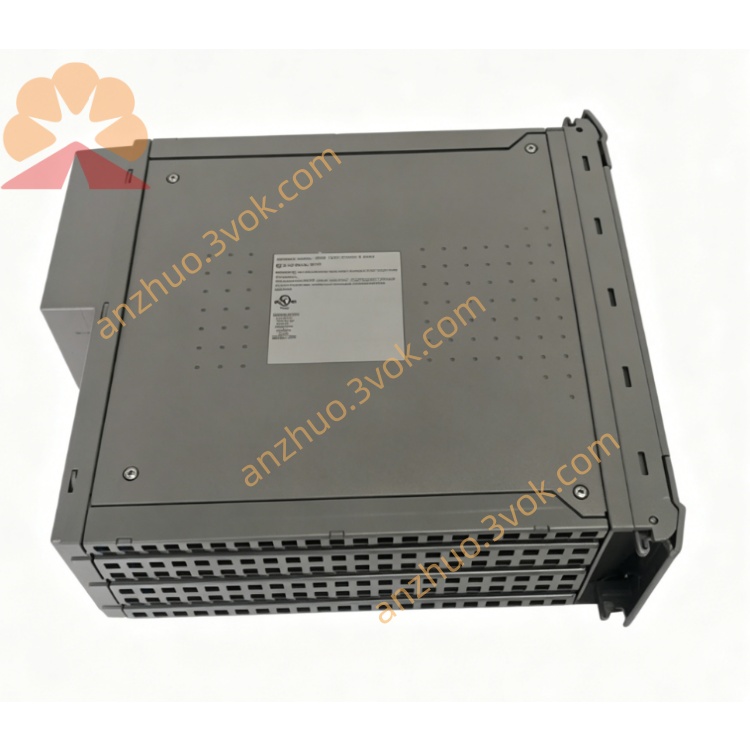
ICS Triplex T8170C Trusted Communication Interface Module for SIL3 TMR SIS System
Description
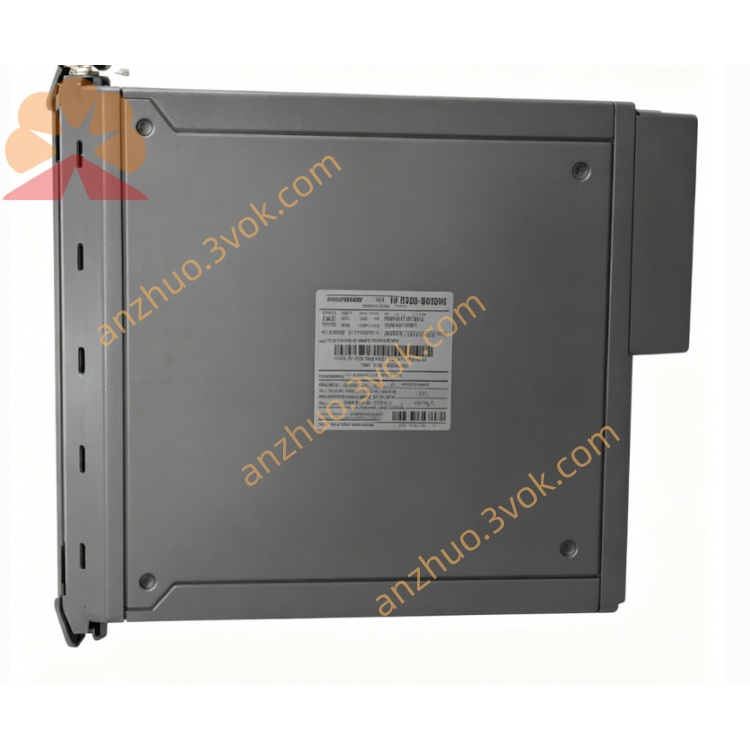
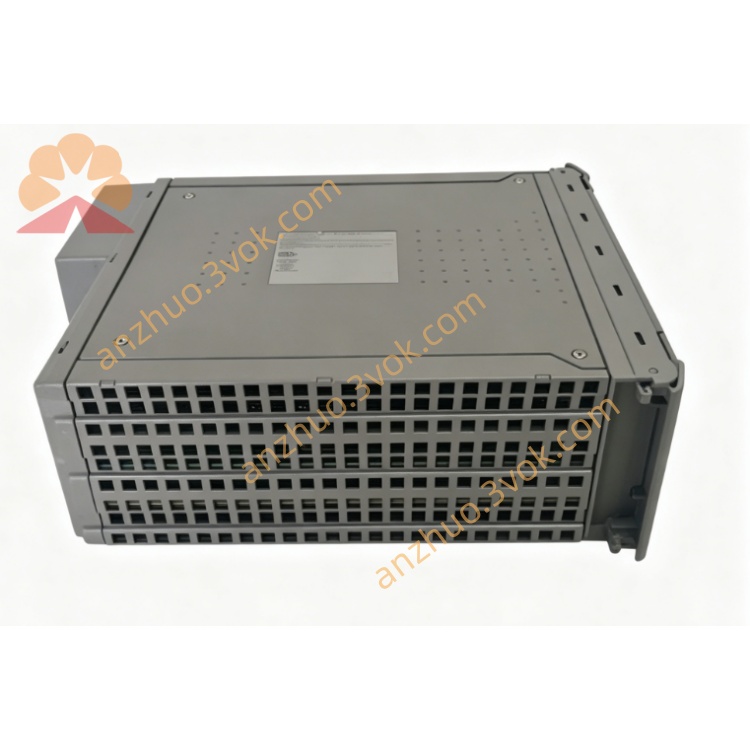
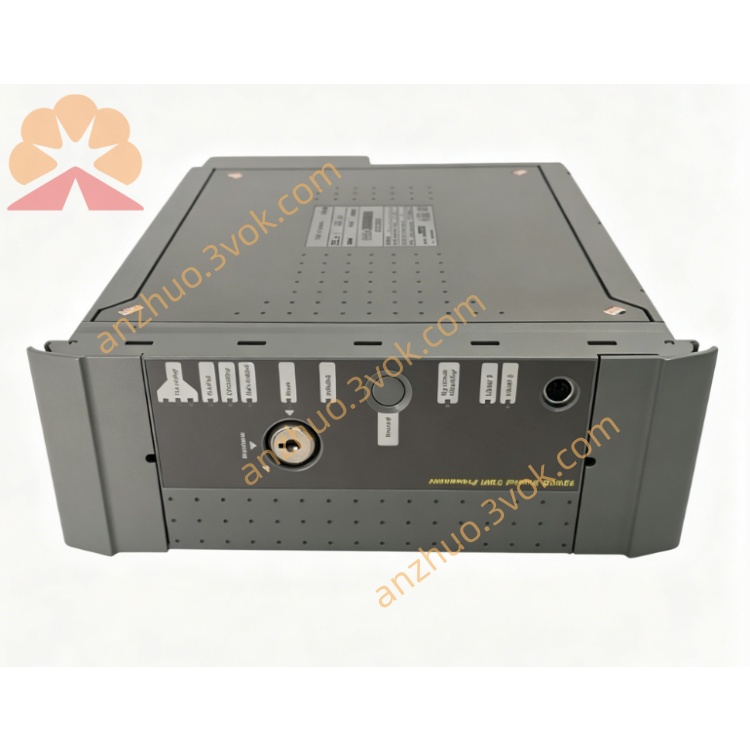
IMB Interface: Connects to the Inter-Module Bus (IMB) via the T8151 Communications Interface using 100BASE-T Ethernet.
Ports:
2× 10/100 BASE-T Ethernet (one for IMB, one for client networks).
1× RS-232 Serial.
OS: Licensed Microsoft Windows XP Professional.
Mounting: Single slot in Trusted™ Controller/Expander Chassis; redundant power from backplane.
Adapter: Requires T8173 Gateway Adaptor (rear connections, keyboard/mouse/video support).
Primary Use Case
Hosts the Trusted™ OPC Server (Data Access V1.0/V2.0, Alarms & Events V1.0).
Allows OPC clients to access system status and send commands over Ethernet.
2. Features
Operating System: Windows XP Professional.
Ethernet: Two 10/100 Mbps ports (1× IMB, 1× client LAN).
Serial: RS-232 port for legacy devices.
Storage: 12 GB hard disk.
Software: Optional OPC Server; configured via Windows XP Remote Desktop.
Environmental:
Temperature: -20°C to +60°C.
Power: Max 15 W, redundant backplane feed.
3. Installation
3.1 Module Placement
Insert into any vacant slot in a Trusted™ chassis (controller or expander).
Secure with chassis locking mechanism.
3.2 Connections (via T8173 Adaptor)
IMB Ethernet: Port 1 → T8151 (100BASE-T).
Client Ethernet: Port 2 → LAN (10/100BASE-T).
Serial: RS-232 to modem/terminal.
Peripherals: PS/2 keyboard/mouse, VGA video (via T8173).
4. Configuration
4.1 Network Setup (Windows XP)
Connect a Windows XP PC to the T8170’s client Ethernet port.
Use Remote Desktop to access the T8170 (default: enabled).
Configure:
IP Address: Static (e.g., 192.168.1.100).
Subnet Mask: 255.255.255.0.
Gateway: As per LAN topology.
4.2 OPC Server Installation
Install Trusted™ OPC Server via Remote Desktop.
Configure OPC tags to map to Trusted™ controller variables.
Enable Data Access and Alarms & Events services.
5. Operation
5.1 Front Panel LEDs
PWR: Power (solid = OK, flashing = fault).
IMB: IMB Ethernet activity (flashing = traffic).
LAN: Client Ethernet activity.
SYS: System status (solid = healthy, flashing = error).
5.2 OPC Client Access
Connect OPC clients (e.g., SCADA, HMI) to T8170’s LAN IP.
Browse OPC tags; read/write controller data.
6. Fault Finding & Maintenance
6.1 Common Issues
No Power: Check chassis redundant power supply.
IMB Link Down: Verify T8151 connection; use T8173 adaptor.
OPC Connection Failed: Check Windows firewall; verify OPC server config.
6.2 Backup
Regularly back up Windows XP system and OPC configuration via Remote Desktop.
7. Specifications
| Parameter | Value |
|---|---|
| Model | T8170 |
| OS | Windows XP Professional |
| Ethernet | 2× 10/100 BASE-T |
| Serial | RS-232 |
| Storage | 12 GB HDD |
| Power | 24 V DC, 15 W max |
| Temperature | -20°C to +60°C |
| Dimensions | 80 × 80 × 25 mm |
8. Safety Notes
Install in a controlled environment (avoid dust, moisture, extreme temps).
Disconnect power before installation/removal.
Use only T8173 Gateway Adaptor.
Get a Quote