
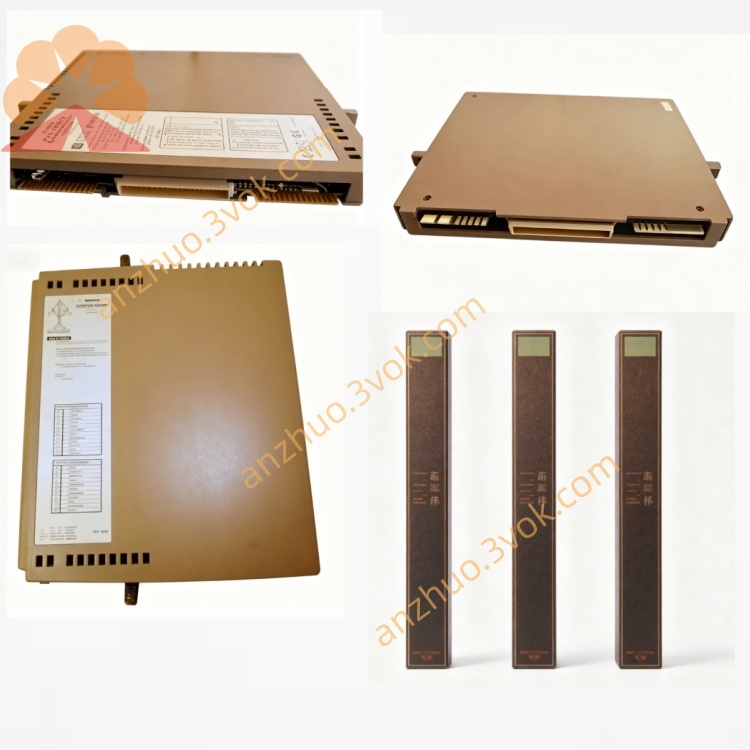
ICS Triplex T3404 TMR Main Processor Module for SIL3 Safety Instrumented SIS System
Description
2. Features
2-wire, non-polarized bus: Simplifies wiring and reduces installation errors.
LCD full Chinese display: Clear and intuitive information presentation.
Synchronized audible and visual alarm: Aligns with the control panel’s alarm status.
Four operation keys: Silence, Page Up, Page Down, Query; supports remote silence via the fire alarm control panel.
Electronic addressing: Addresses can be set via an encoder.
3. Technical Specifications
Operating Voltage: 24 VDC (pulse), allowable range 15 V to 28 V.
Standby Current: ≤ 7 mA.
Alarm Current: ≤ 10 mA.
Addressing Mode: Electronic coding.
Display Capacity: Up to 1024 alarm events.
Communication Distance: < 1500 meters.
Max Devices per Loop: 10 panels.
Operating Environment: Temperature -10°C to 55°C, relative humidity ≤ 95% (non-condensing).
4. Installation and Wiring
Mounting: Surface-mounted on a standard wall or electrical box.
Wiring: Connect terminals Z1 and Z2 to the loop bus (non-polarized).
Address Setting: Use a dedicated encoder to set the panel address before operation.
5. Operation Instructions
Normal Status: The LCD shows standby information with the power indicator on.
Fire Alarm: The panel displays the alarm location and details, triggers a buzzer, and flashes the alarm indicator.
Key Functions:
Silence: Stops the local alarm buzzer.
Page Up/Page Down: Scrolls through multiple alarm events.
Query: Checks historical alarm records.
6. Maintenance
Regularly check the power and communication status.
Keep the LCD screen clean and free of dust.
Test the panel annually in accordance with fire safety regulations.
Get a Quote