
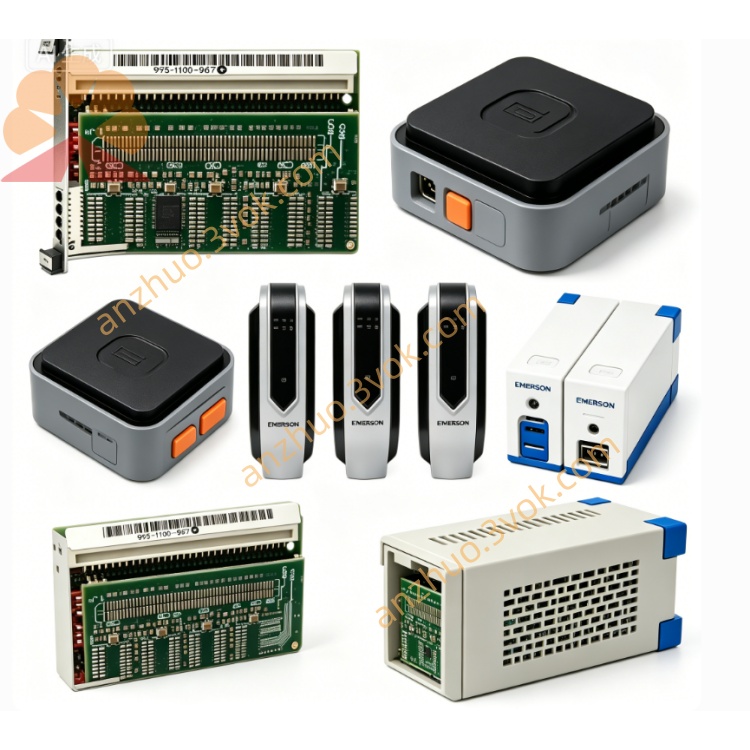
Emerson 405A401G01 Ovation DCS I/O Control Circuit Board
Description
Technical Specifications
Model: 405A401G01
Manufacturer: Emerson (Westinghouse)
System Compatibility: Ovation™ DCS (all mainstream versions)
Function: Industrial network interface / media attachment unit
Communication Standard: FDDI (Fiber Distributed Data Interface), 100 Mbps redundant dual‑ring
Port Configuration: 2 × fiber ports (for redundant ring), 1 × DCS system bus interface
Data Rate: 100 Mbps (wire‑speed)
Power Supply: 24 VDC ±10% (18–30 VDC), dual redundant inputs
Power Consumption: ≤ 15 W
Operating Temperature: 0 °C to +60 °C
Storage Temperature: −40 °C to +85 °C
Relative Humidity: 5%–95%, non‑condensing
Protection: Industrial surge, ESD, EMI shielding; channel‑to‑ground isolation
Installation: Standard 35 mm DIN rail mount
Dimensions: ~120 × 80 × 45 mm
Weight: ~0.8 kg
Certifications: CE, UL, RoHS compliant
Key Features: Hot‑swappable, redundant FDDI ring support, automatic fault recovery, LED diagnostics
Application Fields
Power Generation: Ovation DCS core FDDI ring network, controller‑to‑controller communication, redundant data links for power plant control systems.
Process Industries: Petrochemical, pulp & paper, cement — high‑speed, redundant networking between control rooms and remote I/O sites.
Water Treatment: SCADA system backbone, real‑time data transmission for water/wastewater process control.
Critical Infrastructure: Any application requiring deterministic, fault‑tolerant industrial network communication.
Installation & Wiring
Pre‑Installation: Disconnect 24 VDC power; ensure DIN rail is properly grounded.
Mounting: Snap module onto a standard 35 mm DIN rail and lock in place.
Power: Connect 24 VDC to PWR1/PWR2 terminals; dual‑redundant power recommended for reliability.
Fiber Connection: Connect FDDI fiber cables to the two fiber ports (primary/secondary ring).
System Bus: Connect the module’s system bus interface to the Ovation controller or I/O base unit.
Grounding: Connect chassis ground to system earth for ESD/EMI protection.
Operation & Diagnostics
Power LEDs: PWR1/PWR2 (green) = power supply normal.
Fault LED: FAULT (red) = power failure, fiber link error, ring break, or hardware fault.
Fiber Port LEDs: LINK/ACT (yellow) = link established; flashes during data transfer.
Management: Configure and monitor via Ovation workstation tools or local diagnostic interface.
Maintenance & Safety
Maintenance: Inspect fiber connections and power terminals periodically; update firmware for optimal performance.
Safety: Disconnect all power before servicing; use only certified fiber cables and transceivers.
Operating Limits: Keep within rated temperature/humidity ranges to avoid damage.
Product Status
Current Status: Active production; new original and refurbished spares available.
Compatibility: Fully interoperable with all modern Ovation DCS releases.
Get a Quote