
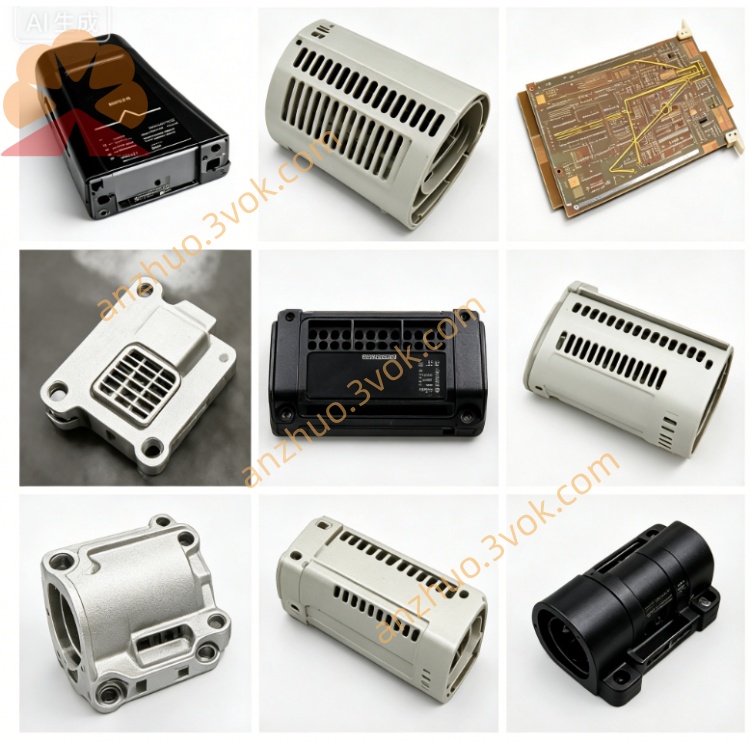
Emerson 405A357H11 Ovation DCS I/O Circuit Board
Description
The 405A318G01 is an Industrial Ethernet Switch Module manufactured by Emerson (Westinghouse) for Ovation™ DCS and industrial automation networks. It provides reliable, high-speed network connectivity for critical process control systems, supporting both copper and fiber optic interfaces for flexible network deployment.
2. Technical Specifications
Ports: 8 × 10/100 Mbps Ethernet (RJ45), 2 × SFP fiber slots
Standards: IEEE 802.3, 802.3u, 802.3x, 802.1Q (VLAN)
Data Rate: 10/100 Mbps auto-negotiation (copper); 100 Mbps (fiber)
Switching Capacity: 3.6 Gbps
Packet Forwarding Rate: 2.68 Mpps
Power Supply: 24 VDC ±10% (redundant input)
Max Power Consumption: ≤15 W
Operating Temperature: 0 °C to +60 °C
Storage Temperature: −40 °C to +85 °C
Relative Humidity: 5%–95%, non-condensing
Key Features: Managed L2 switching; VLAN/QoS/IGMP snooping; hot-swappable; industrial-grade surge protection
LED Indicators: PWR (Green), FAULT (Red), LINK/ACT (Yellow per port)
Physical: DIN-rail mount; approx. 120 × 85 × 45 mm, 0.8 kg
3. Application Fields
Power Generation: Ovation DCS network backbone, controller/I/O module interconnection.
Petrochemical: Remote I/O networking, control room-to-field communication.
Water Treatment: SCADA system Ethernet connectivity, sensor/actuator data networking.
General Process Industries: Metallurgy, pulp & paper, cement—industrial network segmentation and redundancy.
4. Installation & Wiring
Pre-installation: Verify 24 VDC power is disconnected; ensure DIN-rail is properly grounded.
Mounting: Snap module onto standard DIN-rail (35 mm); secure with locking tab.
Power Connection: Connect 24 VDC to PWR1/PWR2 terminals (redundant recommended).
Ethernet Wiring:
Connect copper cables to RJ45 ports (1–8) for 10/100 Mbps links.
Insert SFP transceivers into fiber slots; connect fiber cables for long-distance links.
Grounding: Connect chassis ground to system earth for EMC protection.
5. Operation & Diagnostics
Power-on: Green PWR LED solid when power is applied.
Port Status: Yellow LINK/ACT LED = link active; blinking = data transmission.
Fault Indication: Red FAULT LED = power failure, port error, or configuration fault.
Management: Access via web interface, CLI, or Ovation workstation for configuration and monitoring.
6. Maintenance & Safety
Preventive Maintenance: Inspect cable connections quarterly; update firmware annually.
Safety:
Disconnect all power before servicing.
Use only certified SFP transceivers and Ethernet cables.
Operate within specified temperature/humidity limits.
Ensure proper grounding to avoid electrical damage.
7. Product Status
Lifecycle: Active (current production); Emerson factory-certified spares availableEmerson.
Compatibility: Fully compatible with Ovation DCS (v3.5+), WDPF, and standard industrial Ethernet devices.
Certifications: CE, UL, cUL, RoHS compliant.
Get a Quote