
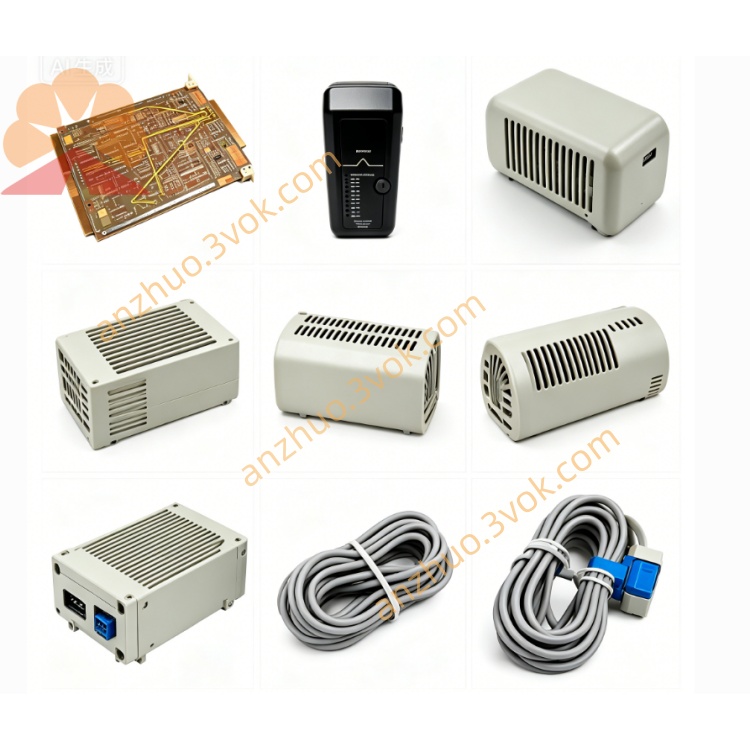
Emerson 3D04061G01 Ovation DCS Signal Circuit Board
Description
Detailed Specifications
Manufacturer: Emerson (formerly Westinghouse)
Model: 3D04061G01
Sub‑Revision: 04
Compatible System: Ovation™ DCS (all versions)
Type: Industrial Operator Keyboard (HMI)
Keys: Industrial‑grade, tactile keys (function, numeric, navigation, control)
Interface: Dedicated Ovation bus / serial link to Ovation workstation
Enclosure: Rugged metal/plastic, industrial‑grade
Operating Temperature: 0 °C to +50 °C
Storage Temperature: −20 °C to +70 °C
Power: 5 VDC ±5% (from Ovation workstation)
Consumption: <5 W
Protection: ESD, surge, dust, spill‑resistant
Mounting: Panel‑mount or desktop
Weight: Approx. 1.8 kg
Certifications: CE, UL, CSA
Key Features
Ovation‑native design: Seamless integration with Ovation DCS workstations and software.
Industrial durability: Rugged construction for 24/7 operation in harsh control rooms.
Specialized key layout: Dedicated keys for process control, alarm acknowledgment, and system navigation.
Plug‑and‑play: Easy installation and connection to Ovation workstations.
Reliable input: High‑quality keys for long‑term, repeated use.
Sub‑revision 04: Updated firmware/hardware for improved compatibility and performance.
Applications
Power Generation: Boiler/turbine control rooms, plant monitoring, alarm handling.
Water/Wastewater: Treatment plant operation, pump station control, SCADA monitoring.
Heavy Industry: Petrochemical, refining, pulp/paper process control rooms.
Legacy Ovation Systems: Replacement or upgrade for older operator keyboardsEmerson.
Installation & Connection
Mounting: Secure keyboard to control room panel or desktop.
Connection: Plug dedicated cable into Ovation workstation’s keyboard port.
Configuration: Automatically recognized by Ovation software; no additional drivers needed.
Verification: Power on workstation; confirm keyboard LEDs and input functionality.
Troubleshooting
No Response: Check cable connection; verify workstation power and port functionality.
Key Errors: Clean keyboard; inspect for stuck keys or physical damage.
Communication Fault: Restart Ovation workstation; check for firmware compatibility.
Related Part Numbers
3D04061G01 Sub 01/02/03: Earlier revisions of the same keyboard
Ovation Workstations: Compatible HMI terminals for system integration
Get a Quote