
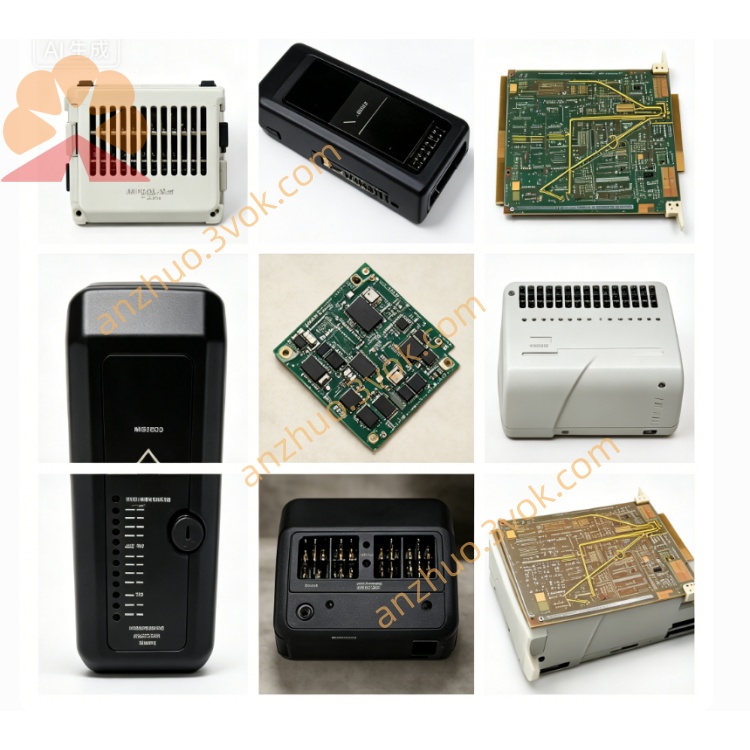
EMERSON 3233200T01 Ovation DCS Circuit Board
Description
1. Product Overview
2. Core Features
Multi-layer industrial-grade PCB layout, onboard main CPU, system RAM, firmware flash storage, backplane bus transceiver and communication interface circuits.
Support 1:1 redundant hot backup: two 3233200T01 mainboards work as primary/standby pair; bumpless automatic failover once active controller fault occurs without process disturbance.
Built-in proprietary Ovation parallel backplane bus driver, auto-scans all I/O slots on 3232805S01 backplane, auto-identifies inserted I/O card model via electronic ID without manual DIP setup.
Multi-channel status LED indicators: POWER(Red/Green), COMM(Running), FAULT(Error), redundant sync status for quick onsite troubleshooting.
Onboard hardware watchdog + overcurrent/overvoltage protection circuit; supports online hot swap inside powered rack (follow Ovation hot-replacement procedure).
Comply with CE, IEC61000 EMC anti-surge & ESD standard, suitable for high-vibration, heavy electromagnetic interference industrial cabinet ambient.
3. Technical Parameters
3.1 Electrical Spec
Operating supply: powered from rack backplane standard Ovation internal DC power
Control bus: Ovation dedicated parallel backplane system bus
Flash storage: onboard nonvolatile memory for user control logic firmware & configuration data
Isolation: reinforced isolation between CPU core circuit and backplane signal port for ground loop suppression
3.2 Environmental Range
Continuous operating temperature: 0℃ ~ +60℃ inside closed control cabinet
Storage & transit: -40℃ ~ +85℃
Humidity: 5%~95%RH non-condensing; avoid corrosive gas, liquid splash, oil mist accumulation
3.3 Mechanical
4. Installation Steps
Cut off rack power supply before new/replacement installation to prevent hot plug damage to PCB pins.
Align rear golden finger connector of 3233200T01 with controller slot on 3232805S01 backplane, push fully in and lock front latch.
Install redundant second T01 board into adjacent backup slot if redundant configuration is required.
Restore rack power; observe front LED: POWER light turns green after normal power-up.
Download configured control logic from Ovation engineering station to controller flash, finish online hardware scan, verify all I/O modules get recognized normally.
5. Routine Maintenance & Troubleshooting
Periodic Maintenance
Annual dust cleaning with dry compressed air on PCB surface and golden finger pins; never use corrosive cleaning solvent to wash circuit board.
Half-yearly inspection for loose slot contact caused by cabinet long-term vibration.
Typical Fault Handling
All rack I/O offline, COMM LED off: Check backplane power input and mainboard power circuit; inspect PCB fuse on 3233200T01.
Redundant sync failure between dual T01 controllers: Clean slot pins; check redundant interconnection bus on backplane.
FAULT red light constant on: Re-download controller project configuration; inspect onboard flash chip damage or surge burnout.
Get a Quote