
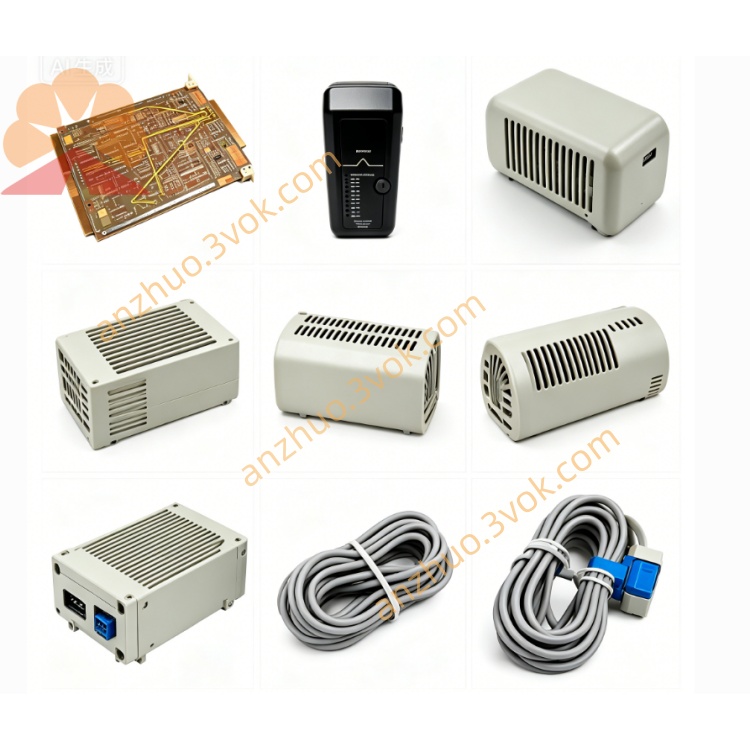
EMERSON 3232805S01 Ovation DCS Circuit Board
Description
1. Product Overview
2. Core Key Features
Standard Ovation rack-size backplane layout, compatible with full-series Q-type DI/DO/AI/AO I/O modules and matched terminal bases; supports hot-swap function of all field I/O cards via built-in bus circuit design.
Multi-layer industrial PCB with reinforced power trace routing, integrated distributed power filtering and channel EMC suppression components onboard to restrain bus spike noise.
Each slot reserved dedicated bus address circuit, Ovation engineering software auto-scans slot ID without manual DIP switch configuration.
Built-in overvoltage & short-circuit protection fuse per power branch to avoid cascading damage to full rack hardware when field wiring fault occurs.
Meets CE, IEC61000 EMC industrial standard, suitable for harsh cabinet ambient with vibration and electromagnetic interference.
3. Detailed Technical Specifications
3.1 Electrical Parameters
System operating voltage: Ovation standard rack internal supply voltage fed from rack power module
Bus communication type: Ovation proprietary parallel backplane control bus
Dielectric isolation: 1000V AC isolation between power layer and signal layer of multilayer PCB
Single-slot rated power output: Matches standard Ovation I/O module power consumption specification
Surge withstand: Complies with EN61000-4 series EMC surge & ESD test standard
3.2 Environmental Rating
Continuous operating temperature: 0℃ ~ +60℃ inside sealed control cabinet
Storage & transit temperature: -40℃ ~ +85℃
Working humidity: 5%~95% RH non-condensing; keep away from corrosive gas, dust accumulation and liquid splash
3.3 Mechanical Property
4. Installation Guidance
Cut off full rack input power before backplane replacement/installation to avoid live plugging damage.
Fix 3232805S01 PCB into rack inner mounting position, align all edge pin connectors with rack opening accurately and lock fixed fasteners.
Install rack power supply module and main controller card into designated backplane slots first.
Mount I/O terminal bases (e.g.3229021R10) and corresponding electronic modules one by one into remaining slots.
Restore rack power, finish hardware auto-detection on Ovation engineering station, confirm all slots and modules are recognized normally.
5. Maintenance & Fault Diagnosis
Regular Maintenance
Common Troubleshooting
Entire rack modules no power: Inspect backplane power input connector and rack power supply output status, check branch protection fuse on PCB.
Individual slot module communication failure: Clean slot pin terminals for dust/oxidation; check local PCB circuit trace damage of corresponding slot.
Random bus communication fluctuation: Verify cabinet grounding condition, inspect backplane built-in filter components for burnout from surge voltage.
Get a Quote