
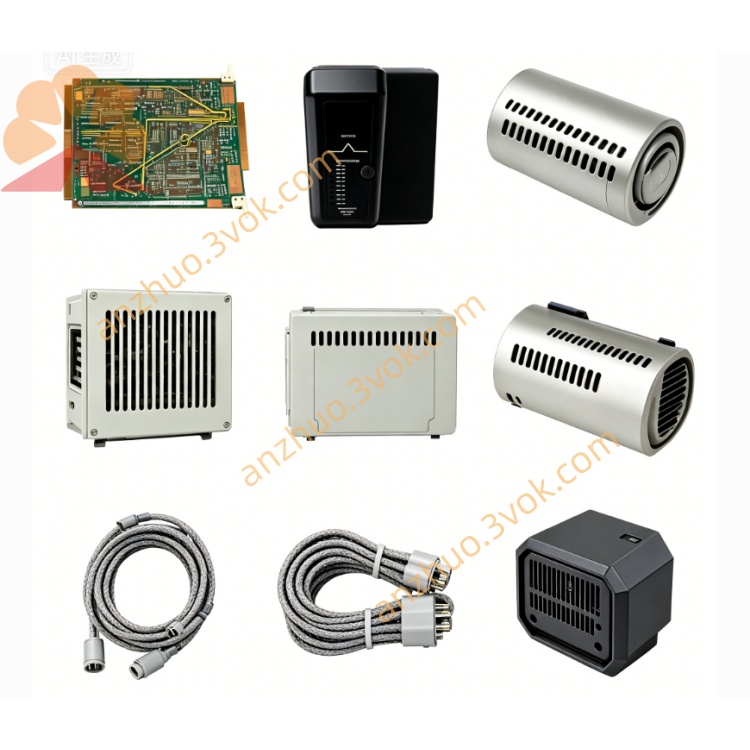
EMERSON 3229021R10 Ovation DCS Circuit Board
Description
1. Product Overview
Core Features
Standard Ovation DIN rail mounting structure, fixed on cabinet mounting plate for modular installation; each base supports plug-in of one matching I/O electronic module.
Integrated backplane bus connector at rear side for automatic bus communication once module is inserted; no extra jumper wiring required for slot address identification.
Screw-type field terminal terminals for secure field cable connection; built-in channel auxiliary filter and transient surge suppression components for field noise elimination.
R10 upgraded anti-vibration housing, meets CE & IEC EMC industrial electromagnetic compatibility standard for high-interference factory environment.
Cooperates with hot-swap function of matched I/O modules to support online card replacement without cutting field wiring or cabinet power off.
2. Technical Specifications
2.1 Electrical Parameter
System bus power: supplied via Ovation rack backplane (standard Ovation internal working voltage)
Field rated wiring voltage: 24VDC nominal for digital I/O, compliant with Ovation standard analog signal range
Channel isolation: 1000V AC dielectric isolation between field wiring loop and internal backplane bus circuit to eliminate ground loop interference
Built-in auxiliary overvoltage protection per terminal row against field cable induced surge voltage
2. Environmental Specification
Continuous operating temperature: 0℃ ~ +60℃ inside sealed control cabinet
Storage & transportation ambient: -40℃ ~ +85℃
Relative humidity: 5%~95% RH non-condensing; avoid corrosive gas, continuous water splash and heavy oil mist accumulation
2. Mechanical Dimension
3. Installation & Wiring Instruction
Fix 3229021R10 base onto cabinet standard DIN rail with base buckle locking tightly to prevent loose under long-term cabinet vibration.
Align rear bus connector of base with rack backplane slot and push in fully to complete backplane electrical connection.
Arrange field cables per channel definition, strip wire insulation properly and fasten on corresponding screw terminals with torque to avoid loose wiring contact.
Insert matched Ovation electronic module vertically into base card slot until front locking buckle clicks in place; system automatically identifies module model via backplane electronic ID after power-on.
Complete hardware scan in Ovation engineering configuration software for slot recognition and channel parameter configuration download.
4. Routine Maintenance & Fault Troubleshooting
Regular Maintenance
Common Fault Handling
Module no communication after installation: Inspect rear base backplane connector insertion status, check for foreign dust blocking contact pins.
Abnormal channel signal fluctuation: Verify field wiring grounding condition, check base built-in filter components for damage caused by field surge.
Terminal overheating: Retighten loose terminal screws and reduce overloaded field wiring current within rated specification.
Get a Quote