
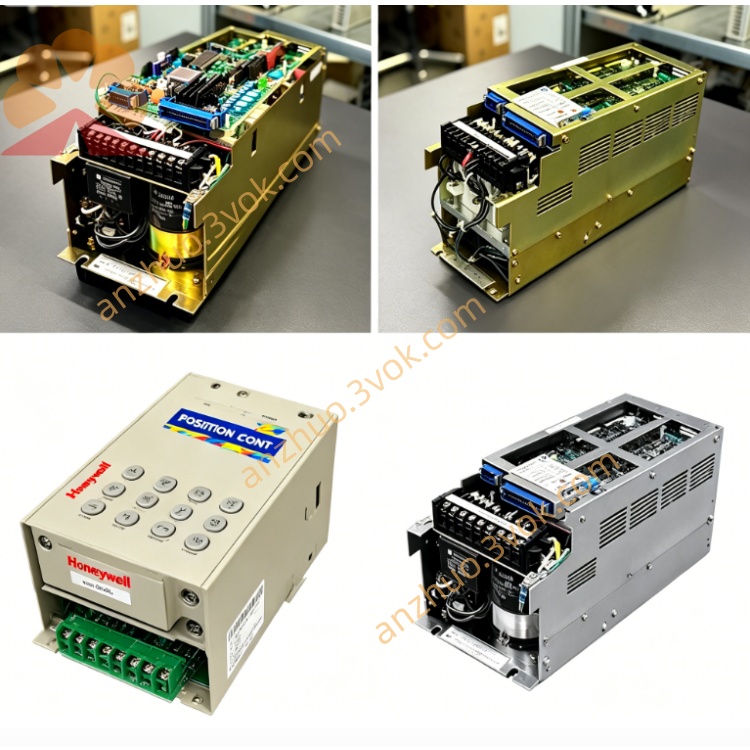
JANCD-YBB02
Description
1. General Information
2. Specifications
Power Supply: DC 24 V ±10%, supplied from controller internal PSU
Max Current Consumption: Approx. 3.0 A (higher than YBB01, supports more I/O boards)
Operating Temperature: 0 °C to +55 °C
Storage Temperature: -20 °C to +70 °C
Humidity: 30%–85% RH (non-condensing)
Altitude: Up to 1000 m
Vibration: 0.5 G or less (operating)
Dimensions: Standard DX100/DX200 cabinet backplane (compatible with YBB01 mounting)
Weight: Approx. 1.3 kg
Material: Glass epoxy PCB, gold-plated edge connectors, reinforced metal mounting brackets
Key Upgrade: Enhanced ESD shielding and isolated power zones for servo and I/O sections
3. Board Configuration & Slot Assignment
CPU Slot: JANCD-YCPxx series (YCP01-E/YCP02-E)
Safety Slot: JANCD-YSF21-E / YSF22-E (dual-safety compatible)
Servo Interface Slot: JANCD-YIF01-4E / YIF02-4E
4–7. I/O Expansion Slots: JANCD-YIO21-E, JANCD-Y1021, YEW01-E (welding), YBK01-2E (brake)
8–9. Optional Slots: For communication boards (e.g., Ethernet/DeviceNet)
10–12. Reserved Slots: For future expansion
CN1–CN4: DC24V power distribution (isolated for servo/I/O)
CN5–CN7: System bus communication (high-speed differential signals)
CN8: Cabinet ground terminal (heavy-duty, low-resistance)
CN9: External emergency stop pass-through
4. Safety Precautions
Disconnect main power before installation, removal, or handling.
Wait 15+ minutes after power-off for capacitor discharge—risk of electric shock.
Never insert/remove boards while powered; causes permanent damage and fire hazard.
Ensure proper grounding of backplane and cabinet to prevent ESD damage and noise.
Do not expose to water, oil mist, dust, or direct sunlight.
Replace only with JANCD-YBB02 (YBB01 is not pin-compatible for all slots).
Do not bend, drop, or over-tighten mounting screws—PCB cracking risk.
Clean only with a dry lint-free cloth; no liquid cleaners.
5. Installation Procedure
Power OFF: Turn off controller main power; wait 15 minutes.
Cabinet Access: Open front door; locate backplane mounting rack.
Mounting: Align YBB02 with 4 mounting holes (2 top/2 bottom); secure with screws (0.8–1.0 N·m torque).
Board Insertion:
Insert CPU board into Slot 1 until fully seated (latch clicks).
Insert safety, servo interface, and I/O boards into assigned slots.
Verify all boards are fully locked (no loose connectors).
Wiring: Connect DC24V power cables to CN1–CN4; ground wire to CN8.
Close Cabinet: Secure door; restore main power.
Verification: Check system LED indicators; confirm no boot errors.
6. Replacement Instructions
Backup Data: Save all programs, parameters, and system data via teach pendant or CF card.
Power OFF: Disconnect main power; wait 15 minutes.
Remove Boards: Unplug and remove all boards from old backplane.
Remove Old Backplane: Unscrew 4 mounting screws; lift carefully (avoid snagging wires).
Install New Backplane: Follow Section 5 steps 3–5.
Reinstall Boards: Insert boards in correct slot order; ensure full seating.
Restore Data: Power on; restore backed-up data.
System Test: Perform full axis check, I/O test, and safety circuit verification.
7. Troubleshooting
No Power to Backplane
Check main power ON status.
Verify DC24V PSU output (24V ±10%).
Inspect CN1–CN4 cables for looseness/damage.
Check on-board fuse (if equipped) for continuity.
Boot Failure After Replacement
Confirm all boards are fully inserted and locked.
Inspect edge connectors for bent pins, dirt, or oxidation.
Verify correct slot assignment (CPU in Slot 1, etc.).
Reinstall or restore system firmware/data.
Communication Errors
Clean edge connectors with contact cleaner (if dirty).
Check for loose board insertion or damaged connectors.
Verify CN8 ground connection (low resistance <0.1Ω).
Reduce cabinet noise (check fan/EMI sources).
Overheating Alarms
Ensure cabinet fans are operational; vents unblocked.
Check for dust buildup on PCB surface and connectors.
Verify no boards are short-circuited or drawing excess current.
8. Maintenance
6-Month Inspection: Check mounting screw torque, connector tightness, and dust accumulation.
Cleaning: Use dry lint-free cloth to remove dust; avoid touching gold connectors.
Connector Care: Inspect for oxidation; clean with contact cleaner if needed.
Replacement Life: 5–8 years (or immediately if burned, corroded, or damaged).
9. Compatibility Notes
Fully Compatible: DX100/DX200 with standard I/O configuration.
Not Compatible: YBB01 cannot replace YBB02 (slot count/pinout differences).
Upgrade Path: YBB02 can replace YBB01 in DX100/DX200 cabinets (requires reconfiguration of I/O slots).
Get a Quote