
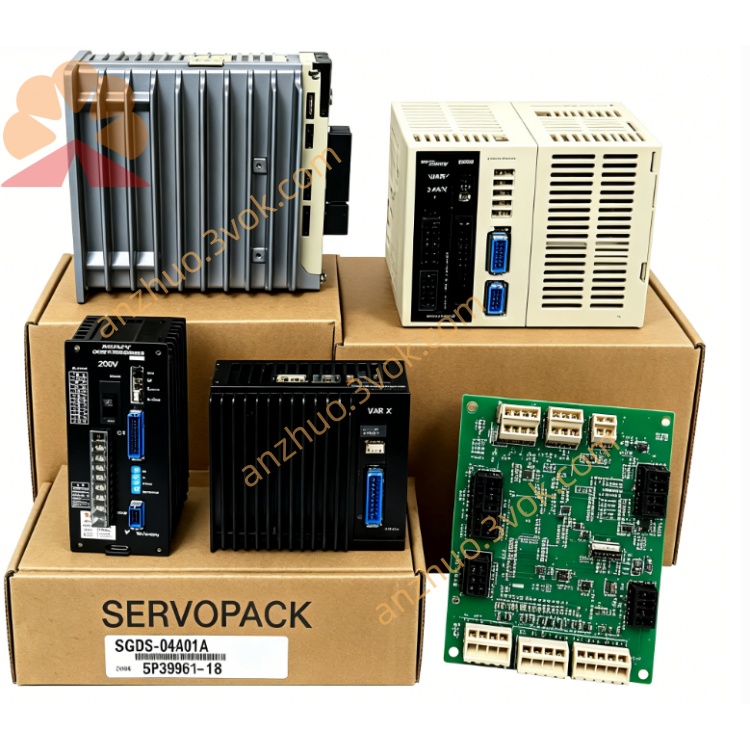
JANCD-NIQ01
Description
Basic Information
Model: JANCD‑NIQ01 (common revision: ‑1 / ‑B‑1)
Manufacturer: Yaskawa Electric / Motoman Robotics
Applicable controller: NX100 series (not compatible with NXC100, YRC1000, DX200)
Function: Expansion digital input/output board
Status: Obsolete / end‑of‑production (available as new old stock, refurbished, or used)
Origin: Japan
Technical Specifications
I/O configuration: Typically 32 inputs / 32 outputs (24 VDC)
Input type: Opto‑isolated, NPN sink, 24 VDC, response ≤ 1 ms
Output type: Transistor, 0.5 A per channel, overcurrent/short‑circuit protection
Connectors: Two high‑density external I/O connectors (user wiring) + backplane edge connector
Power: 24 VDC supplied by NX100 backplane
Environment: 0–40 °C, 5–85 % RH (non‑condensing), IP20
Key Functions
I/O expansion: Adds extra user I/O when the standard JANCD‑NIO01 is insufficient.
System & safety signals: Handles emergency stop, safety doors, external start/stop, and robot status interlocks.
High‑speed interfacing: Suited for fast events like vision triggers, encoder latching, and high‑speed conveyor sync.
Peripheral control: Connects pneumatic cylinders, solenoids, sensors, fixtures, and PLC handshakes.
Compatibility & Mounting
Controller: NX100 only (works alongside JANCD‑NCP01 (CPU) and JANCD‑NIF01 (I/F board)).
Slot: Installs in an NX100 expansion slot on the backplane.
Similar models (do not confuse):
JANCD‑NIO01: Standard NX100 I/O board (40/40)
JANCD‑NIQ01: NX100 I/O expansion board (32/32)
JANCD‑NIO30B: NXC100 I/O board (32/32)
JANCD‑NIF01: NX100 communication/ servo interface board
Installation & Safety Notes
Power off the controller and wait for capacitor discharge before installation/removal.
Use an ESD wristband to prevent static damage.
Separate I/O cables from high‑voltage power cables to reduce noise.
All service must be performed by qualified personnel.
Get a Quote