
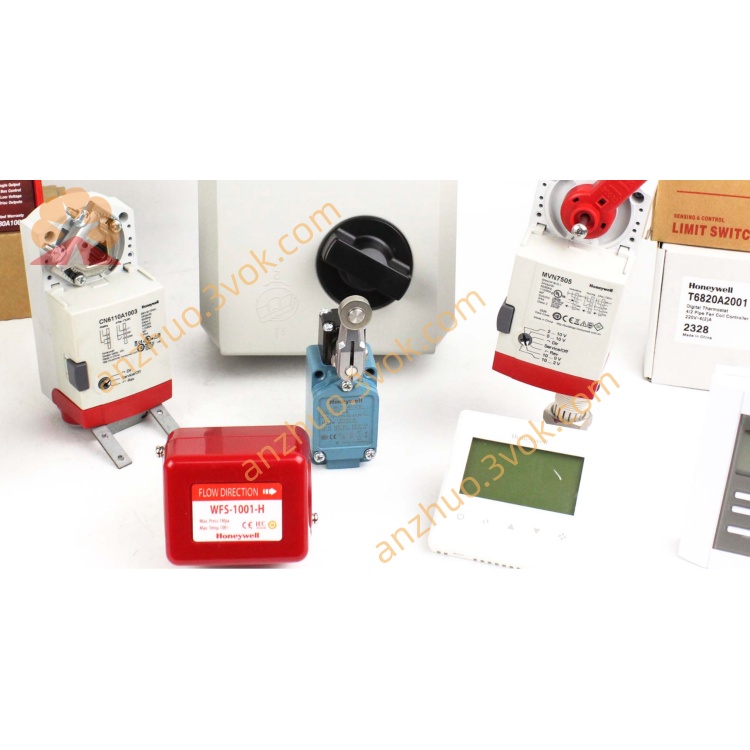
Honeywell 51195096-100 (TDC3000 System I/O Board Card)
Description
Model Explanation
51195096-100
51195096: Basic model (TDC3000 universal I/O board)
-100: Hardware version number (standard configuration version, different from -200 high-end version) Technical Specifications
Signal type: Supports digital (DI/DO) and analog (AI/AO) signal processing
Number of channels: Multi-channel integration (specifically depending on configuration, including redundant channels)
Bus interface: Compatible with TDC3000 system backplane bus, for high-speed data transmission
Operating voltage: +5VDC (backplane power supply)
Operating temperature: 0°C ~ +55°C (industrial grade)
Environmental humidity: 5%–95% (no condensation)
Size: Standard TDC3000 chassis board specification
Weight: Approximately 0.25kg
Interface and communication configuration
Internal interface: Gold finger backplane bus interface, directly inserted into the control station chassis slot
External interface: Connected to on-site sensors, actuators, etc. through terminal blocks
Communication protocol: Compatible with TDC3000 system dedicated communication protocol, supports redundant communication
Status indication: LED indicators for board operation, communication, and fault
Core functions
Signal acquisition and output: Real-time acquisition of on-site analog/digital signals, output of control instructions
Data processing: Filtering, conversion, and calibration of collected signals, uploading to the controller
Redundancy support: Supports dual-board card redundant configuration, automatic fault switching, enhancing reliability
Plug-and-play: Compatible with TDC3000 chassis, automatically identified after installation, no complex configuration required Applicable scenarios
Honeywell TDC3000/TPS System Control Station Cabinet
DCS systems for process industries such as chemical, power, metallurgy, and oil and gas
Replacement of aging I/O board cards in the old system, backup of spare parts, and system expansion
Operation and Maintenance Instructions
Installation: Insert the cabinet slot into the power-off state, ensuring that the gold fingers make good contact
Commissioning: After powering on, check the LED indicators. If the communication is normal, the indicator lights will remain steadily on
Maintenance: Regularly clean dust, check the backplane interface and terminal block connections; avoid strong electromagnetic interference
Get a Quote