
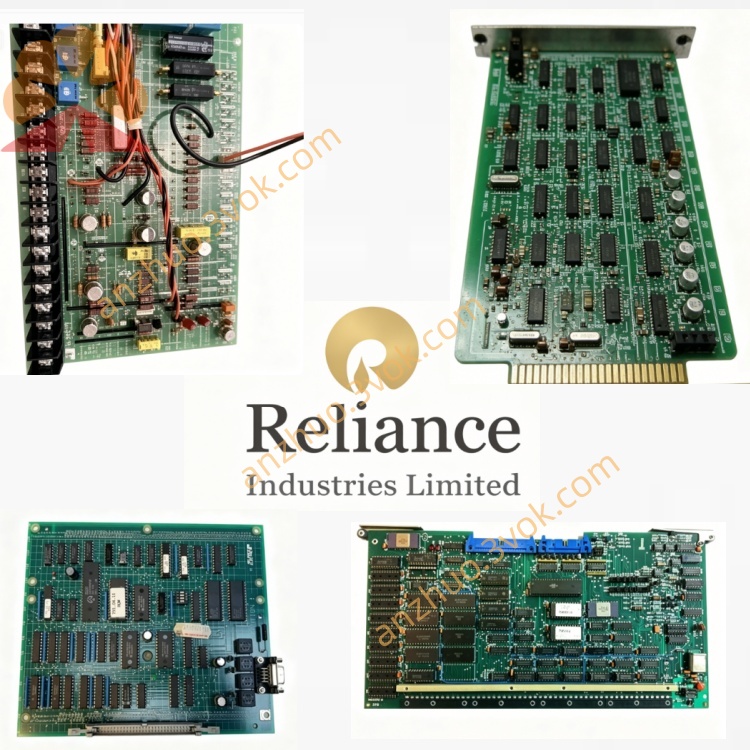
RELIANCE 57442-1D (57C442A)Data Highway Plus (DH+) Interface Module
Description
Product Overview
Model Definition
RELIANCE: Brand (now part of ABB/Baldor).
57442: Core series for A‑B DH+ Interface Modules in AutoMax systems.
1D: Hardware revision (upgraded from 1C); corresponds to 57C442A (industry standard part number).
Alternative PN: 0-57442-1D (full OEM number).
Technical Parameters
Backplane Power: 5VDC, 650mA (3.25W).
Network Protocol: Allen‑Bradley Data Highway Plus (DH+).
Baud Rate: 57.6 kbps / 115.2 kbps / 230.4 kbps (selectable).
Memory: 32KB dual‑port RAM (shared between backplane and DH+).
Node Address: 0–7 (set via rotary switches).
Operating Temperature: 0°C to +60°C; storage -40°C to +85°C.
Diagnostics: 7‑segment LED (fault codes), green “OK” LED, red “FAULT” LED.
Form Factor: Single‑slot AutoMax rack; dimensions 11.75” H × 1.25” W × 7.37” D.
Certifications: UL, CE; industrial‑grade, IP20 protection.
Weight: ~0.73kg (1.6 lbs).
Interface & Communication Configuration
Backplane Interface: Connects to AutoMax DCS 5000 backplane for power and internal data exchange.
DH+ Port: Isolated DB9 connector (or terminal block) for A‑B DH+ network; supports daisy‑chain topology.
Front‑Panel Indicators:
OK (Green): Module powered and operational.
FAULT (Red): Communication error or hardware fault.
7‑Segment Display: Shows fault codes (e.g., “E02” for node address conflict).
Core Functions
DH+ Protocol Handling: Manages all DH+ protocol layers, enabling seamless integration with Rockwell Automation devices.
Data Routing: Exchanges I/O data, control commands, and status information between AutoMax and A‑B systems.
Network Management: Controls DH+ network traffic, ensuring deterministic data delivery and collision avoidance.
Diagnostic Monitoring: Real‑time fault reporting via LEDs and 7‑segment display for quick troubleshooting.
System Expansion: Facilitates integration of A‑B I/O racks and HMIs into AutoMax‑based DCS.
Application Scenarios
Operation & Maintenance Instructions
Installation: Power off the rack before insertion. Seat firmly in a single slot and secure. Connect DH+ network wiring per DB9 pinout; set node address via rotary switches.
Operation: Keep the rack area dry, ventilated, and free of dust/corrosive gases. Monitor front‑panel LEDs and 7‑segment display for status/faults.
Maintenance: Periodically check connectors for tightness/aging; clean indicators and ports. Avoid static electricity when handling.
Troubleshooting: If fault codes appear, power off, re‑seat the module, and inspect DH+ wiring. Do not disassemble the housing. Replace only with 57442-1D or compatible 57C442A to ensure network compatibility.
Get a Quote