
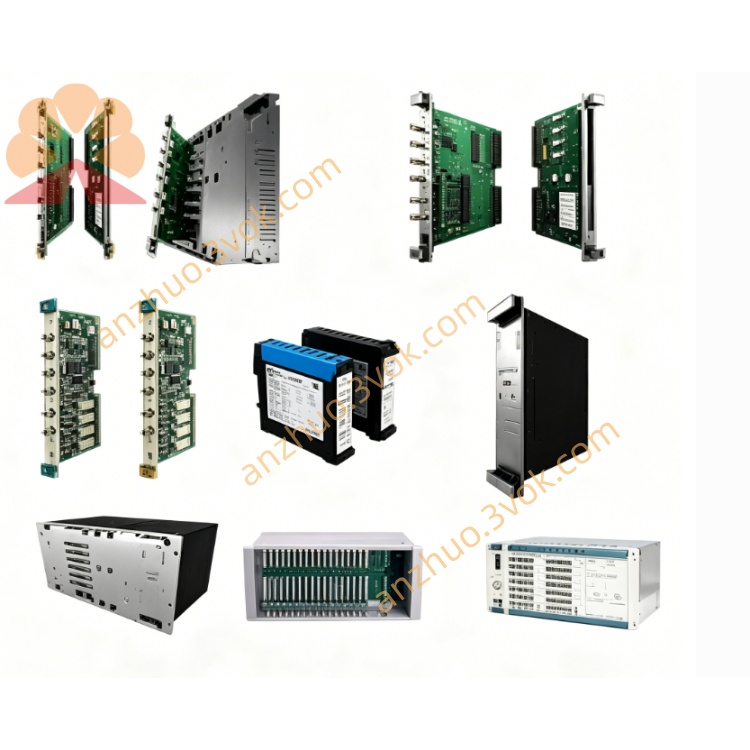
ABB 1SAP42150099921 ( CI506-PNIO-XC)multi-protocol communication gateway module
ABB 1SAP42150099921, also known as CI506-PNIO-XC, is a multi-protocol communication gateway module in the ABB S500 series, designed for AC500-XC extreme environment PLC systems. It functions as a bridge between PROFINET IO, serial (RS232/RS422/RS485), and CANopen networks, enabling seamless integration of legacy serial and CAN devices into modern PROFINET-based industrial systems. The XC variant is built for harsh conditions, offering enhanced temperature tolerance, vibration resistance, and electromagnetic immunity for reliable operation in demanding industrial sites.
Description
Product Introduction
ABB 1SAP42150099921, also known as CI506-PNIO-XC, is a multi-protocol communication gateway module in the ABB S500 series, designed for AC500-XC extreme environment PLC systems. It functions as a bridge between PROFINET IO, serial (RS232/RS422/RS485), and CANopen networks, enabling seamless integration of legacy serial and CAN devices into modern PROFINET-based industrial systems. The XC variant is built for harsh conditions, offering enhanced temperature tolerance, vibration resistance, and electromagnetic immunity for reliable operation in demanding industrial sites.
Model Interpretation
1SAP is the series prefix for ABB S500 I/O and communication modules. 4215 denotes the module type, indicating a PROFINET/Serial/CAN communication gateway. 0099921 is the part number for the extreme conditions (XC) enhanced version. CI506-PNIO-XC is the commercial designation: CI stands for communication interface, 506 indicates compatibility with the AC500 PLC platform, PNIO represents PROFINET IO protocol, and XC signifies extreme conditions rating.
Technical Parameters
Supports PROFINET IO RT (real-time) protocol, ASCII serial communication, and CANopen/CAN 2.0A/B protocols. Equipped with two independent serial channels configurable as RS232, RS422, or RS485, plus one CANopen master interface. Serial baud rate ranges from 300 bps to 115200 bps. PROFINET communication speed is 100 Mbps. Maximum I/O data length is 36 bytes input and 36 bytes output. Power supply is 24 VDC (±10%), with operating current ≤0.2 A and power consumption ≤5 W. Galvanic isolation of 2500 VAC between field and backplane circuits. Operating temperature ranges from -40°C to +70°C (XC enhanced). Protection class IP20. Dimensions 67.5 mm × 76 mm × 62 mm, weight approximately 142 g. Mounts on standard 35 mm DIN rail, horizontal or vertical.
Interface and Communication Configuration
Features two RJ45 ports for PROFINET, supporting daisy-chain networking. Two screw-terminal serial channels (X11/X12) for RS232/422/485 wiring, and one CAN terminal (X13) for CANopen connection. Connects to the PLC backplane for data exchange. Module address set via rotary switch for fast basic configuration. LED indicators for PWR, RUN, FAULT, PROFINET link/activity, serial TX/RX, and CAN status. Configured via Automation Builder software for serial parameters, CANopen mapping, and PROFINET data exchange.
Core Functions
Converts data between PROFINET IO, serial, and CANopen protocols, integrating legacy devices into modern networks. XC design enhances resistance to wide temperature, vibration, and electromagnetic interference. Supports up to 10 S500 I/O modules for system expansion. Provides comprehensive diagnostics: serial frame errors, CAN bus errors, PROFINET disconnection, and power anomalies. Enables quick commissioning with rotary switch address setting and no complex programming for basic operation. Acts as a CANopen master, managing slave devices on the CAN network.
Application Scenarios
Factory automation for connecting legacy serial meters, sensors, and CAN-based devices to PROFINET systems. Process industries including chemical, oil and gas, water treatment, and pharmaceuticals with extreme temperatures, humidity, or interference. Intelligent logistics for integrating serial scanners, RFID readers, and CANopen motor drives into PLC networks. Energy sectors such as wind power, solar, and storage systems for data collection from serial and CAN devices. Retrofit projects upgrading old serial/CAN systems to PROFINET without full rewiring.
Operation and Maintenance Instructions
Install on 35 mm DIN rail in control cabinets, maintaining 20 mm clearance around for heat dissipation. Avoid corrosive or dusty locations. Separate serial/CAN cables from power cables during wiring to reduce interference. Terminal torque 0.5–0.6 Nm. Set address via rotary switch; configure serial, CANopen, and PROFINET parameters through software. Inspect wiring tightness and LED indicators regularly. Clean only with dry cloth; no liquid detergents. If PWR LED is off, check 24 VDC supply. If FAULT LED is on, verify network and serial/CAN wiring. Replace modules only after powering off the system and disconnecting all cables. Store in dry, cool original packaging; avoid strong vibration during transport.
Get a Quote