
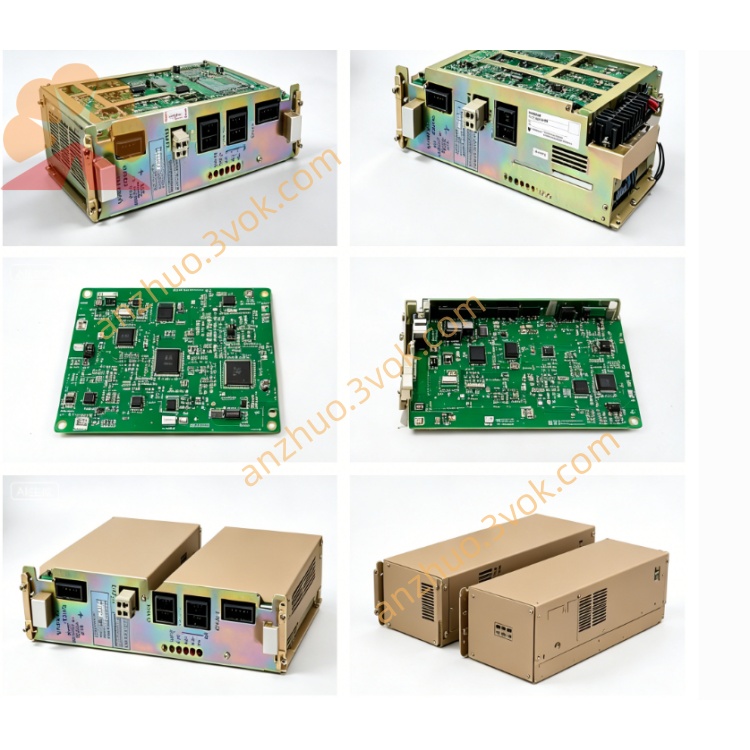
Yaskawa JANCD-GRS01 CNC Operation Panel Board
Description
I. Basic Specifications
Model: JANCD-GRS01 (referred to as GRS01)
Type: Graphic Display / System Interface Control Board
Compatible Systems: YASNAC 2000G, 3000G
Power Supply: DC5V (direct supply from the back panel)
Form: Full-length industrial board card, with gold finger slots
Temperature: Working range: 0℃~+55℃; Storage range: -25℃~+85℃
Humidity: 30%~95% RH (no condensation)
II. Interfaces and Indicators
CN1/CN2: CRT/TFT video output (supports high resolution, including line/field synchronization)
CN3: Expansion serial port (RS-232/RS-422, compatible with DNC communication)
System Bus: High-speed communication with GMM11/GMM12
Panel Interface: Connects to MDI operation panel / keyboard
Indicators: PWR (power), RUN (operation), ALM (alarm)
III. Core Functions (Enhanced compared to GMR22/GMR24)
Display Driver: Supports 800×600 high-resolution CRT/TFT, output coordinates, programs, tool compensation, alarm, etc.
Graphics Processing: 3D trajectory rendering, high-speed tool path simulation, dynamic coordinate display, suitable for complex mold processing
Interface Management: MDI editing, parameter setting, program browsing, alarm information display, supports multi-window parallel operation
Data Exchange: Real-time high-speed exchange of display data and operation instructions with GMM main CPU, bandwidth increased by 30%
Communication Expansion: Comes with RS-232/RS-422 interface, directly supports DNC online processing, no need for additional communication card
IV. Differences from GMR22/GMR24
GMR22: Basic version, standard resolution (640×480), no expansion serial port
GMR24: Upgrade version, standard resolution (640×480), display cache increased, no expansion serial port
GRS01: High-end version, high resolution (800×600), 3D graphics acceleration, built-in DNC serial port, suitable for complex processing and networking scenarios
V. Installation and Maintenance
Installation: In the same slot as GMM11/GMM12, vertically locked
Wiring: DC5V power supply from the back panel, no additional power supply required; keep away from power lines, shield CN3 serial port well
Maintenance: Regular dust blowing, cleaning gold fingers; check interfaces for no looseness, focus on cleaning CN3 serial port pins
Faults: No display (power supply / poor contact); screen flicker (chip / communication abnormal); lag (cache / interaction not smooth); DNC communication failure (CN3 interface / baud rate mismatch)
Get a Quote