
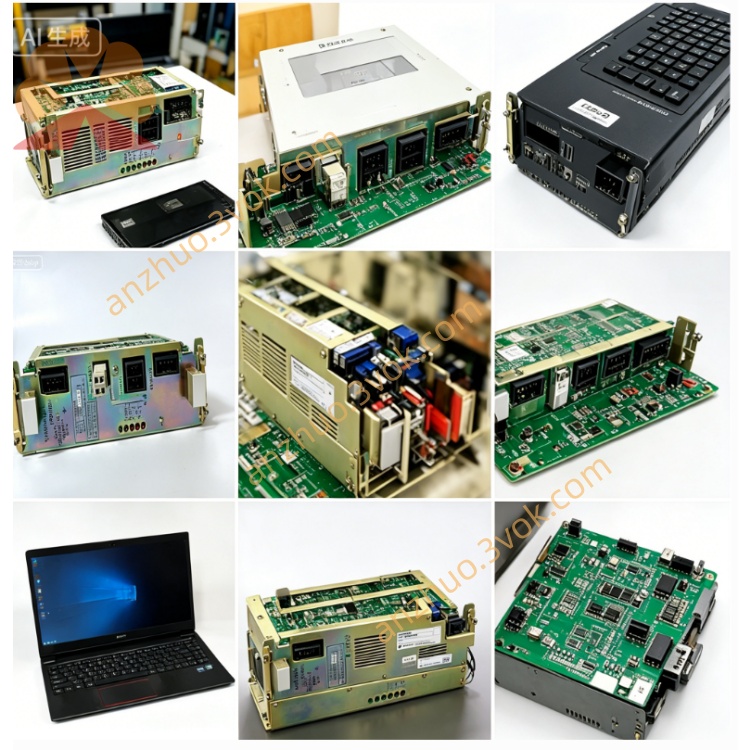
Yaskawa JANCD-G1002 Control Module
Description
Technical Specifications
Power Supply: Backplane bus 24V ±10%, power consumption approximately 22W
Processor: Special graphics control chip, supporting CRT/LCD display driver
Memory: Display cache and interface program storage, supporting power-on retention
Built-in interfaces: Display interface (CRT/LCD), operation panel interface, handwheel interface, system bus
Environment: Operating temperature 0–55℃, storage temperature -20–70℃, humidity 10%–90% (no condensation)
Structure: 3U standard board card, metal shielding enclosure, weight approximately 0.55kg
Installation and Wiring
Vertically installed in the 3U slot of the control cabinet, leaving ≥50mm space for heat dissipation on top and bottom, fixed screws for locking to prevent vibration. The metal enclosure is reliably connected to the cabinet ground (ground resistance ≤ 4Ω).
Internal power supply and communication are completed by the backplane bus, without external strong current wiring; externally only connect the display, operation panel, handwheel, etc. to low-voltage signals, connect by silk-screening, single-ended grounding of shielded lines, separate wiring for strong and weak electricity, spacing ≥ 10cm.
Maintenance and Care
Daily observation of power supply, operation indicator light status, no bulging, burning, or peculiar smell on the board surface. Every quarter use low-voltage dry compressed air to blow dust from the board card and slots.
Regularly check the tightness of plugs and terminals, no aging or leakage of capacitors and solder joints; annually retest the continuity of grounding. During long-term shutdown and power-off, prevent moisture and dust, preheat for 30 minutes with no-load power-on before restarting.
Troubleshooting
No power indicator: Backplane power supply abnormal, board card fuse blown, power chip damaged; measure the bus voltage, check the fuse, replace and test
Black screen / no display: Display interface loose, driver chip failure, panel power supply abnormal; reinsert the plug, measure the interface signal, and troubleshoot the lines
Flickering screen / garbled characters: Display cache failure, bus interference, firmware abnormal; reinsert and plug, optimize grounding, reburn firmware
Panel without response: Button interface loose, scanning chip failure, wiring error; check the plug, measure the signal, and troubleshoot the lines
Random system crash: Poor grounding, excessive interference, chip short circuit; reorganize wiring, reinforce grounding, replace the board card for testing
Get a Quote