
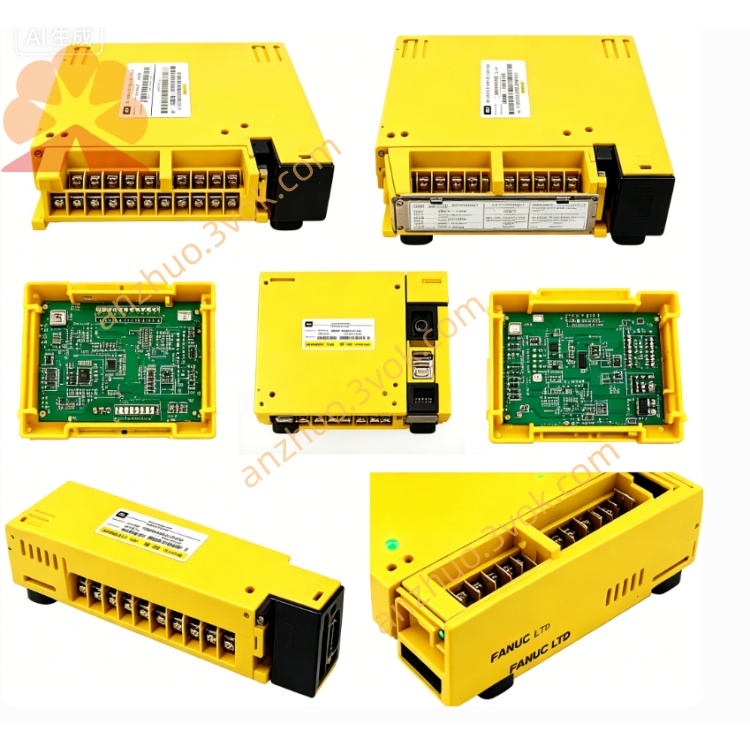
ZA66L-6001-0026#L100R3 Fanuc Encoder Cable CNC Spare Part
Description
1. General Information
Model: ZA66L-6001-0026#L100R3 (also A66L-6001-0026#L100R3)
Type: Sheathed Fiber Optic Cable (100 m)
Brand: GE FANUC
Applicable Systems: CNC & servo systems (A22/3000HVi, A12/4000HVis, A22/4000HVis motors)
Function: High-speed optical communication between CNC controller and servo amplifier; command/feedback signal transmission
Length: 100 meters (custom lengths available upon request)
Weight: Approx. 11.5 kg
Color: Black
Connector: FANUC standard optical connector (both ends)
2. Technical Specifications
Fiber Type: Multi-mode fiber (plastic-clad silica, PCS)
Core Diameter: 1 mm
Cladding Diameter: 1.5 mm
Outer Sheath: Flame-retardant PU (polyurethane), oil-resistant, abrasion-resistant
Bandwidth: ≥ 100 Mbps
Transmission Distance: Up to 200 m (for FANUC servo link)
Operating Wavelength: 650 nm (red light)
Min. Bend Radius: 50 mm (static); 100 mm (dynamic)
Tensile Strength: Max. 150 N
Operating Temperature: -20°C ~ +70°C
Storage Temperature: -30°C ~ +80°C
Protection Grade: IP65 (sheathed)
Certification: CE, RoHS compliant
3. Features
Industrial-Grade Durability: PU sheath resists oil, coolant, dust, and mechanical wear
High Noise Immunity: Optical transmission eliminates EMI/RFI interference; ideal for high-frequency servo signals
Stable Communication: Low loss, high signal-to-noise ratio; supports real-time servo control
Easy Installation: Flexible cable; standard FANUC connectors, plug-and-play
Long Service Life: Designed for continuous industrial motion control; L10 life > 5 years under normal use
4. Compatibility
Controllers: FANUC 0i, 16i, 18i, 21i, 30i/31i/32i series
Servo Amplifiers: αi, βi series
Motors: A12, A22, A30 series AC servo motors
Applications: CNC machine tools, machining centers, robots, high-speed automation lines
5. Installation Instructions
Handling: Do not bend sharply (min. radius 50 mm); avoid twisting or pulling hard
Routing: Keep away from high-voltage cables (>220 V) and heat sources (>70°C); use cable trays or conduits
Connector Care: Keep connectors clean and dry; avoid touching fiber end face with fingers
Connection: Align connector keyway, insert firmly, and tighten locking ring
Strain Relief: Secure cable at both ends to prevent tension on connectors
Testing: Power on system; check for “optical link OK” status on CNC; verify no communication alarms
6. Maintenance & Troubleshooting
Maintenance: Inspect cable and connectors every 6 months; clean connectors with isopropyl alcohol and lint-free cloth if dirty
Common Issues:
Link Alarm: Check connector seating, fiber end face cleanliness, cable breaks, or bend radius violations
Intermittent Errors: Look for loose connections, damaged sheath, or excessive vibration
No Signal: Verify correct cable type (multi-mode), compatible connectors, and system power
7. Safety Precautions
Do not look directly into optical connectors—visible red light may damage eyes
Disconnect power before installing or servicing
Avoid installation in areas with corrosive gases or heavy oil mist
Keep cable clear of moving parts to prevent damage
Get a Quote