
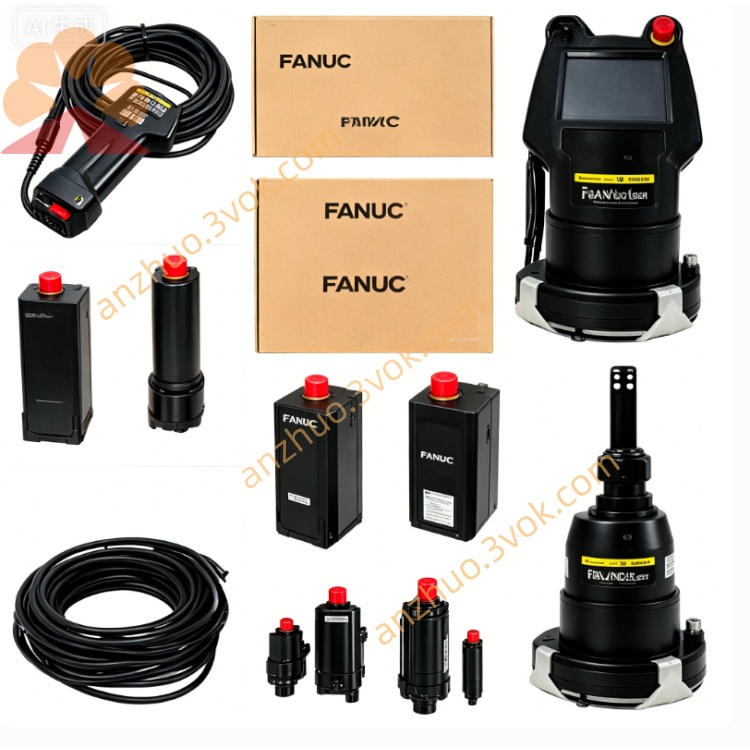
ZA290-0571-T053 Industrial CNC Machine Spare Part
Description
1. General Information
Model: ZA290-0571-T053 (also marked as A290-0571-T053)
Type: Servo motor cooling fan assembly / fan motor kit
Brand: GE FANUC
Applicable Motors: A12/3000, A30/3000 series AC servo motors
Function: Forced-air cooling of motor stator/rotor; reduces winding temperature; improves continuous torque and service life
Weight: Approx. 1.2 kg
Mounting: Rear end of servo motor (rear shaft extension)
2. Technical Specifications
Rated Voltage: 200–240 VAC, 50/60 Hz
Rated Power: 30 W
Rated Speed: 2800 RPM (50 Hz) / 3400 RPM (60 Hz)
Airflow: ≥ 0.8 m³/min
Static Pressure: ≥ 60 Pa
Insulation Class: Class B (130°C)
Protection Grade: IP44 (fan body)
Operating Temperature: 0°C ~ +50°C
Storage Temperature: -20°C ~ +70°C
Noise Level: ≤ 58 dB(A) at 1 m
3. Kit Components
Fan motor assembly (with terminal box)
Mounting bracket & hardware (4 pcs screws, washers)
Protective fan cover (metal mesh)
Power cable (1.5 m, 3-core)
Installation manual
4. Features
Dedicated Cooling: Matches FANUC A12/A30 motor heat load; lowers operating temp by 15–25 K
High Reliability: Ball-bearing construction; long life (L10 ≥ 40,000 hours at 40°C)
Easy Installation: Bolt-on design; no motor disassembly required
Integrated Protection: Overload/over-temperature protection; auto-restart after cooling
Compact & Durable: Industrial-grade plastic housing; metal safety grill
5. Compatibility
Motor Models: A12/3000, A30/3000 (GE FANUC WHEDCO series)
Drive Systems: Compatible with FANUC αi/βi servo amplifiers
Applications: CNC machine tools, high-speed spindles, automation axes requiring continuous high torque
6. Installation Instructions
Pre-Installation: Power off motor/drive; lockout/tagout; ensure motor rear face is clean
Mount Bracket: Align bracket to motor rear mounting holes; tighten screws to 2.5–3.0 Nm
Attach Fan: Secure fan assembly to bracket; ensure free rotation (no rubbing)
Install Cover: Fit mesh cover to fan; fasten with provided screws
Electrical Connection:
Connect fan cable to 200–240 VAC (L, N, PE)
Ground fan housing to motor ground
Route cable to avoid moving parts and heat sources
Commissioning: Power on; verify fan rotation (correct airflow toward motor); check for noise/vibration
7. Maintenance
Monthly: Inspect fan blades/cover for dust/debris; clean with dry brush or compressed air (≤ 0.5 MPa)
Quarterly: Check mounting screw torque; verify cable insulation and connections
Bearing Life: No lubrication required; replace fan if noise increases or speed drops
Environment: Keep ambient temp ≤ 40°C; avoid oil mist, corrosive gases, and heavy dust
8. Troubleshooting
Fan Not Running: Check 200–240 VAC supply; verify wiring/grounding; check internal thermal fuse
Abnormal Noise: Clean blades/cover; check for loose screws or bearing wear
Low Airflow: Clear blockages; verify correct rotation direction
Overheating Trip: Reduce ambient temp; ensure adequate ventilation; check for motor overload
9. Safety Precautions
Install/service only by qualified electrical/mechanical personnel
Disconnect power before maintenance; wait 5 minutes for discharge
Do not operate without fan cover; risk of rotating-part injury
Keep fingers/tools clear of rotating fan during operation
Ensure proper grounding to prevent electric shock
Get a Quote