
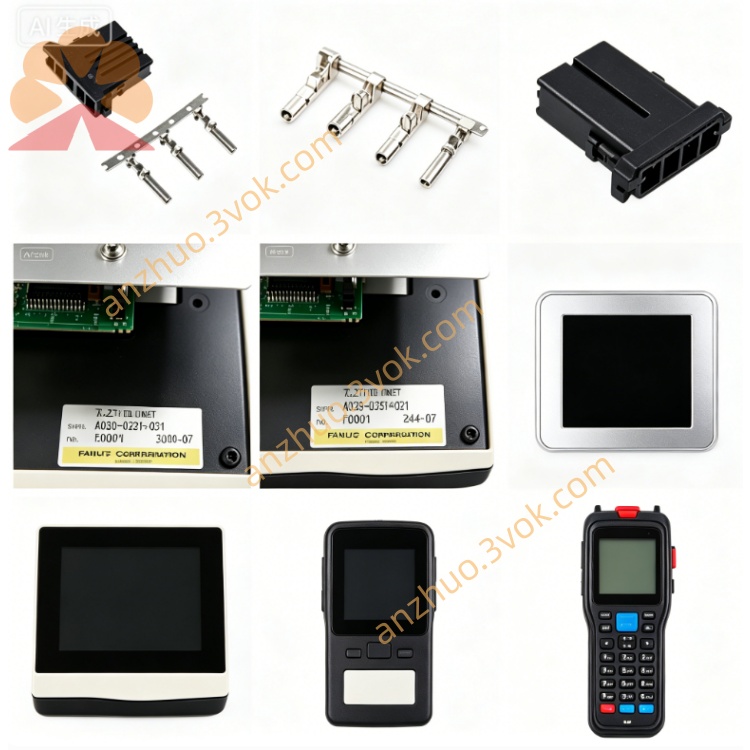
CQPM3D200B2P CNC Servo Motor Spare Part
Description
1. General Information
Model: CQPM3D200B2P
Device Type: 5.7-inch TFT color HMI touch screen
Application: Human machine interface for industrial automation equipment
Net Weight: Approximately 1.15 kg
Installation Mode: Panel embedded mounting
2. Technical Specifications
Display Size: 5.7 inches
Screen Type: Color TFT LCD
Resolution: 320 × 240 pixels
Touch Type: Resistive touch panel
Rated Power: 24VDC ±10%
Maximum Current: 0.75A
Communication Interfaces: RS232, RS485, Ethernet
Operating Temperature: 0°C ~ 50°C
Storage Temperature: -20°C ~ 70°C
Ambient Humidity: 10% ~ 85% RH, non-condensing
Protection Rating: Front IP65, Rear IP20
3. Main Features
High definition display with stable visual effect
Durable touch panel adapted to frequent operation
Multi-channel communication supports connection with various controllers
Built-in storage for parameter saving and data recording
Excellent electromagnetic interference resistance
Easy installation, debugging and program upgrade
4. Compatibility
Compatible with mainstream PLC and servo drive devices
Supports standard industrial serial and network communication protocols
Applicable to customized automatic production machinery
5. Installation Instructions
Disconnect all power sources before installation.
Process mounting cutout according to product dimension drawing.
Embed the touch panel into the panel and fasten fixing brackets.
Connect power cable and communication cables correctly.
Secure all connectors tightly and switch on power.
Verify display, touch and communication functions normally.
6. Maintenance & Troubleshooting
Clean screen surface with soft dry cloth only, avoid corrosive liquid.
Inspect cable connection and sealing status periodically.
Prevent heavy impact and extrusion on the screen.
No display detected: Check 24VDC power supply circuit.
Unresponsive touch: Execute touch screen calibration.
Communication abnormality: Confirm wiring connection and protocol settings.
Get a Quote