
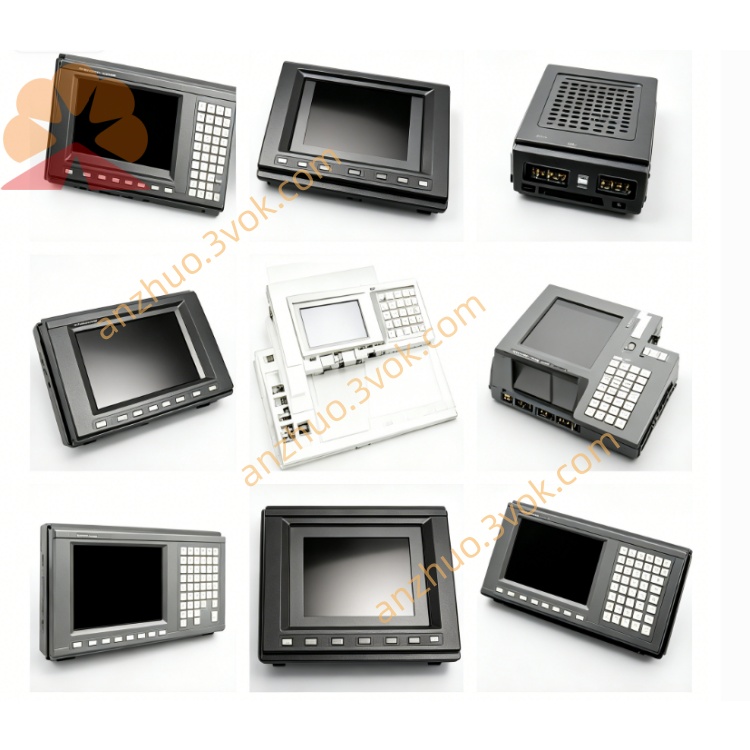
Fanuc AID32E1 Digital Input Module CNC Spare Part
Description
1. GENERAL INFORMATION
Model: AID32E1
FANUC Part Numbers:
A03B-0819-C105 (standard)
A03B-0807-C105 (alternative)
Type: 32‑point DC digital input module
Manufacturer: FANUC LTD, Japan
Weight: Approx. 0.5 kg
Dimensions: 370 × 280 × 50 mm
Application: FANUC CNC series 16i, 18i, 21i (Model A); I/O rack ABU10A / ABU05A
2. SPECIFICATIONS
Input Points: 32 channels (isolated)
Input Voltage: 24 VDC ±10%
Input Current: 0.3 A per point (max)
Response Time: 20 ms (typical)
Connection: 50‑pin connector (HONDA type)
Isolation: Opto‑isolated between inputs and logic
Operating Temperature: 0°C to +55°C
Storage Temperature: −20°C to +70°C
Humidity: 20%–85% RH (non‑condensing)
Protection: IP20 (front panel)
3. COMPATIBILITY
CNC Systems:
FANUC 16i‑A, 18i‑A, 21i‑A
FANUC 0i‑A / 0i‑B (with I/O rack)
I/O Racks:
ABU10A (10‑slot)
ABU05A (5‑slot)
Input Devices:
Pushbuttons, limit switches, proximity sensors (24 VDC)
PLC output modules (sink/source compatible)
4. FEATURES
32 isolated inputs: Expand CNC digital input capacity
24 VDC field power: Direct connection to standard sensors/switches
High noise immunity: Opto‑isolation and surge protection
Compact rack mount: Fits standard FANUC I/O racks
LED status indicators: Per‑channel input ON/OFF display
Easy replacement: Hot‑swap capable (rack power ON)
5. INSTALLATION INSTRUCTIONS
Power OFF (Recommended): Switch off CNC and I/O rack power.
Rack Slot: Insert module into empty ABU10A/ABU05A slot.
Secure Module: Tighten front panel screws (2×M3, 0.8–1.0 N·m).
Field Wiring:
Connect 24 VDC common to pin 1 (positive) and pin 50 (negative).
Wire input signals to pins 2–33 (32 points).
Use shielded cable; ground shield at one end only.
Power ON: Restore I/O rack and CNC power.
Configuration:
Set CNC parameter for I/O rack address (e.g., X0–X31).
Enable input monitoring in CNC diagnostic screen.
Test: Activate each input; verify corresponding LED and CNC status.
6. MAINTENANCE & TROUBLESHOOTING
Maintenance
Monthly: Check LED indicators; clean front panel.
Quarterly: Inspect wiring terminals for tightness; check for corrosion.
Annual: Verify input response time via CNC diagnostics.
Common Issues
No input response:
Check 24 VDC supply (±10%).
Verify wiring (common and signal pins).
Check for broken wire or faulty sensor.
False triggering:
Improve cable shielding; separate from power cables.
Check for ground loops; ensure single‑point grounding.
LED on but CNC no input:
Check CNC parameter settings (I/O address mapping).
Verify module seating in rack; re‑seat if needed.
7. ORDERING INFORMATION
Model: AID32E1
Description: DIGITAL INPUT MODULE, 32PT, 24VDC, 20MS
FANUC P/N: A03B-0819-C105
Get a Quote