
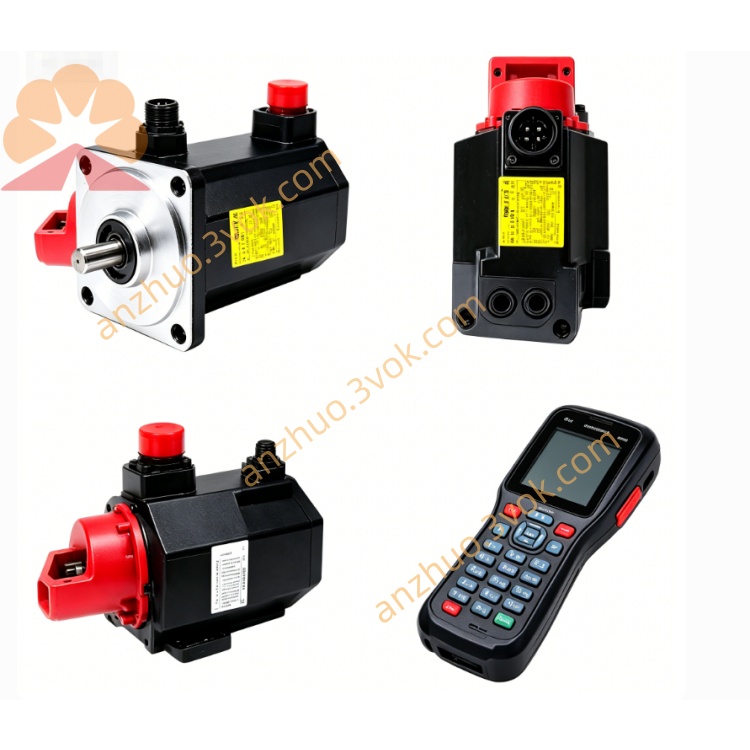
Fanuc A86L-0001-0125 Line Reactor CNC Spare Part
Description
1. GENERAL INFORMATION
Part Number: A86L-0001-0125 (also A86L-0001-0125#A)
Manufacturer: FANUC LTD, JAPAN (licensed to Fujitsu)
Type: CRT/MDI Keyboard, 33 soft keys
Alternate P/N: N860-3117-T010, N86D-3117-R010/02
Weight: Approx. 0.32 kg
Application: FANUC Series 0‑M / 0‑T / 15M CNC panels, 9" CRT/MDI units
Mounting: Right side of CRT (e.g., A61L-0001-0092 / 0093)
2. SPECIFICATIONS
2.1 Mechanical
Key Count: 33 soft tactile keys
Key Layout: Standard FANUC MDI (alpha‑numeric + function keys)
Housing: Compact plastic, panel‑mount
Dimensions: Standard for 9" CRT/MDI assemblies
Connector: Flat cable to CNC mainboard
2.2 Electrical
Interface: MDI bus (FANUC proprietary)
Power: Supplied via CNC logic (5 VDC)
Current Draw: ≤ 50 mA
Insulation: Basic (indoor control panel use)
2.3 Environmental
Operating Temp: 0°C to +55°C
Storage Temp: −20°C to +70°C
Humidity: 20%–85% RH, non‑condensing
Protection: Front panel IP54 (spill‑resistant)
3. COMPATIBILITY
CNC Systems:
FANUC Series 0‑M / 0‑T (0‑C, 0‑D)
FANUC Series 15M / 15T
Small 9" CRT/MDI units
Monitors: A61L‑0001‑0092 (green), A61L‑0001‑0093 (amber)
4. FEATURES
33‑key standard MDI: Full alpha‑numeric + CNC function keys
Soft tactile keys: Low fatigue, long lifecycle
Direct panel mount: Matches 9" CRT enclosures
FANUC genuine OEM: Licensed by Fujitsu, consistent quality
Easy replacement: Plug‑and‑play flat cable connection
5. INSTALLATION
Power OFF: Shut down CNC and disconnect mains.
Access Panel: Open CRT/MDI enclosure.
Disconnect Old Keyboard: Unplug flat cable from CNC board.
Mount New Keyboard: Align and secure with original screws.
Connect Cable: Insert flat cable firmly (check pin 1 orientation).
Close Enclosure: Reassemble panels.
Power ON: Boot CNC and test all key functions.
6. MAINTENANCE
Cleaning: Wipe front with dry or slightly damp cloth; avoid solvents.
Key Check: Periodically verify all keys register in CNC.
Cable Inspection: Check flat cable for cracks or loose contacts.
Replacement: Replace if keys stick, no input, or membrane worn.
7. ORDERING INFORMATION
Model: A86L-0001-0125 (#A variant)
Description: CRT/MDI KEYBOARD, 33 SOFT KEYS, FANUC 0/15 SERIES
Get a Quote